
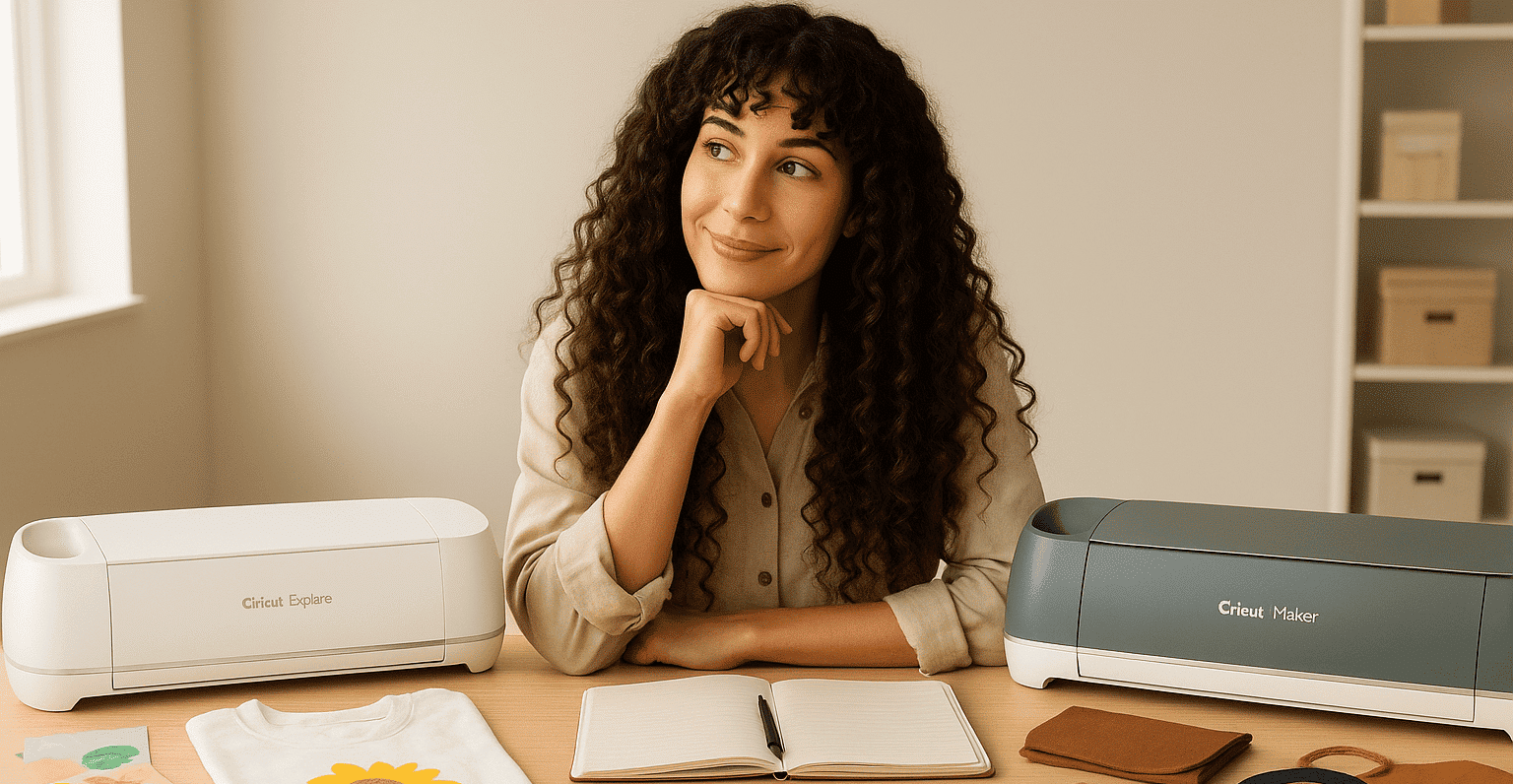
What's the difference between a Cricut Explore and a Cricut Maker? Yay! You're finally ready to invest in a Cricut
🎉
. Your heart is beating a little faster, your head is buzzing with creative ideas, and every project you dream up finally feels within reach. But then… one question keeps nagging at you: what's the difference between a Cricut Explore and a Cricut Maker?
🤔
This decision might seem simple at first. But… choosing the right machine can truly change the way you create and how big your projects can get. So don't take this question too lightly!
Video generated by bonega.ai
It's a dilemma that many crafters face before taking the plunge. Both machines are incredible, each with its own strengths and features, but they don't open exactly the same creative doors. One is perfect for beginners who want to dive right into personalizing cards, T-shirts, or mugs. The other offers the power and precision you need for more ambitious, professional projects.
So, how do you know which one is really right for you? How can you be sure your choice will let your creativity run free, without frustration or limits? And most importantly: what's the difference between a Cricut Explore and a Cricut Maker?
So stick with me for a clear, simple, and inspiring comparison that will help you make a choice you won't regret
✂️
✨
. By the end of this article, you'll know exactly which machine fits your crafting style and your projects, and you'll FINALLY be able to get started with confidence. I promise you'll walk away better informed and more motivated!
So let's find out what the difference is between a Cricut Explore and a Cricut Maker!
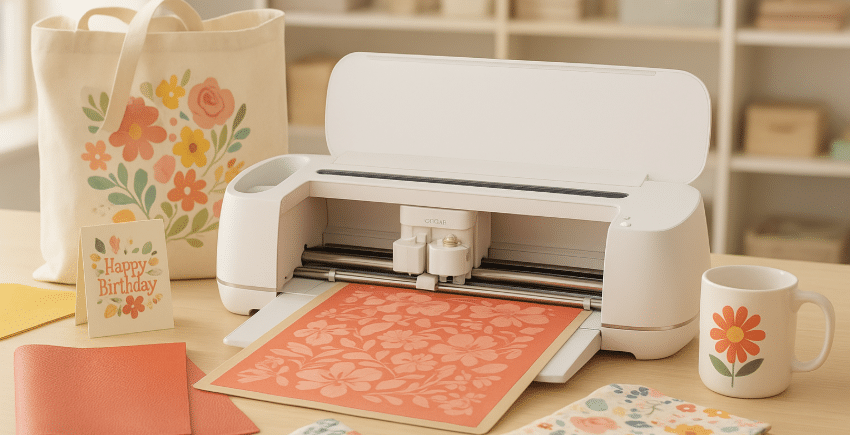
1. Understanding the Cricut
🖌️
Before we dig into each machine's features so you can easily understand the difference between a Cricut Explore and a Cricut Maker, let's take a moment to break down what a Cricut really is.
It's a smart cutting machine that quickly becomes every passionate crafter's go-to sidekick. Cricut is without a doubt the best-known brand in this field, famous for its precision and ease of use
✨
. But keep in mind that it's not the only option: machines like the Silhouette Cameo 5 also offer great ways to explore your creativity at competitive prices! (By the way, let me know if you'd like a Cricut vs. Cameo comparison).
Basically, the Cricut is a bit like the iPhone of cutting machines: sleek design, top-notch performance, and a huge community to inspire you every day.
With a Cricut, you can precisely cut all kinds of materials: paper, vinyl, fabric, leather, thin wood, heat transfer vinyl… and so much more. The result? One-of-a-kind personalized items, decorations that are anything but ordinary, and even the chance to launch your own creative business. With it, there's no limit to your ideas!
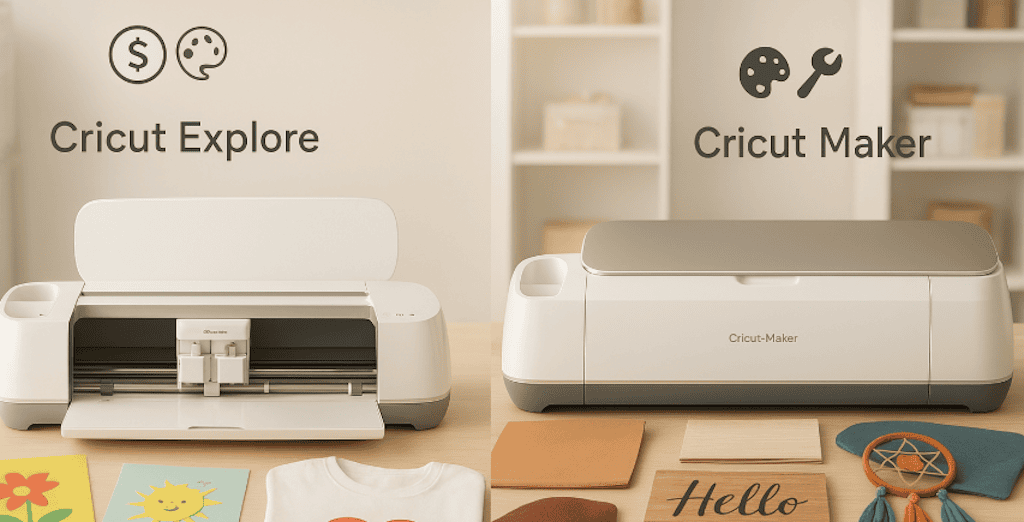
That said, each machine has its own set of functions. The Cricut Explore has fewer features than the Cricut Maker: for example, it can't cut thick materials like balsa wood or thick leather. It's still perfectly suited to basic projects and creations in paper, vinyl, or HTV, while the Cricut Maker is designed more for people who want to go further with a wider variety of materials and techniques.
So, tell me… are you starting to see the difference between the two models more clearly?
😉
But wait, don't leave just yet, because the best is yet to come: I'm going to show you exactly what sets the Cricut Explore apart from the Cricut Maker, and how to choose THE Cricut that truly fits your creative world
✂️
.
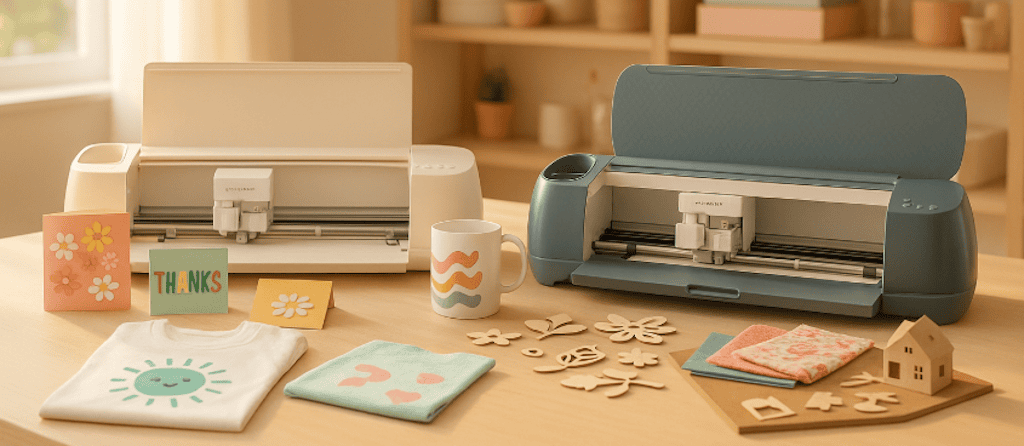
2. Cricut Explore: The Perfect Partner for Getting Started
🎉
To understand the difference between a Cricut Explore and a Cricut Maker, you first need to see what each machine has to offer.
The Cricut Explore is often the first step into the Cricut world (when you want a large model)
✨
. Affordable, versatile, and easy to learn, it's made for people who want to create without getting lost in a maze of complicated settings, but without being limited in cutting size.
With it, you can cut more than 100 different materials (which is already HUGE): vinyl for stickers, cardstock for gorgeous cards, heat transfer vinyl for fabric for the most personalized sweatshirt ever, thin cardboard for photo albums… In short, everything you need to personalize mugs, T-shirts, birthday cards, stickers, or even party decorations.
💡
Want to make a batch of personalized tote bags as gifts for your loved ones or for your small business? The Cricut Explore lets you cut your design in heat transfer vinyl in just a few minutes, then press it onto the fabric. The result? A one-of-a-kind gift that makes an impression, with no stress and no hassle.
👉
Put simply, the Cricut Explore offers:
-
A more affordable price
-
Simple, intuitive operation
-
The perfect way to get started and create a wide range of projects
✨
It's the machine that will be by your side for your first big creative wins
🏆
.
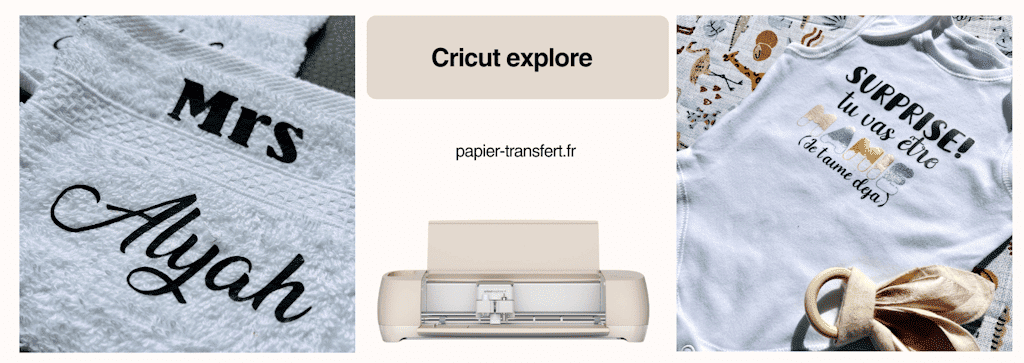
3. Cricut Maker: The Machine for Passionate Crafters
💎
If the Cricut Explore is a great partner for getting started, the Cricut Maker is clearly the machine for crafters who want to take things even further
🚀
.
The Cricut Maker doesn't just cut, it opens up a true creative playground with no limits. Thanks to its cutting power and impressive range of tools, it can handle more than 300 materials
✂️
: leather, thick fabric, thin wood, felt, rigid cardboard, and many more (don't forget to use the right cutting mat! And if you want the complete mat set to get off to a great start, you can find it here: Cricut cutting mat).
💡
Do you dream of sewing and personalizing a pouch or making a felt dreamcatcher without spending hours cutting out every piece by hand
✨
? The Cricut Maker does it for you, with surgical precision (yes, really, every single cut is super precise!). Want to engrave metal or cut thin wood (balsa, to be exact, so don't get it wrong!) to make a personalized sign? Once again, it's TOTALLY POSSIBLE!
👉In short, the Cricut Maker offers:
-
Maximum versatility with a wide variety of materials
-
Exclusive tools (like the rotary blade for fabric or the knife blade for thick materials)
-
The freedom to bring ambitious projects to life, even professional ones
The Cricut Maker is the machine that follows your imagination without ever telling you to stop. You can go as far as your creative mind will take you!
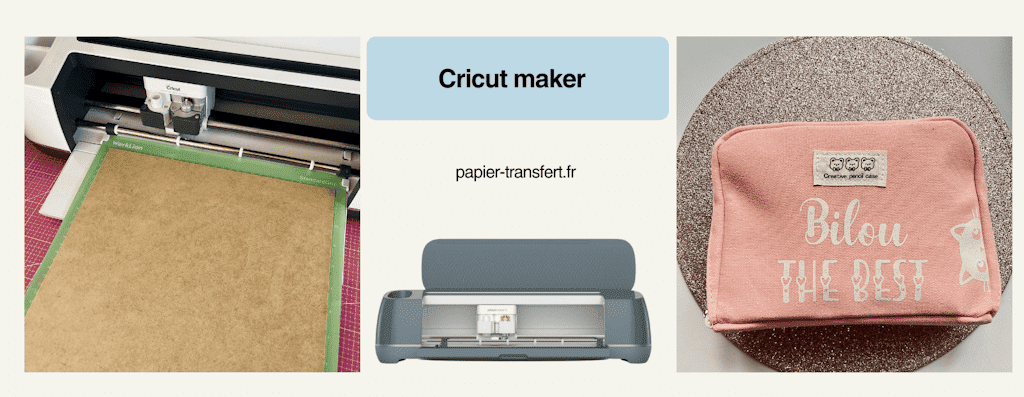
4. What's the Difference Between a Cricut Explore and a Cricut Maker? Head-to-Head
🔥
Still can't decide? Don't panic, you're not alone! Choosing between the Cricut Explore and the Cricut Maker can seem tricky at first, especially when you know all the creative possibilities they offer
✨
.
To help you see things clearly and make your decision with complete confidence, I've put together a detailed table that highlights the difference between a Cricut Explore and a Cricut Maker, along with their advantages and ideal uses. With it, you'll know exactly which machine best fits your style, your skill level, and your creative projects.
| Criteria ⚖️
🎉
💎
| | --- | --- | --- | | Compatible materials | 100+ (paper, vinyl, heat transfer vinyl, thin cardboard) | 300+ (including leather, thick fabric, thin wood, felt, thin metal) | | Available tools | Standard blade + pen | Rotary blade, knife blade, engraving tools, and more | | Precision | Very good | Ultra-precise, even on thick materials | | Ease of use | Simple, ideal for getting started | More technical, designed for advanced projects | | Budget | More affordable | Bigger investment | | Who is it for? | Beginners & occasional crafters | Enthusiasts & personalization pros |
👉
To sum up:
-
The Cricut Explore is ideal for getting started or for a variety of projects that don't venture too far into complex materials.
-
The Cricut Maker, on the other hand, is the most powerful model, designed for crafters who want to push the limits of what they can create and imagine.
5. How Do You Choose the Right Cricut for You?
🤔
✨
We've reached a key point. Now that you know the difference between a Cricut Explore and a Cricut Maker, it's time to focus on YOU. Yes, really, let's figure out what would suit YOU best!
You've got two amazing machines in front of you. But how do you know which one truly fits YOUR creative world? Here are a few simple pointers to help you decide with no regrets.
💡
Ask yourself these questions:
-
What's your current budget?
-
Do you mainly want to make cards, T-shirts, and small decorations?
-
Or do you want to try more ambitious projects with leather, foil, fabric, or wood?
-
Will you use your machine occasionally, or do you plan to make it a real tool for your creative business?
👉
If your answer sounds more like:
- "I want to get started without spending too much and make all kinds of projects for fun" → The Cricut Explore is your best ally.
Or, if your answer sounds more like:
- "I want to explore every material, push the limits, and have a machine that will keep up with me for the long haul" → The Cricut Maker is made for you.
⚡
Quick tip: the right Cricut isn't necessarily the most expensive one. It's the one that fits YOUR pace, YOUR budget, and YOUR creative dreams
✂️
! You could have the smallest Cricut and be completely happy with it! Or you could have the most powerful one and not use half its features.
✨
6. So Tell Me, Which Cricut Is Right for You?
✨
Choosing between the Cricut Explore and the Cricut Maker isn't just about budget or features… above all, it's about creative freedom
🎨
.
-
The Cricut Explore is perfect for getting started: simple, versatile, and ideal for easily creating a wide variety of projects
🎉
.
-
The Cricut Maker lets you push every limit: professional-grade cutting, a wider range of materials, and above all, the ability to turn every idea into a creative masterpiece
💎
.
So no matter which machine you choose, remember: the best Cricut is the one that sets your imagination free and gets you excited about every project
✂️
.
💡
Bonus tip: If you're still on the fence, start with the Cricut Explore to get a quick feel for the Cricut world.
Then, as your creative world grows, move up to the Cricut Maker to take your possibilities even further
🚀
.
To make sure you've really got the difference between a Cricut Explore and a Cricut Maker down, here's an FAQ (frequently asked questions) to help you make your final choice!
FAQ: Cricut Explore vs. Cricut Maker
❓
**1️⃣
Which Machine Is Best for Beginners?**
- The Cricut Explore is ideal for getting started: simple, intuitive, and versatile for basic projects. However, it has fewer advanced features than the Cricut Maker, which can quickly hold you back if you want to explore more complex materials or more technical cuts.
2️⃣
Can You Make Professional Items with the Cricut Explore?
- Yes, but you'll be limited with certain thick or technical materials. For more ambitious creations, the Maker is the better choice.
3️⃣
Is the Maker Hard to Use for Beginners?
- No, it's still accessible, but it offers more options and tools, so it may take a little longer to get the hang of it.
4️⃣
What's the Average Price of Each Machine?
-
Explore: more affordable (often around 250 to 300€, depending on the model).
-
Maker: a bigger investment (around 400 to 500€, depending on the included accessories and/or bundle).
5️⃣
Can You Easily Switch from the Explore to the Maker?
- Absolutely! Your projects and files stay compatible, so you won't have to start over. As long as you've saved all your projects in the app, you can just pick up right where you left off!
6️⃣
What Kinds of Projects Can Only Be Done with the Maker?
- Cutting thick leather and thin wood, engraving metal, cutting thick fabric with the rotary blade… plus any project that needs more precision or power.
✨
Did you know there are other Cricut machines? Each model has its own features and suits different creative levels. To help you see things more clearly, I've put together a complete comparison of every Cricut machine, with their advantages and ideal uses.
👉
Find it here and discover the one that best fits your creative projects!
Ready to bring your most beautiful creations to life?
🎨
✂️
Check out our selection of Cricut-compatible adhesive vinyl now and dive into unique projects that will let your imagination shine
✨
.
[👉
Choose your vinyl](/heat-transfer-vinyl)



Comments
No comments yet. Be the first to share your experience.
Leave a comment