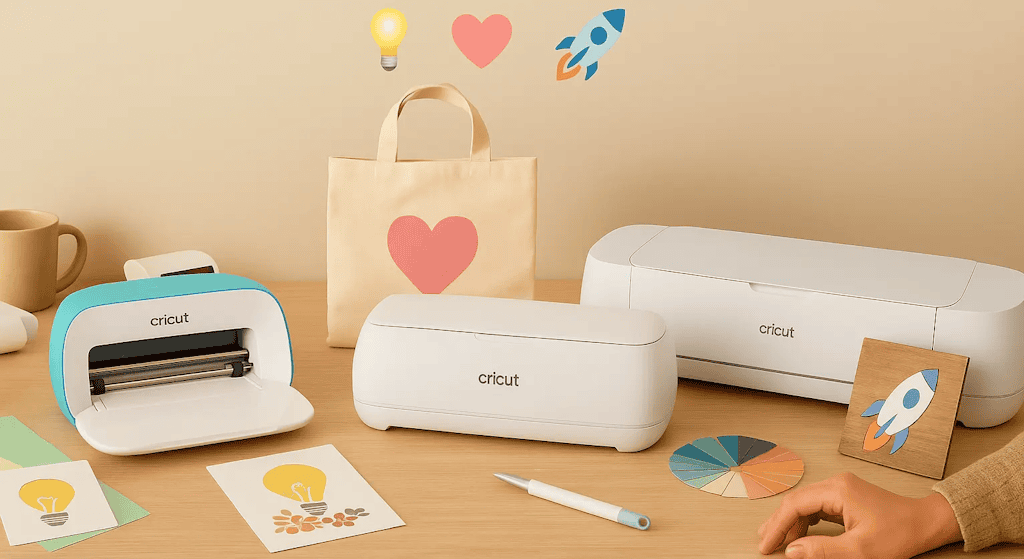
Wondering which Cricut to choose as you dive into the magical world of personalized crafts? Good news: you're in the right place ✨! Whether you want to customize a tote bag, make super cute stickers, personalize mugs, or even decorate your kids' room, the Cricut lineup is literally the stuff of DREAMS… but it can also make your head spin 😵💫.
And that's where the big dilemma kicks in: Cricut Joy, Joy Xtra, Explore, or Maker… which Cricut machine should you choose as a beginner? Don't panic, though. I'll explain everything in plain terms, with no pointless fluff, so you can make an informed choice.
Because I've been there too. I spent hours comparing models, watching tutorials, dreaming up future projects… and asking myself: "Which one should I pick as a beginner? And more importantly, are there really any differences between the Cricut models?" 😎
That's why today I'm going to help you sort it all out, even if you've never touched a cutting machine in your life. We'll compare the models, look at their strengths and limitations, and most importantly, figure out which Cricut is right for you if you're just starting out. Because, just between us, there's no universal "best Cricut": there's your Cricut, the one that fits your projects and your budget.
Ready to find your first Cricut? Let's go!
Pssst… as a bonus, I'll share my favorite little tips and the must-have accessories to help you get off to a great start!
1. What Exactly Is a Cricut?
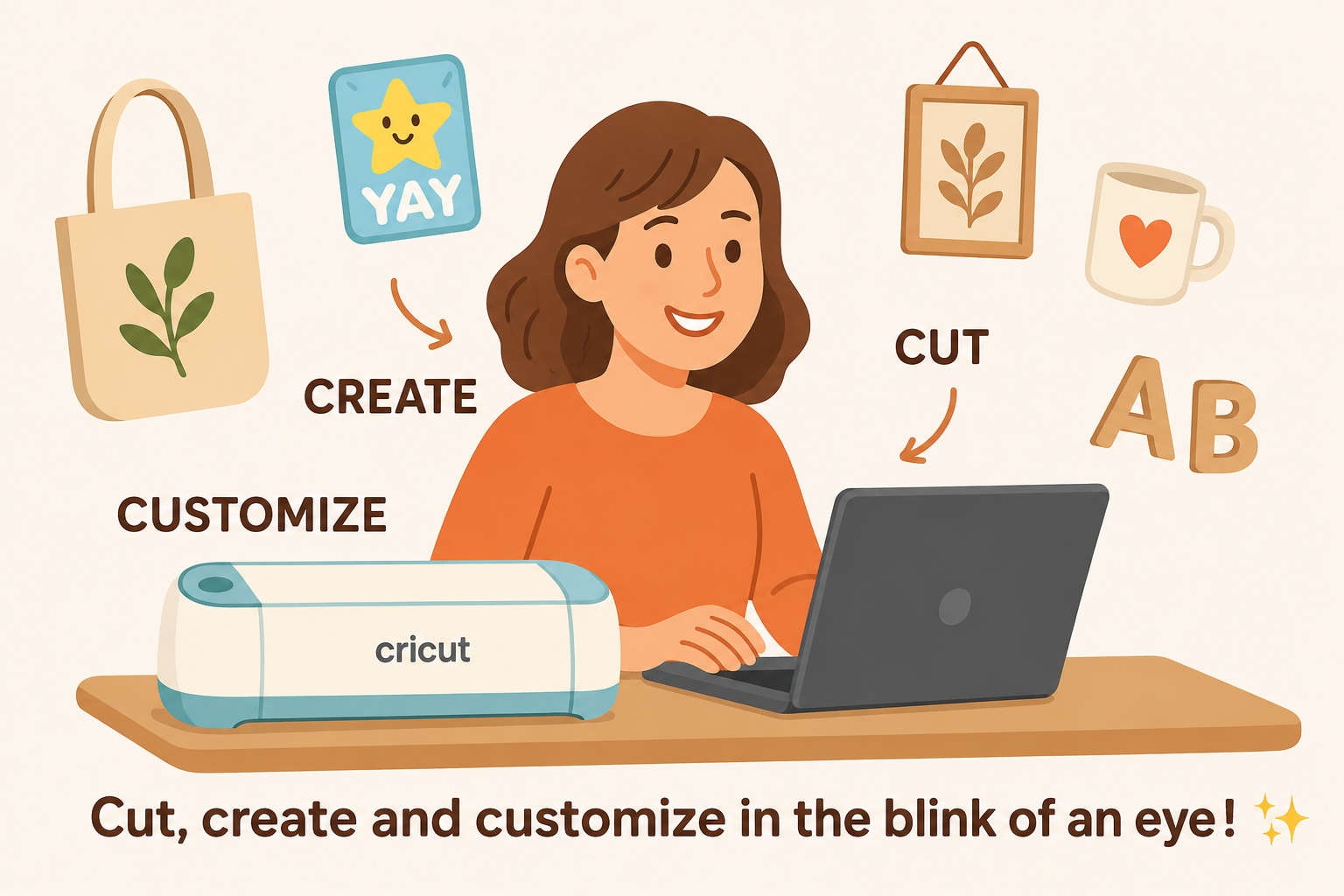
Before we get into the models, a quick definition is in order. Don't worry, we'll keep it simple: a Cricut is a smart cutting machine.
It cuts adhesive vinyl, paper, heat transfer vinyl for fabric, and depending on the model… it can even engrave, draw, or cut fabric and even balsa wood!
Think of it like a printer, except instead of printing, it cuts.
👉
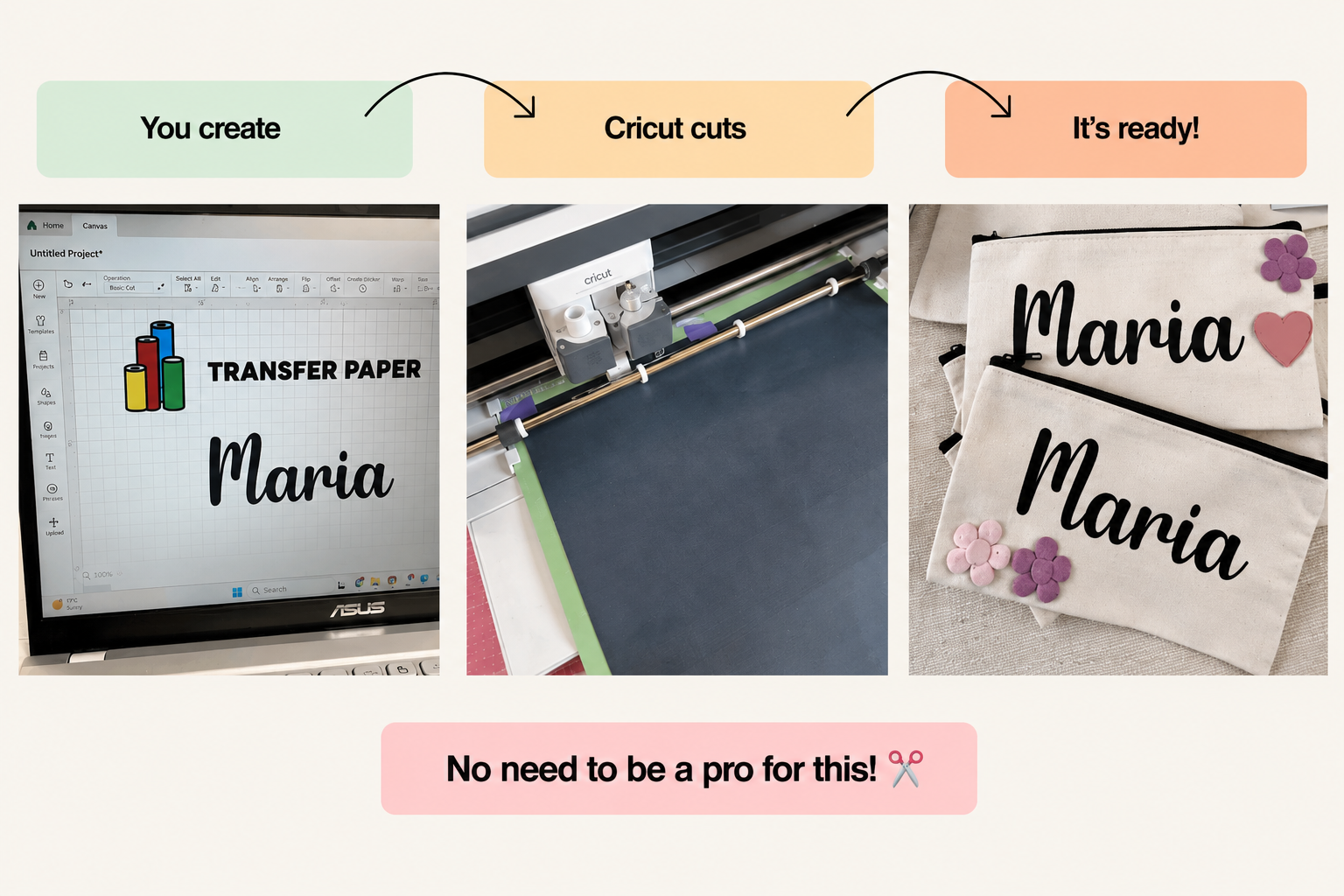
In simple terms:
-
You create your design on your computer or phone.
-
You send your project to the machine.
-
And the Cricut cuts the material you've chosen.
It's just AWE-SOME! 😎
2. The Main Cricut Models in 2025
Before you jump in and choose your Cricut, it's important to understand the differences between the models.
😎
Each machine has its own strengths, limitations, and very specific features. How useful they'll be depends on your level: whether you're a beginner, a DIY (do-it-yourself) addict, or even a future pro creator!
🛠️
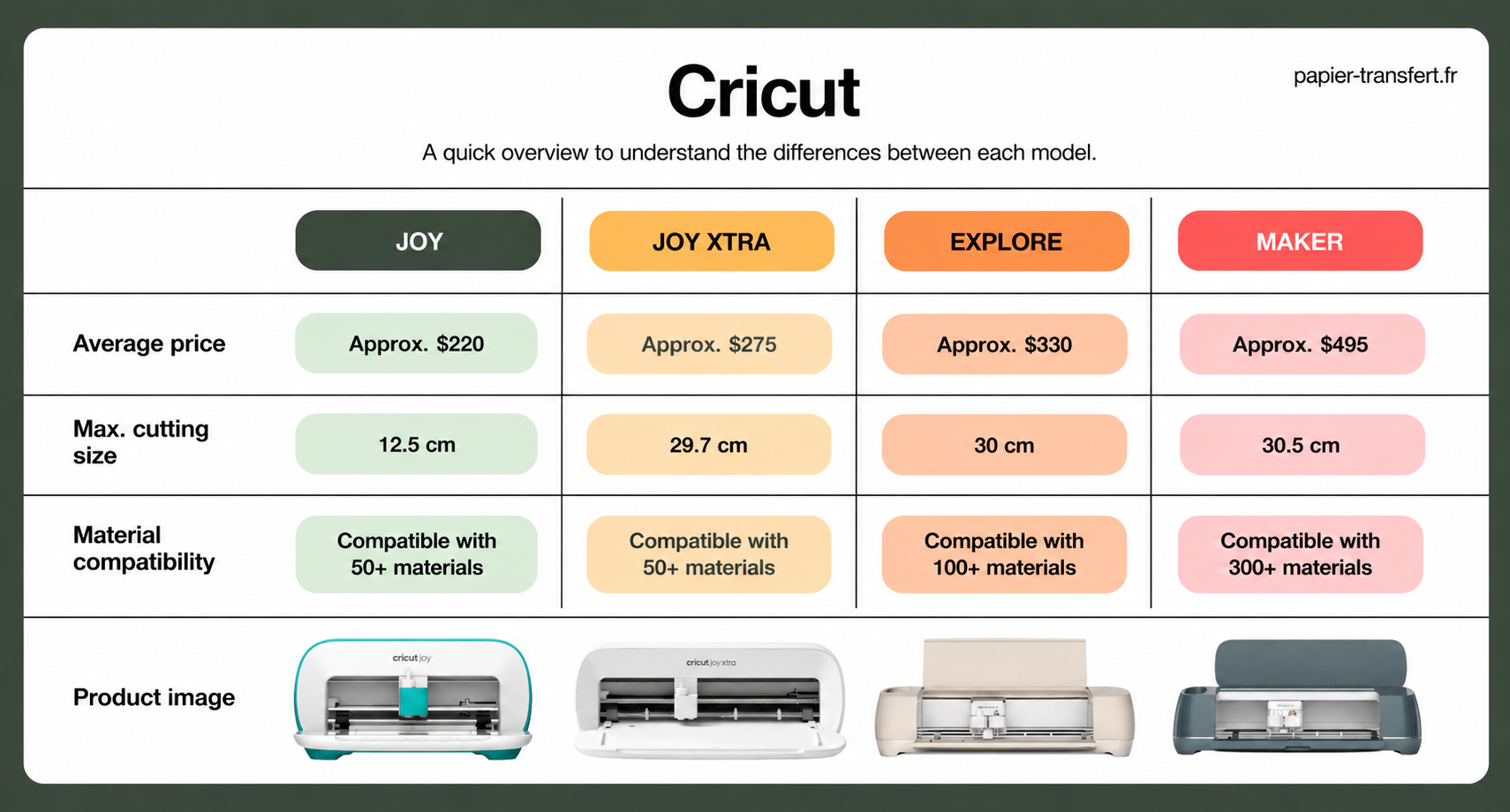
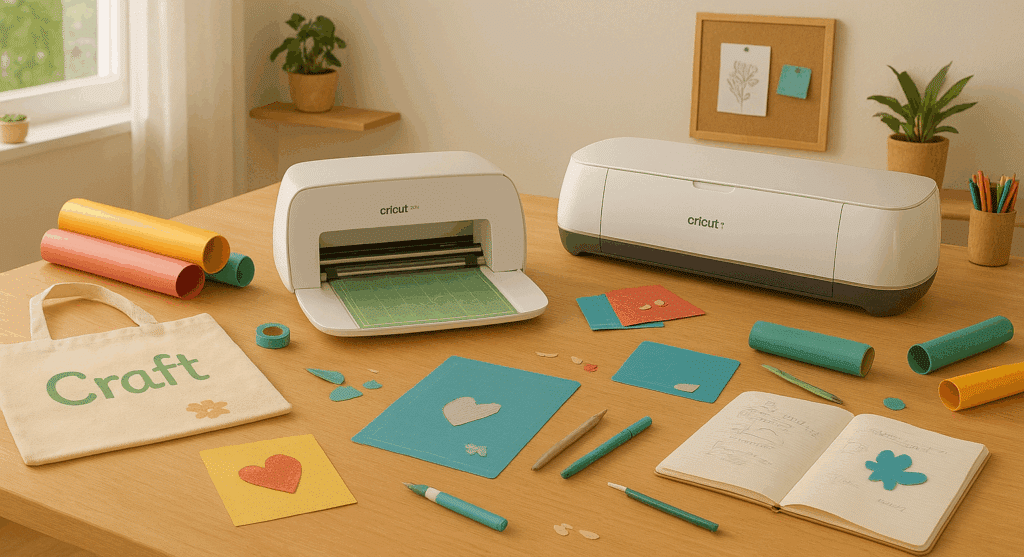
There are four main machines, and to make things super clear, I'll lay it all out for you in a handy little table:
👇
3. So, Which Cricut Should You Choose to Get Started?
Okay, now let's get down to business: which Cricut should you choose when you're just starting out?
You might be thinking: "A Cricut is a Cricut, right?" Well… not quite!
😉
Each machine has its own personality, strengths, and little limitations (some are better suited to beginners, others to experienced creators). And that's exactly what can make the choice so tricky. We're afraid of getting it wrong, of picking a machine that's too limited… or, on the flip side, too advanced for what we need.
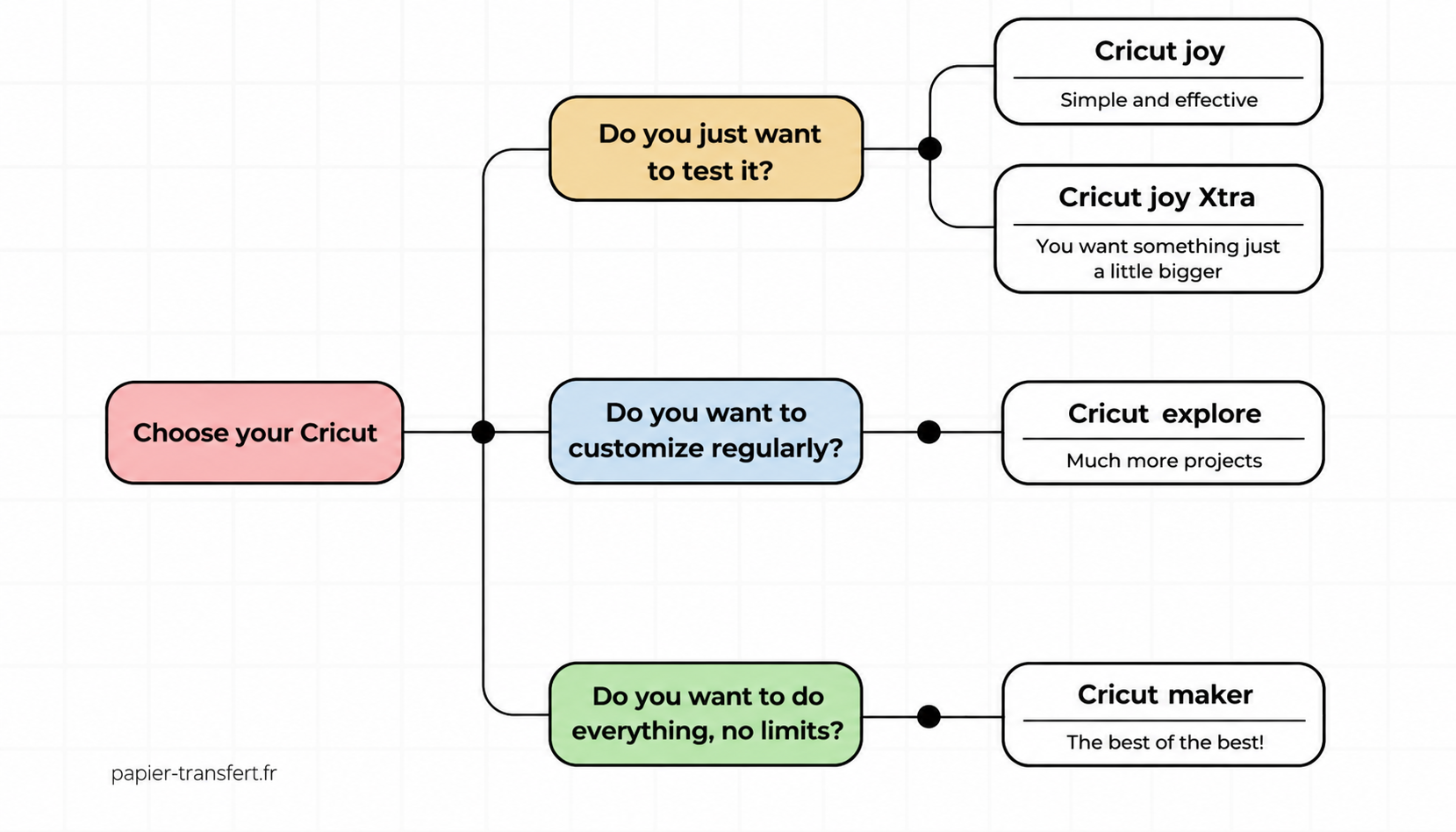
So, to help you see things more clearly, let's go over a few simple questions to ask yourself before choosing your machine
👇
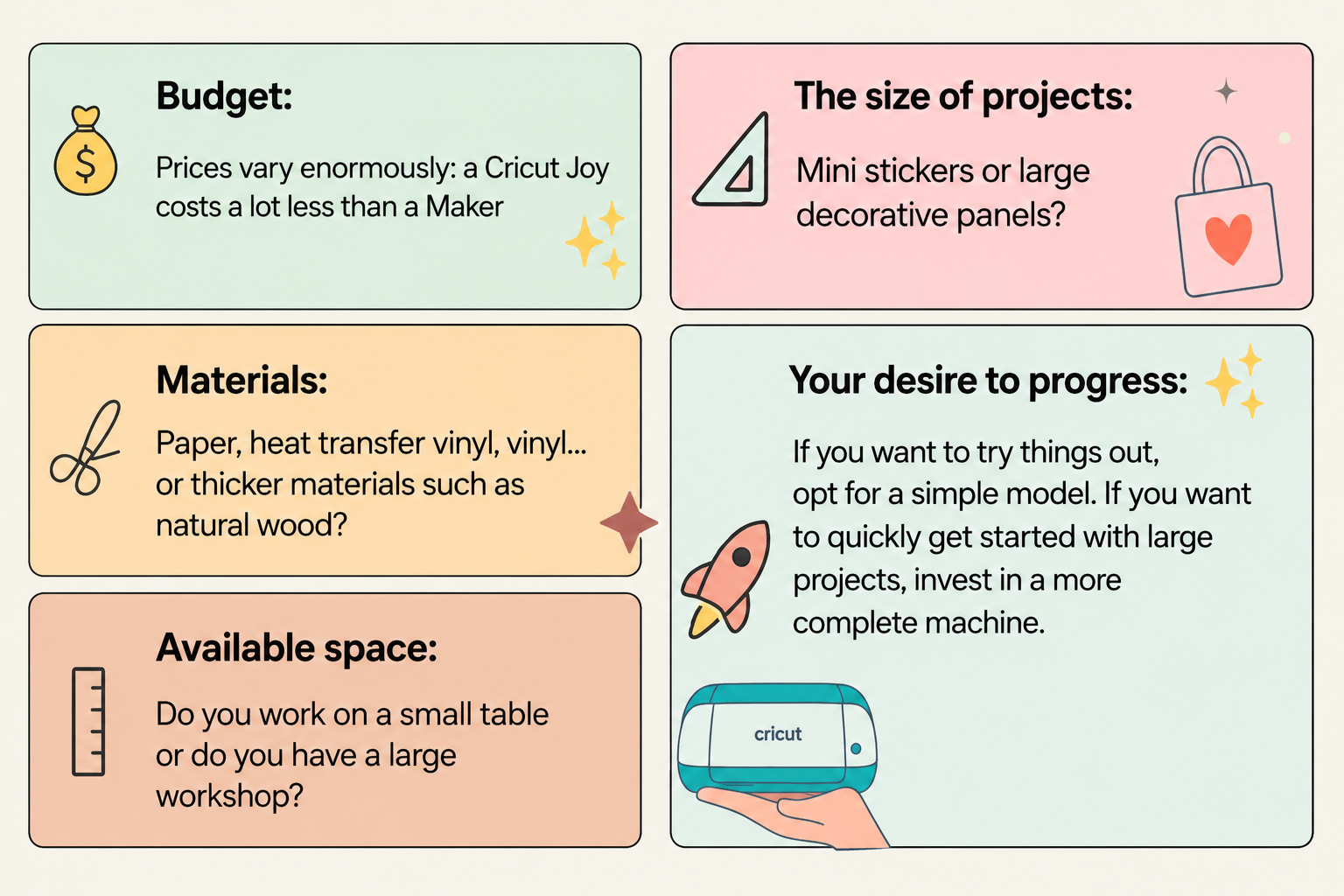
👉 Here's my advice, depending on what you want to make:
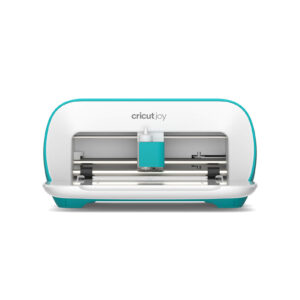
✨ To test the waters and make small projects without breaking the bank: the Cricut Joy is perfect. It's small, simple, and handy for getting started stress-free, plus it's super lightweight and easy to carry around. It's ideal for stickers, quick cards, or personalizing small everyday items. The bonus? It fits on any desk and is easy to put away when you're done.
🌈
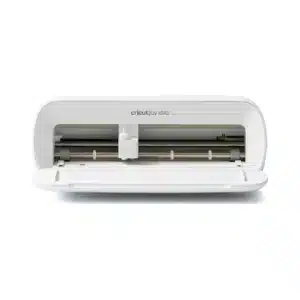
To go a little further than the Joy, there's the Cricut Joy Xtra. It keeps the same compact, practical design, but with a slightly larger A4 size to give you more creative freedom. You can take on a wider variety of projects, like T-shirts, tote bags, or larger stickers. It's the perfect compromise if you want a machine that's still easy to use but offers more possibilities than the classic Joy.
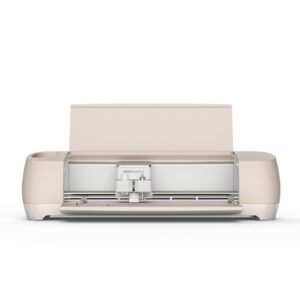
💖 To personalize regularly and maybe start selling your creations: the Cricut Explore 4 is the happy medium. It opens up a lot more possibilities (larger sizes, a variety of materials like adhesive vinyl, HTV, and cardstock) without being too technical. If you want to personalize tote bags or T-shirts, or take on slightly more ambitious projects, this machine will keep up with you.
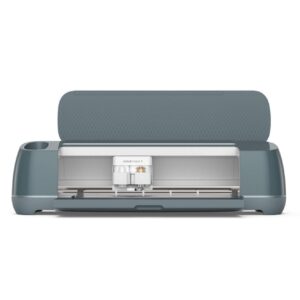
🚀 To go all in and never feel limited: the Cricut Maker 4 is the ultimate machine. With it, anything is possible, even your wildest projects: engraving, sewing, cutting thick materials (like leather or balsa wood)… In short, if you're the type who has 1,000 ideas a minute and wants to explore every technique out there, it's definitely the creative partner for you.
🔑 The secret? Choose the machine that fits how you'll actually use it now, not what you think you might want to do "someday." 😉 Start simple, discover the joy of creating, and see how you grow. Nothing is set in stone: you can always upgrade later if you feel like you've outgrown your machine.
4. My Pro Opinion: Which Cricut Should You Choose as a Beginner?
✨
If you're just starting out, there's no need to shoot for the moon right away 😅. A lot of people think they need to jump straight into big, complex projects to "get their money's worth" out of their Cricut, but really, the secret is to start small.
The goal is to get to know your machine, understand how it responds to different materials, and above all, build your confidence. Every small project you finish will make you want to start another one, and that's how you'll improve without even realizing it.
🌟 To ease into using your Cricut, here are a few quick, creative ideas 💡:
Personalized stickers and labels: quick to make and super rewarding, they're the perfect way to get the hang of adhesive vinyl. Plus, they always come in handy: for your notebooks, jars, laptop, or even your planner. You can even make little sets to give to friends or to decorate your gifts, and they always make an impression!
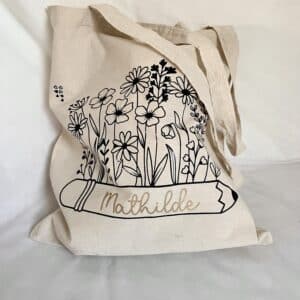
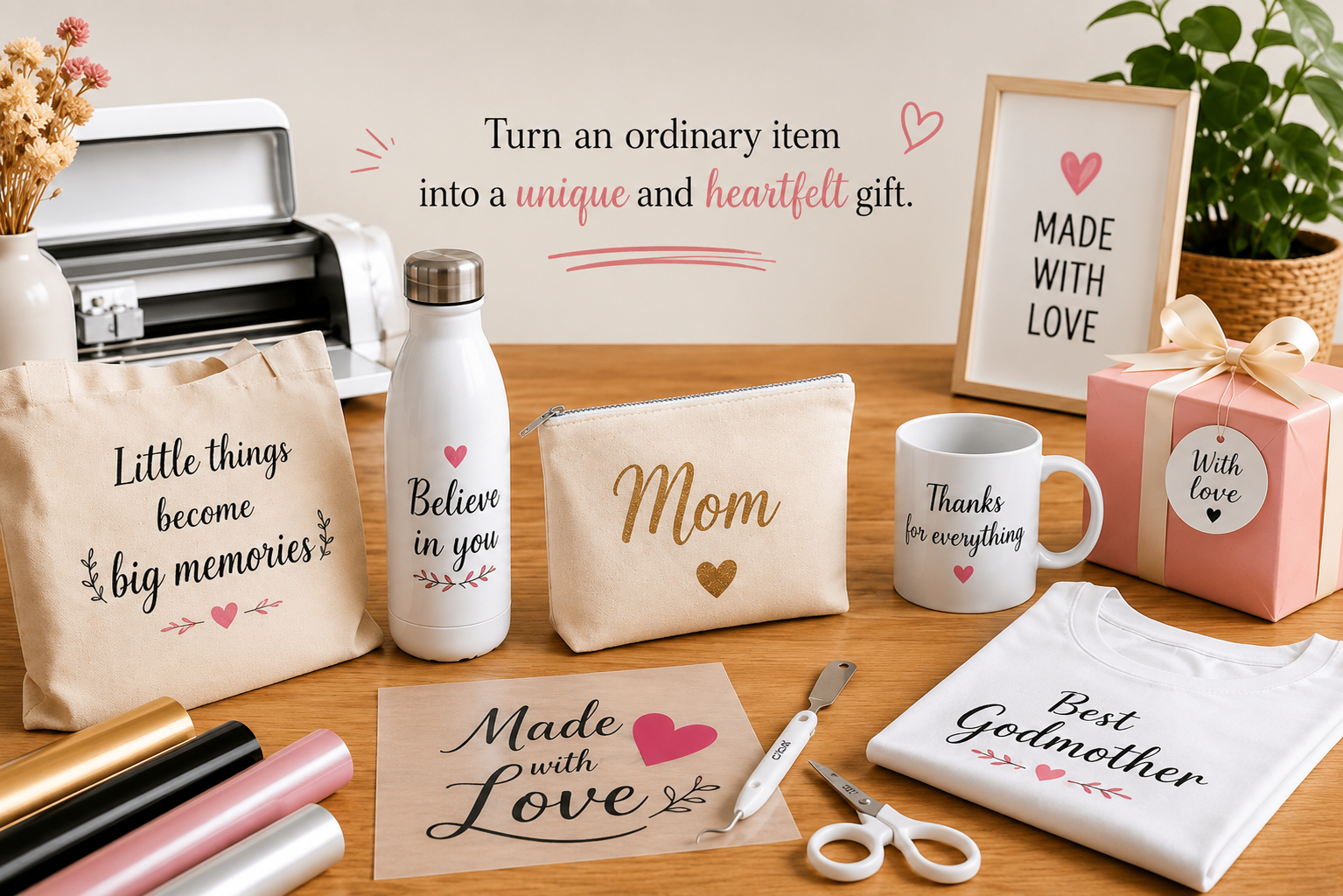
Personalized tote bags: a classic that always goes over well 🎁. With a little heat transfer vinyl, you can make a one-of-a-kind bag in just a few minutes. Simple, practical, and perfect to give as a gift or keep for yourself. You can try out different colors and patterns to really let your creativity shine, and even make coordinating bags for the whole family.
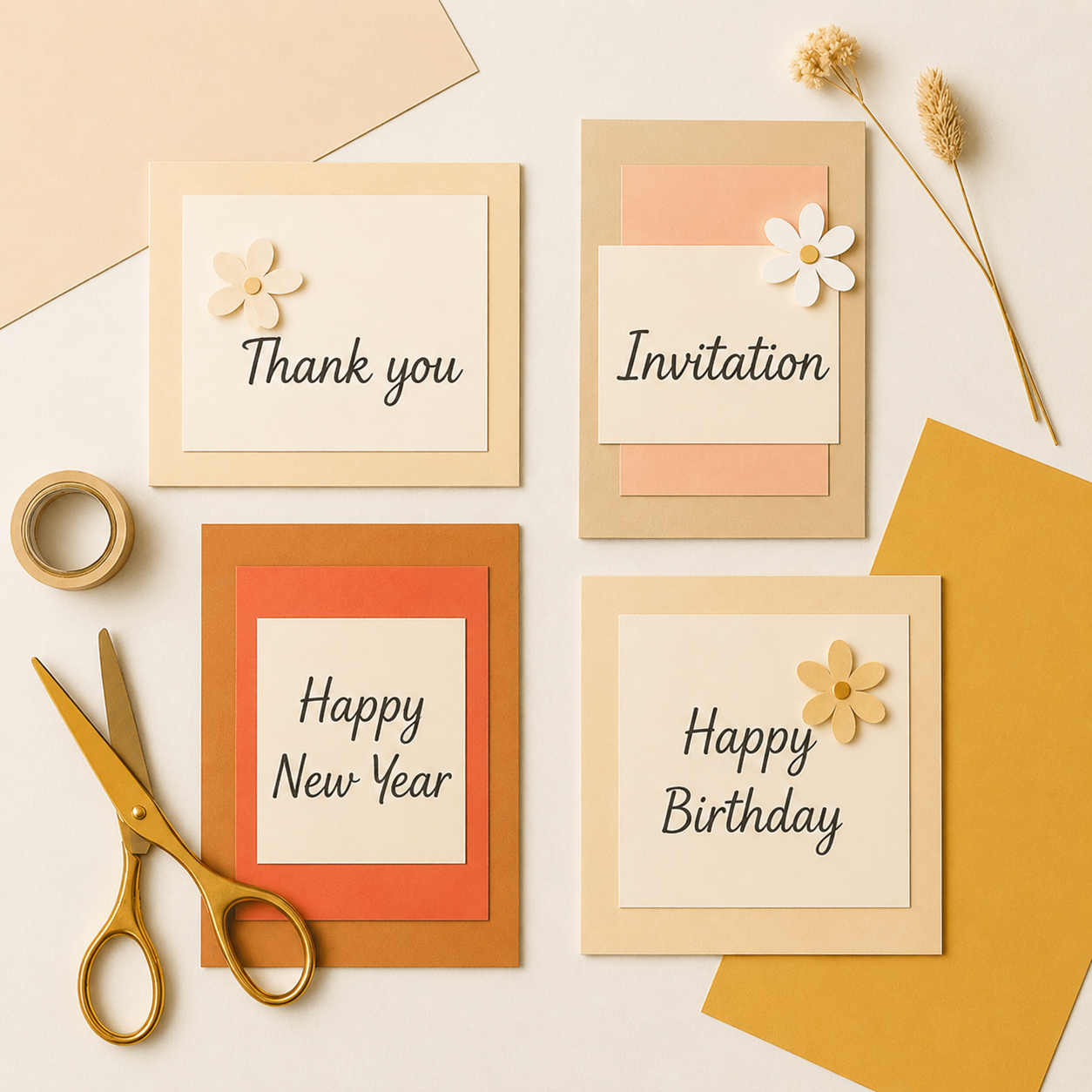
Cards, invitations, and small paper decorations: here, your imagination leads the way. You'll discover fine cuts and layering, and learn to play with details without any stress. It's also a great way to make personalized gifts for birthdays or holidays and to surprise your loved ones with unique designs.
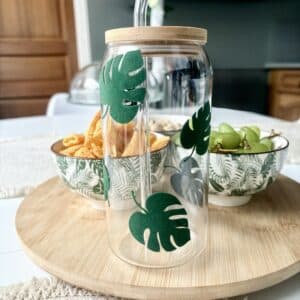
Small decor items: wall decals, names to decorate a bedroom, or even mini motivational quotes to stick everywhere ✨. It doesn't take much material, but it has an instant "wow" effect. You can even combine several techniques, like velvet adhesive vinyl and paper, to gradually work up to more complex projects without ever feeling overwhelmed.
💡
My advice: take the time to explore several materials. Paper, adhesive vinyl, heat transfer vinyl… each one has its own quirks, and you'll quickly find out which one you enjoy most. Don't hesitate to repeat the same type of project several times to really get the steps down. And above all, have fun!
🚀
Even small mistakes are valuable lessons, and every project you finish, no matter how simple, brings you one step closer to your dream creations. You'll be amazed at how quickly you go from "hesitant beginner" to "creator full of ideas" who's ready to try anything.
5. Accessories and Tips to Get Off to a Great Start with Your Cricut
To help your first projects go as smoothly as possible, here are a few must-have accessories and tips for when you're starting out with a Cricut:
Basic accessories to have on hand:
-
Cutting mat: essential. Choose the right size for your machine (some models don't come with one) 🛠️. Mats come in several grip levels depending on the type of material, so be sure to use the right one to keep your projects from shifting while they're being cut.
-
Cutting tools: weeding kit, scrap collector, tweezers, application scraper, and a stylus so you don't damage your material. These little tools make a huge difference, especially for fine cuts or delicate details.
-
Cricut pen: for drawing or writing on your projects. ✏️ It lets you personalize your cards, invitations, or even tote bags with a truly professional finish.
-
Basic materials: adhesive vinyl, HTV for fabric, cardstock… Start with these essentials before moving on to trickier materials like cork, balsa wood, or thick fabric.
With these essentials on hand, you'll be ready to jump in and make your first projects stress-free! ✨ You'll see: having the right supplies from the start changes everything and makes the whole experience much more enjoyable.
My tips for a smooth start with your Cricut as a beginner: ✨
-
Always test a new material on a small corner before diving in. It'll save you from surprises and make it easy to adjust your cut settings.
-
Clean your mat thoroughly between projects so it doesn't lose its grip. A clean mat lasts longer and gives you clean cuts every time.
-
Take your time and have fun: DIY is meant to be enjoyed! 😍 Don't hesitate to repeat the same project several times to practice and improve quickly.
-
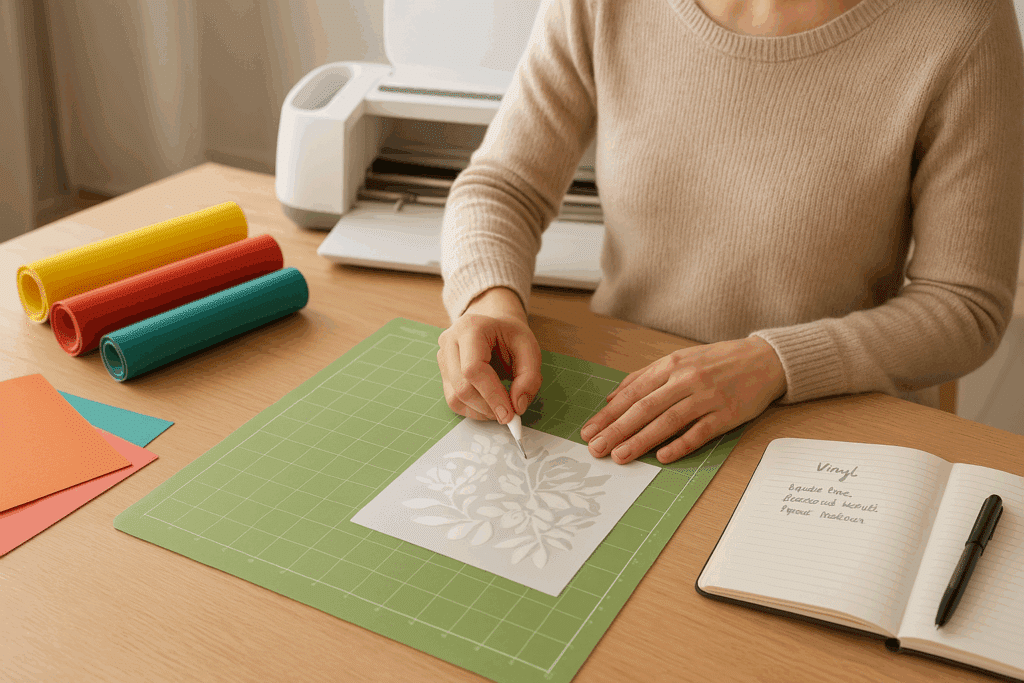
Keep a notebook or a little chart to jot down your settings and tips for each material: it'll save you a lot of time on future projects and spare you a few headaches.
Follow these little tips, and your first steps will be much easier and you'll quickly feel confident with your machine. 💪✨ You'll be amazed at how easy it is to go from "hesitant beginner" to "creator who's mastered their Cricut and has a blast with every project."
6. So, Which Cricut Is Right for You?
Don't panic: every project is within reach with a little patience and practice 😉. Each machine has its limits, but over time, you'll know exactly which Cricut to choose for your needs and how to get the most out of it. Even if you make a mistake or have to start a project over, that's okay! Every mistake is a step toward mastery and part of the fun of DIY. ✨
🎨 Now it's your turn! As a beginner, which Cricut has caught your eye? The little Joy to test the waters and have fun with simple projects? The Joy Xtra to go a little further? The Explore to create regularly and try out different materials? Or the Maker to take on ambitious XXL projects? Whatever you choose, what matters is getting started and letting your creativity shine.
Don't hesitate to combine techniques, experiment with different materials, and above all, share your creations with your loved ones or on social media to inspire others and get inspired yourself. Every project you finish, big or small, will build your confidence and open up new possibilities. 💡
FAQ: Frequently Asked Questions About Cricut Machines
✨ Still on the fence? No stress 😌! Here are a few frequently asked questions to help you see things more clearly and make the right choice 🎯.
Q1: Which Cricut Should You Choose to Get Started?
👉 If you're just starting out, the Cricut Joy or the Cricut Joy Xtra is perfect. They're easy to use, affordable, and ideal for trying out projects like stickers, cards, or personalized tote bags.
Q2: What's the Best Cricut in 2025?
👉
The best Cricut depends on your needs. For simple projects: the Joy. To go further: the Joy Xtra or the Explore 4. And for unlimited creative possibilities, the Cricut Maker 4 is still the most complete option.
Q3: What's the Difference Between the Cricut Joy and the Cricut Maker?
👉 The Cricut Joy is small, practical, and ideal for quick projects (stickers, cards, small personalized items). The Cricut Maker 4, on the other hand, is much more powerful: it cuts more than 300 materials (even leather and thin wood) and can handle sewing, engraving, and XXL projects.
Q4: Which Cricut Should You Choose for Fabric (T-Shirts, Tote Bags)?
👉 For customizing fabric, you're better off with a Cricut Explore or a Cricut Maker 4, because they let you work with heat transfer vinyl on larger surfaces.
Q5: Do You Need to Buy Accessories in Addition to the Cricut?
👉 Yes, a few basic accessories are essential to get off to a good start: a cutting mat, weeding kit, application scraper, Cricut pens, adhesive vinyl, and heat transfer vinyl. They make your projects much easier and more enjoyable.
So, ready to choose your Cricut? Get your supplies together and go for it! Your first creations are within reach ✂️💖. And I promise, the feeling of seeing your finished project is simply amazing.
👉 Tell me in the comments which Cricut you chose to get started: we can't wait to see your projects and follow along with your first creations! ✨
And for even more fun 🎉, check out our full range of heat transfer vinyl ✨👕! 👇
2 comments
To start out, I'm using the CRICUT JOY 2 (blue). Simple but effective✨
Cricut Explore 4 to get started
Leave a comment