
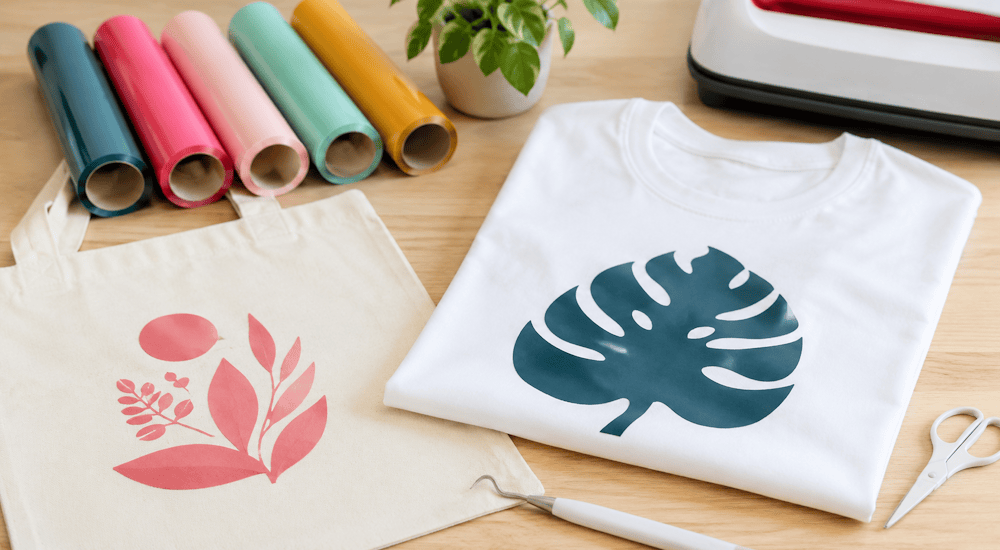
When people talk about a creative project, what immediately comes to mind is crafts and small creations you can make at home, whether it's decorating your home or personalizing objects and clothing.
Although heat transfer vinyl is a wonderful creative idea for people who love crafting, it's a material most people have never heard of. 🤷♂️
So we're going to demystify heat transfer vinyl and show you how to use it to make awesome creations. 😉
What Is Heat Transfer Vinyl?
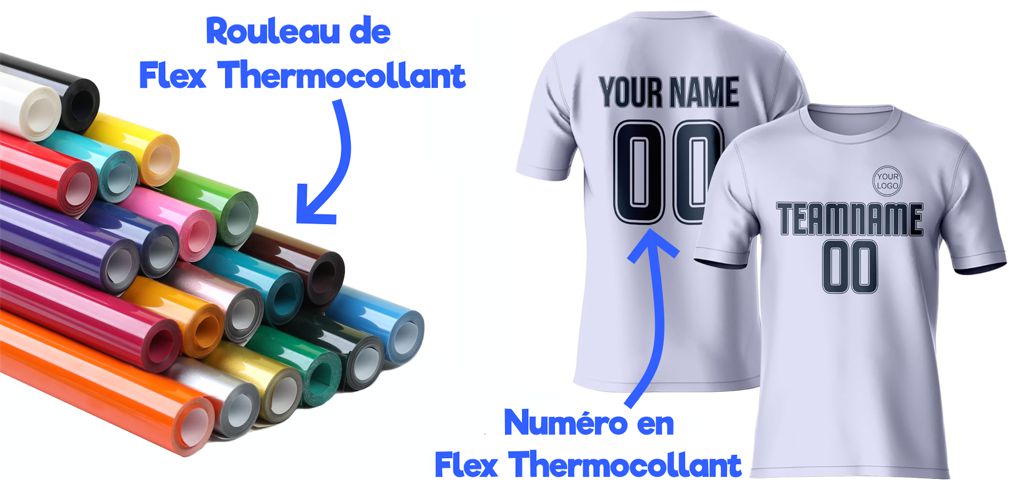
Let's start with a simple comparison: You know the numbers and names on soccer jerseys? Well, they're made with heat transfer vinyl.
More precisely, heat transfer vinyl is the material used to apply lettering and designs to fabric. 👕
HTV is usually sold in rolls several meters long, and you cut into the roll to create a design that you then simply apply to your garment with heat.
The vinyl design is cut with a cutting machine, and the vinyl is applied with heat using an iron or a heat press. ✅
Once the design has been applied to the garment, it will hold up perfectly in the washing machine.
In short, heat transfer vinyl is the material that lets you customize any type of garment. This printing method is used by major fashion brands (like Nike and Adidas) as well as by companies that specialize in custom apparel.
And the best part is that you can also use it for your own creative clothing projects on a small budget! 💰
What Accessories Do You Need to Use Heat Transfer Vinyl?
Now that you know what heat transfer vinyl is, we're going to walk you through all the accessories you need to customize your clothing with this technique.
There are two ways to use heat transfer vinyl: the first method requires almost no upfront investment, but the creative possibilities are much more limited.
Method 2 lets you make any heat transfer vinyl project you want and customize your clothes as much as you like, but it requires an upfront investment:
Method 1: Order Pre-Cut Heat Transfer Vinyl Logos
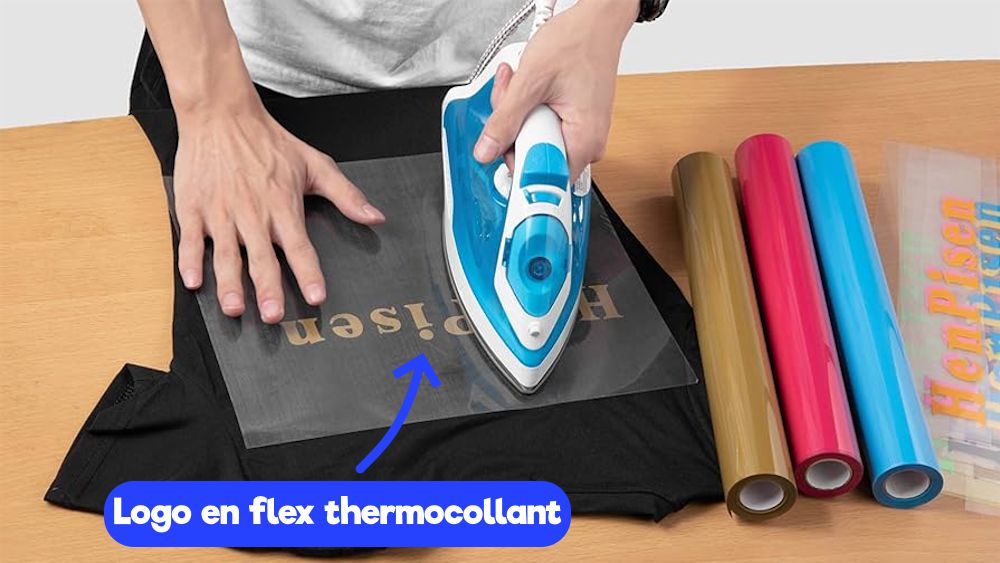
For this method, you'll need:
1️⃣ A heat transfer vinyl logo
The heat transfer vinyl logo will be applied to your fabric with heat.
2️⃣ A garment (a T-shirt, for example)
3️⃣ An iron
The iron lets you apply your heat transfer vinyl logo to the fabric with heat.
You can order pre-cut heat transfer vinyl designs online, then simply apply them to the garment of your choice to personalize it. 👍
The problem with this method is that it isn't really a craft project, since you didn't create the logo yourself.
💸 Cost of this method: about 8€
Method 2: Invest in a Cutting Machine
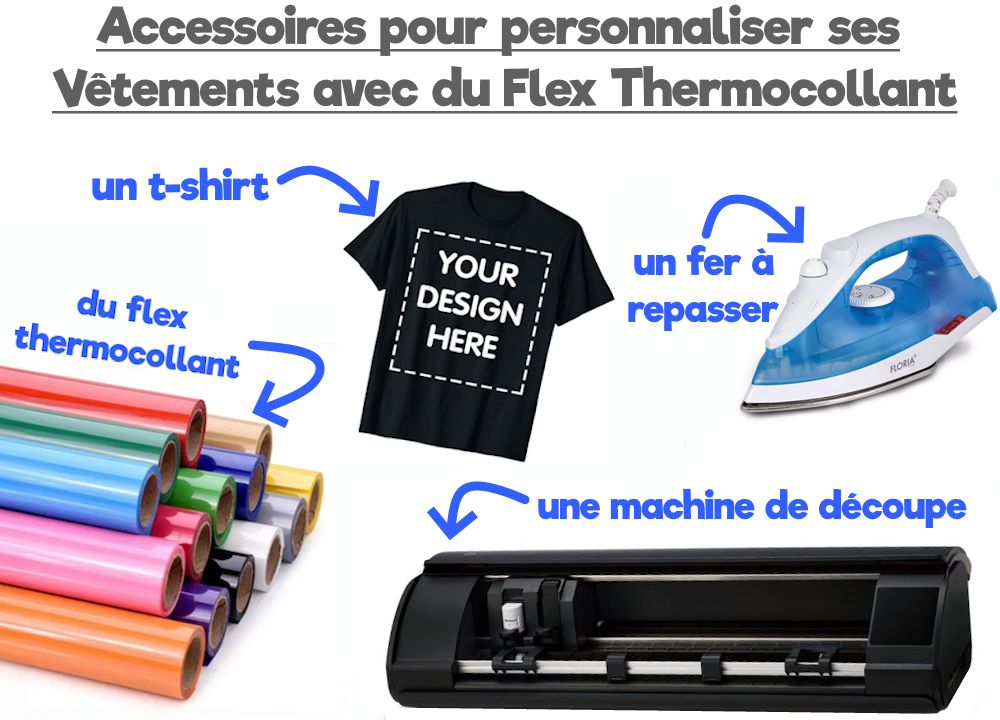
For this method, you'll need:
1️⃣ Rolls of heat transfer vinyl
The machine will cut the rolls of heat transfer vinyl to create your logo.
2️⃣ A cutting machine
To cut the heat transfer vinyl and create your logo.
3️⃣ A garment (a T-shirt, for example)
The heat transfer vinyl logo will be applied to the garment to personalize it.
4️⃣ An iron
The iron lets you apply your heat transfer vinyl logo to the fabric with heat.
If you want to make your own heat transfer vinyl designs and then use them to customize your clothes, this is the method for you.
You'll need to invest in a cutting machine so you can cut your own heat transfer vinyl designs.
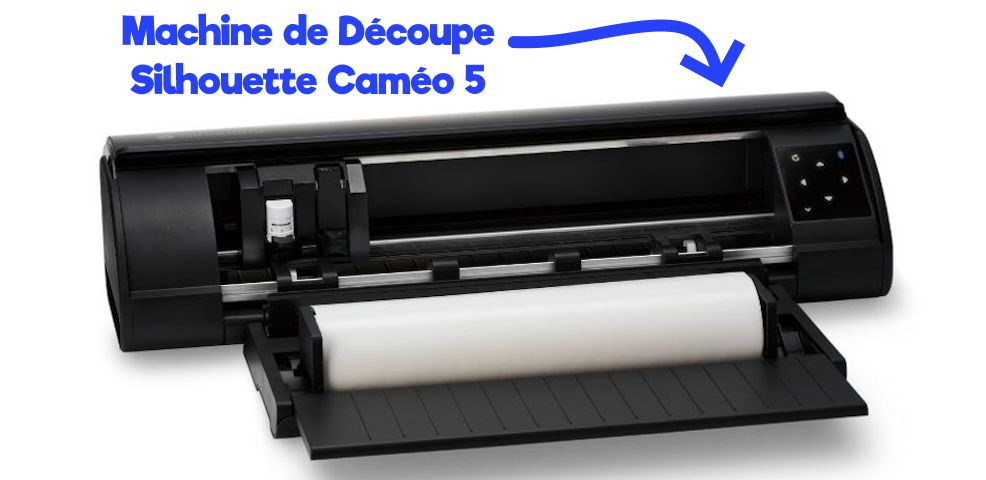
The Silhouette Cameo, the Cricut Maker, and the Cricut Joy are among the best-quality cutting machines on the market.
Of course, you can also cut the vinyl directly with scissors, but your creations will take much longer and be harder to make.
Plus, this method is much more cost-effective if you start customizing a large number of garments with heat transfer vinyl.
💸 Cost of this method: about 390€
How Do You Use Heat Transfer Vinyl for Your Creative Clothing Project?
By now, heat transfer vinyl should no longer be a mystery to you, and if you've read this far, you might be thinking about making your first creative project with it! 🤩
There are different types of heat transfer vinyl on the market (glitter HTV, velvet HTV, solid-color HTV, or even 3D-effect HTV). For this tutorial, we chose to use glitter heat transfer vinyl along with solid-color vinyl to make our logo.
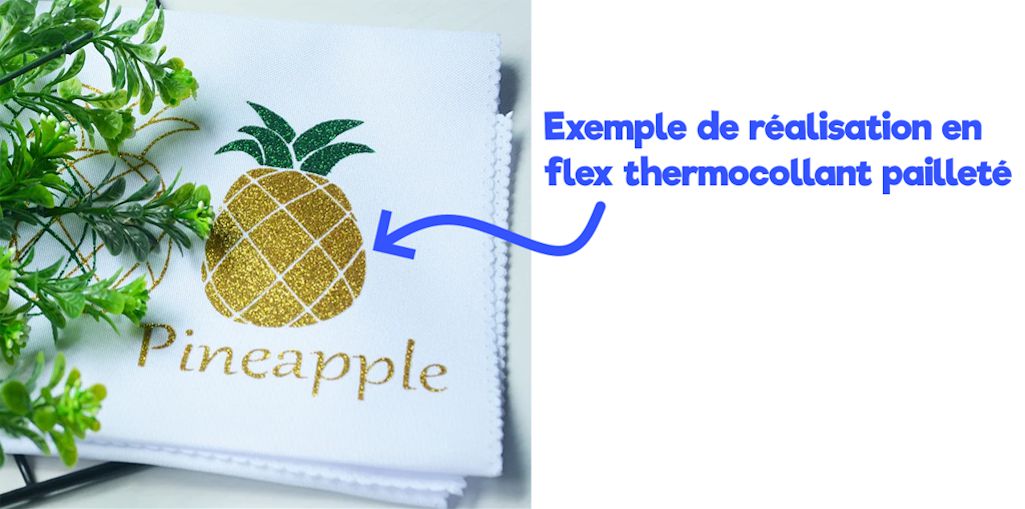
Now we're going to guide you step by step through customizing your first garment with heat transfer vinyl.
If you plan to use the first method (buying pre-cut heat transfer vinyl designs), you can skip straight to Step 2.
If you want to invest in a cutting machine, follow all the steps carefully. 🧐
Step 1: Cut Your Heat Transfer Vinyl Logo with the Cutting Machine
➡️ Upload your logo to the cutting machine:
First, upload your logo to the cutting machine's software. (Note that the software for all the cutting machines mentioned above is free.)
Once your logo is in the software, you'll need to adjust your machine's settings for cutting heat transfer vinyl.
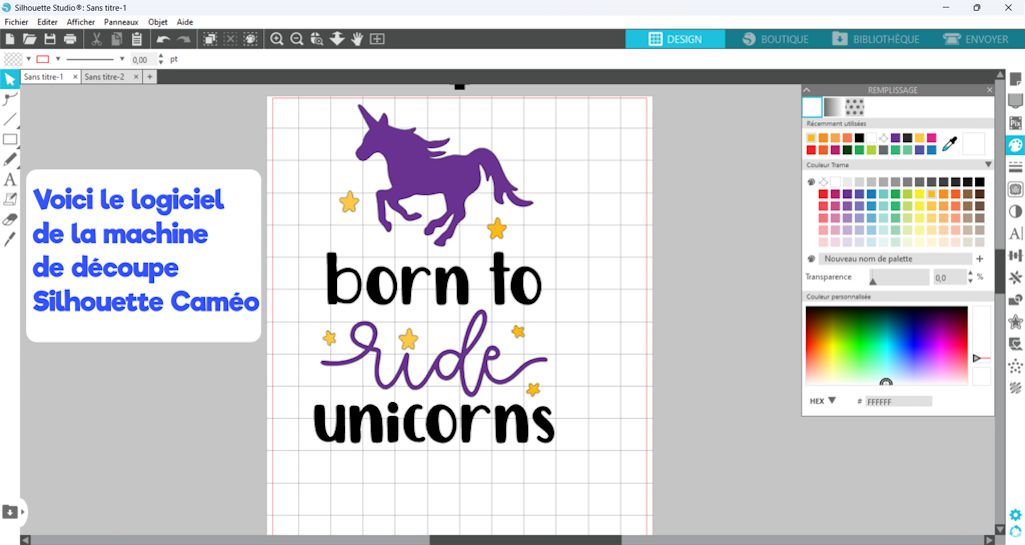
We won't go into detail on this topic here, but if you use the Silhouette Cameo cutting machine, we've written an article that explains in detail how to cut your heat transfer vinyl design with the Silhouette Cameo.
➡️ Start cutting your design:
Turn on your cutting machine and load the heat transfer vinyl. The vinyl is usually loaded into the cutting machine on a cutting mat, which comes with the machine.
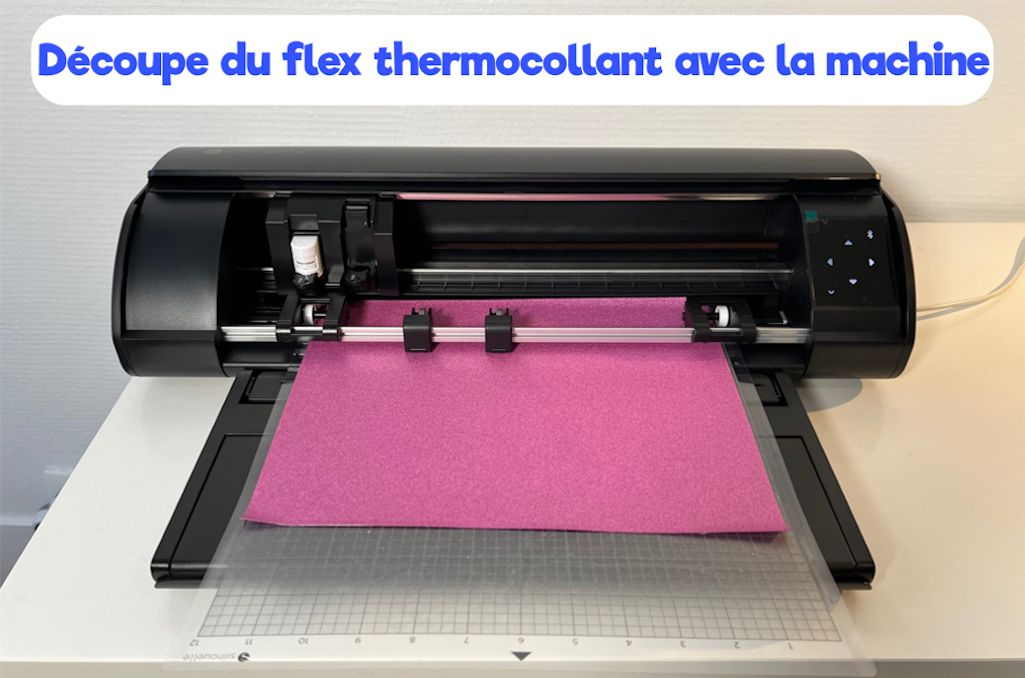
Once the vinyl is loaded correctly, start cutting your logo.
⚠️ Since the design we chose has 3 different colors (the unicorn, the stars, and the lettering), we have to repeat the cutting process 3 times (once for each color).
➡️ Remove the excess heat transfer vinyl:
When the machine is done cutting, your logo won't be visible yet. To reveal your handmade creation, you'll need to remove the excess heat transfer vinyl around your logo (this technique is called "weeding").
For projects with fine details, you'll also need to weed out the small excess pieces inside your logo. For this, I recommend using a weeding hook, because it makes the process much easier (you can also use tweezers). ⬇️
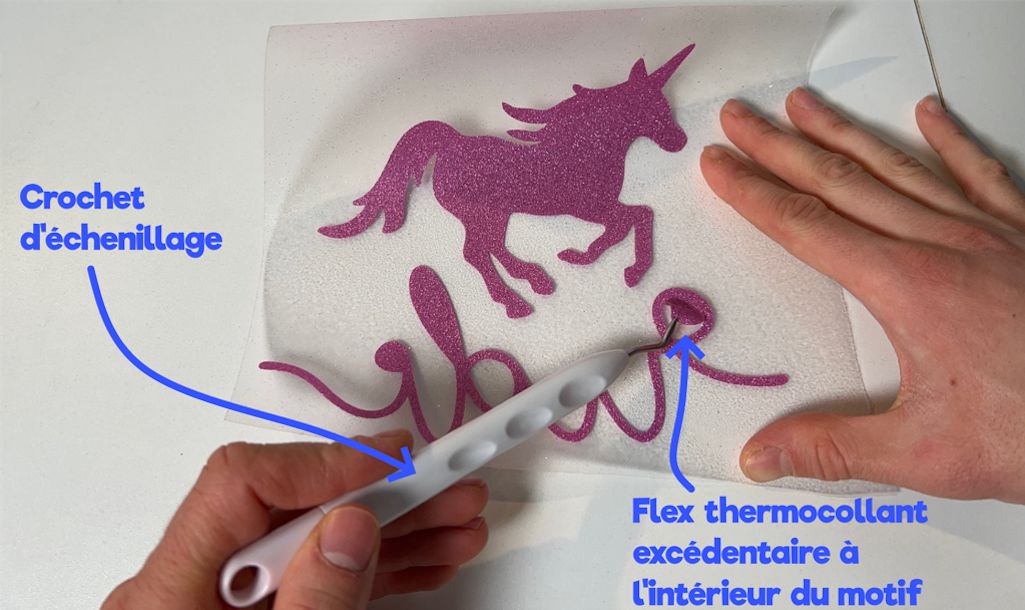
Your heat transfer vinyl creative project is almost ready! Now all that's left is to apply your logo to the garment of your choice.
Step 2: Apply the Heat Transfer Vinyl Logo to Your Garment
➡️ Prepare your work surface and preheat your iron:
First, you need to prepare your work surface. Your iron will heat up to over 150°C, so remove anything flammable from the area around you.
To apply the heat transfer vinyl to the garment, you can use your ironing board, for example, or a pressing mat to protect your table. ✔️
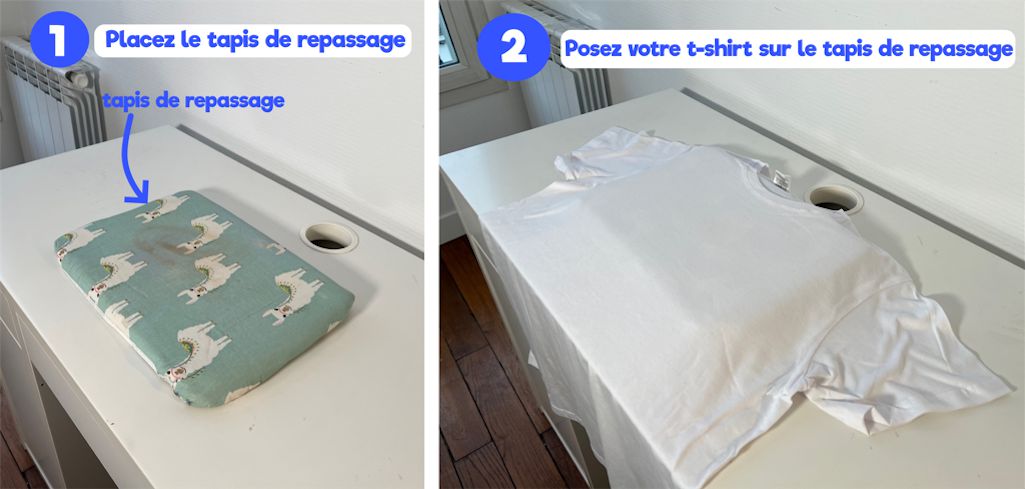
Preheat your iron to 150°C (polyester/wool setting).
➡️ Apply the design to the garment:
Take your vinyl design and place it on the fabric exactly where you want to transfer it.
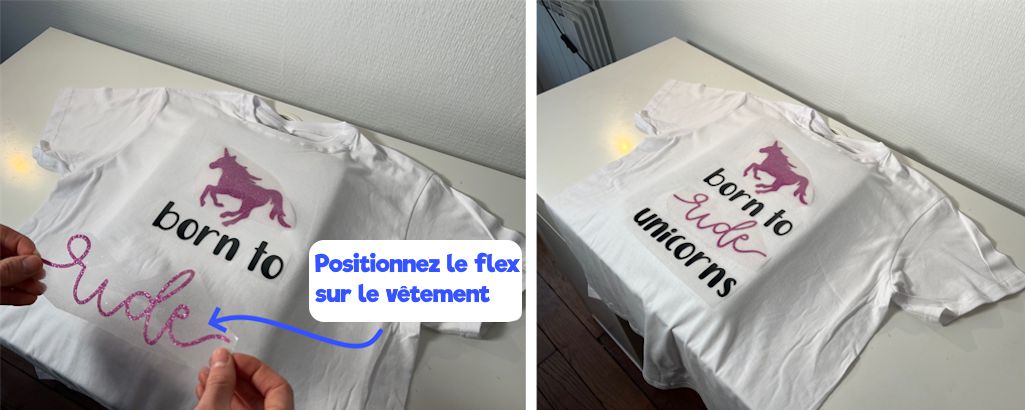
Once you've found the perfect spot, place a sheet of parchment paper over your design (this protects your fabric from the heat of the iron). You can also use a Teflon sheet, which is more economical in the long run because it's reusable. 🔄
Press firmly on the fabric for 20 seconds at 150°C.
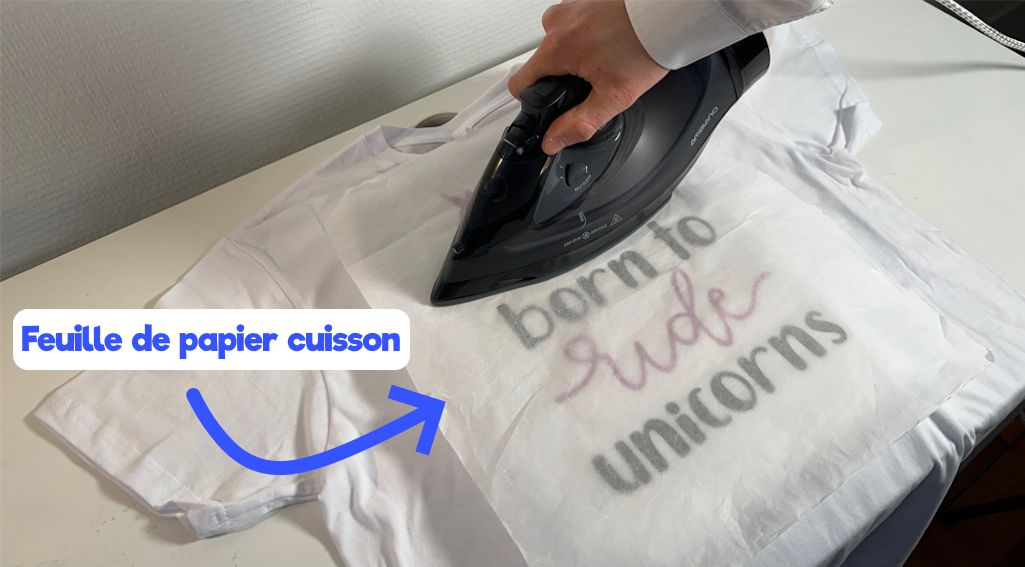
As you can see in the image above, my iron is smaller than the whole heat transfer vinyl design. If that's also the case with your design, simply press each part of the design at least once. (For example, start by pressing the top section for 20 seconds, then move on to the middle section, then the bottom section.)
➡️ Enjoy the results of your creative project:
Once you're done pressing, wait 30 seconds, then gently peel the clear carrier sheet off the heat transfer vinyl.
This step is called peeling, and you'll finally get to admire your custom garment made with heat transfer vinyl.
To make sure the design doesn't come off in the wash, put the sheet of parchment paper back over the design and press firmly with your iron again for 15 seconds.
Once you've successfully completed all these steps, you can be proud of yourself, because you've made your first creative project with heat transfer vinyl! 😀
If you're interested in handmade creations and want to customize your clothing with heat transfer vinyl as a hobby or professionally, check out our full range of heat transfer vinyl. 😍
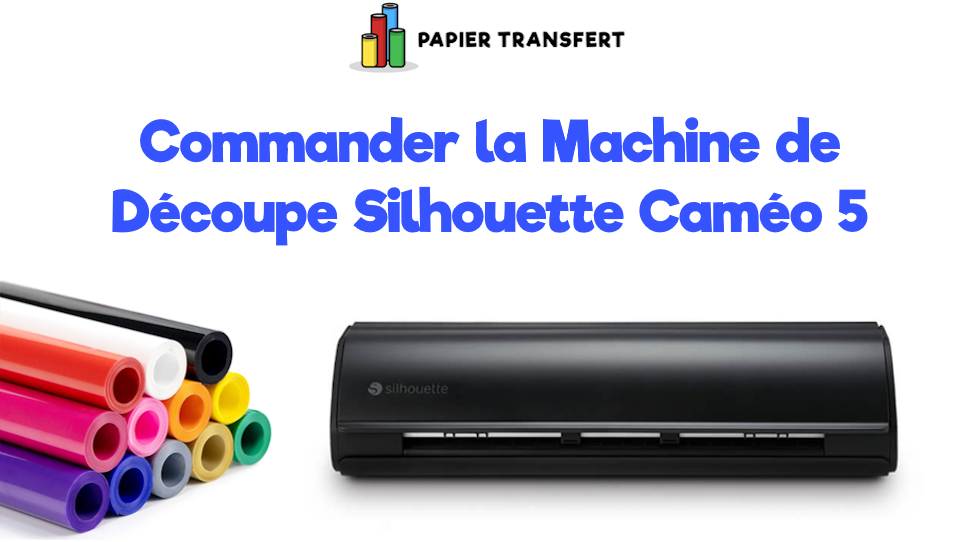
We're also an official reseller of the Silhouette Cameo 5 cutting machine, which is an excellent machine for cutting heat transfer vinyl and other materials, so don't hesitate to get one!


Comments
No comments yet. Be the first to share your experience.
Leave a comment