There are lots of ways to customize T-shirts and other garments: from screen printing to DTG printing, embroidery, sublimation printing, and even fabric markers, the possibilities are practically endless.
But if you design custom T-shirts to sell and you've launched your business, some of these methods may not be profitable. 💸
When you want to add a specific design, a slogan, or any other element to a T-shirt, printable heat transfer vinyl is a simple, affordable option that lets you print ANY style of design you want. 🤩
What Is Printable HTV?
Printable HTV is a heat transfer printing method that lets you customize many types of fabric.
It's the easiest, highest-quality way to create multicolor graphics on your garments. Print images with an eco-solvent inkjet printer and transfer them onto T-shirts, sweatshirts, mouse pads, leather, and other dark or light garments. 👕
Printable HTV lets you print logos, designs, and vivid details that other fabric printing methods can't achieve.
Use the print features of cutting plotters to print designs in color, then cut them out and press them onto fabric.
⚠️ Printable HTV ≠ Sublimation Paper
Before we get into the details of printable heat transfer vinyl, it's important to clear up any confusion with sublimation paper. The biggest misconception about printable HTV is that it will work in your office printer! Printable HTV won't work in an office printer, but sublimation paper will.
Printable HTV requires an eco-solvent inkjet printer.
So there's a clear difference between printable vinyl and sublimation paper! Printable HTV is true heat transfer vinyl that can withstand more than 60 machine washes, while sublimation paper is... paper that won't hold up past 2 or 3 machine washes.
Why Use Printable Heat Transfer Vinyl for Your Custom Apparel?
You can use printable HTV to create digitally printed transfers.
Printed transfers are a great way to add variety if you're looking to grow your business. 👍
Compared to regular heat transfer vinyl, printable heat transfer vinyl lets you print fine details and a wider range of colors. Plus, you don't need to layer vinyl to create multicolor designs!
Printable HTV is perfect for printing custom designs and even logos in an unlimited number of colors. 🎨
Overall, printable vinyl is similar to solid-color heat transfer vinyl: it holds up the same way on the garment and the quality is almost identical, except that printable vinyl can be used in an eco-solvent inkjet printer. That way, you can press designs with endless color gradients, which you can't do with regular vinyl.
What Equipment Do You Need for Printable HTV?
Here are the essential tools and equipment for creating a printed vinyl design:
-
An eco-solvent inkjet printer (to print the artwork onto the printable vinyl)
-
Eco-solvent ink
-
A cutting machine or cutting plotter (to cut out your design)
-
Something to print on (for example, a T-shirt, tote bag, etc.)
-
An iron or a heat press (to heat press the design onto the fabric)
-
Printable heat transfer vinyl, of course
-
Transfer tape for printable vinyl (to transfer the printable vinyl the right way around)
How Do You Use Printable Heat Transfer Vinyl? 🤔
It's important to fully understand the printing process before you start, because even though it isn't complicated, it takes some practice to become a real expert.
It's also essential to choose high-quality printable heat transfer vinyl. Feel free to order our premium-quality printable vinyl, which can withstand more than 80 washes.
1️⃣ - Create Your Design
You can draw designs by hand and scan them into a computer, or create them digitally. You can even buy and download ready-made templates online. ➡️ Here's a set of 50 free, royalty-free designs to download! 🎁
If you copy designs from Google, please keep copyright laws in mind. Just because you can print something doesn't mean you can legally put it on a T-shirt, especially if you're selling your products.
2️⃣ - Print the Design
Before printing the design onto the vinyl, be sure to print a copy on plain paper. This lets you check the size and quality and make adjustments if needed. When you're ready to print the actual transfer, load the printable vinyl into your eco-solvent inkjet printer or your cutting plotter (the kind that also prints), making sure it's facing the right direction.
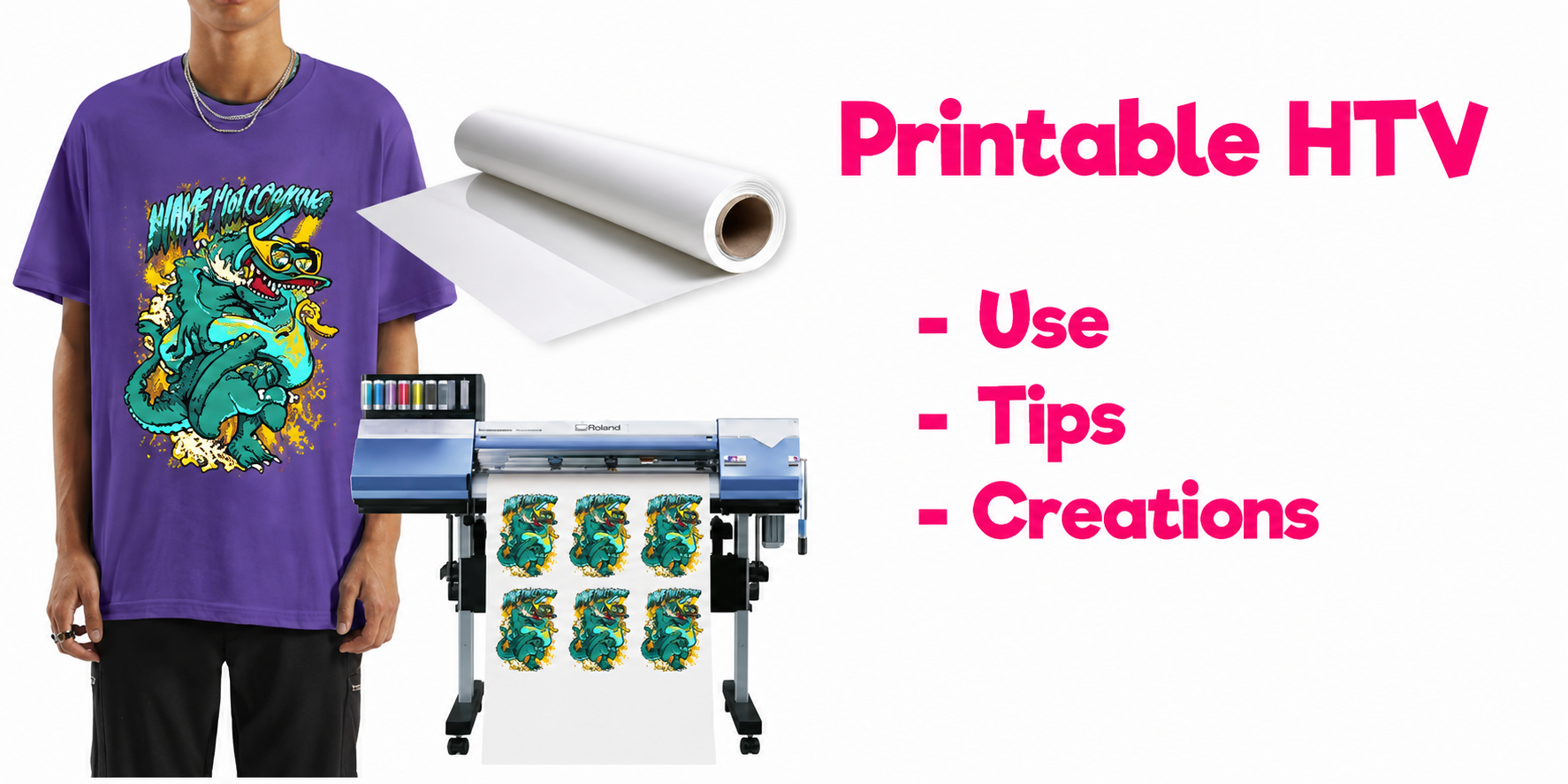
Print-and-cut plotters from ROLAND, like the VersaSTUDIO BN-20, are a safe bet for working with printable vinyl.
Once the artwork has been printed, wait at least 10 minutes for the ink to dry.
Important: you don't need to mirror the design when printing.
3️⃣ - Cut Out the Design with Your Cutting Machine
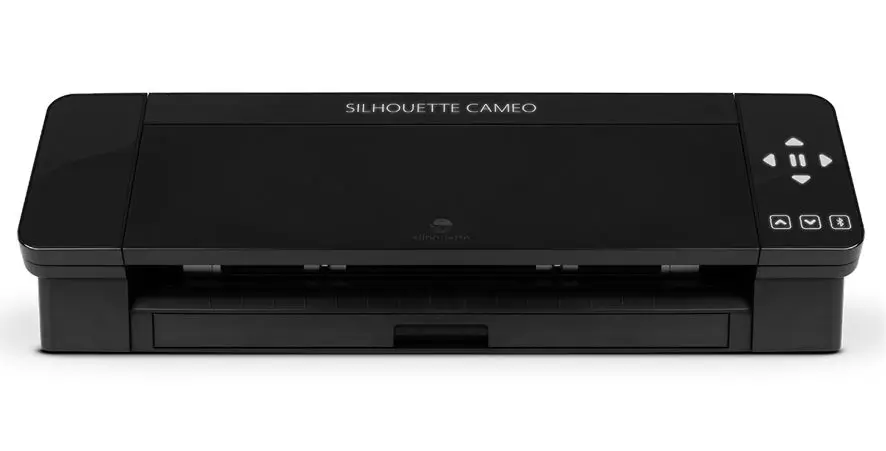
Next, load the vinyl with the printed design into your cutting machine to cut it out. Then you'll need to weed away the excess vinyl the machine has cut.
Note: We recommend the Silhouette Cameo 5 and Cricut Maker machines if you want to start an HTV business. (These 2 machines only cut, so they can't double as eco-solvent inkjet printers, but they're much cheaper and therefore ideal for other types of heat transfer vinyl.)
4️⃣ - Transfer the Design
Your printable vinyl design is now ready, but before you press it onto fabric, you'll need to flip it over.
To do this, grab some transfer tape and gently apply it to your logo.
Once the tape is firmly in place, peel it off, and your logo should come away with it. It's then ready to be pressed. 😀
5️⃣ - Heat Up Your Iron or Heat Press
Plug in and turn on your iron or heat press and heat it to 150°C. Be sure to set your heat press or iron down in a safe spot.
Make sure no cords are hanging down, especially if you have kids or pets.
6️⃣ - Apply the Printable Vinyl to the T-Shirt
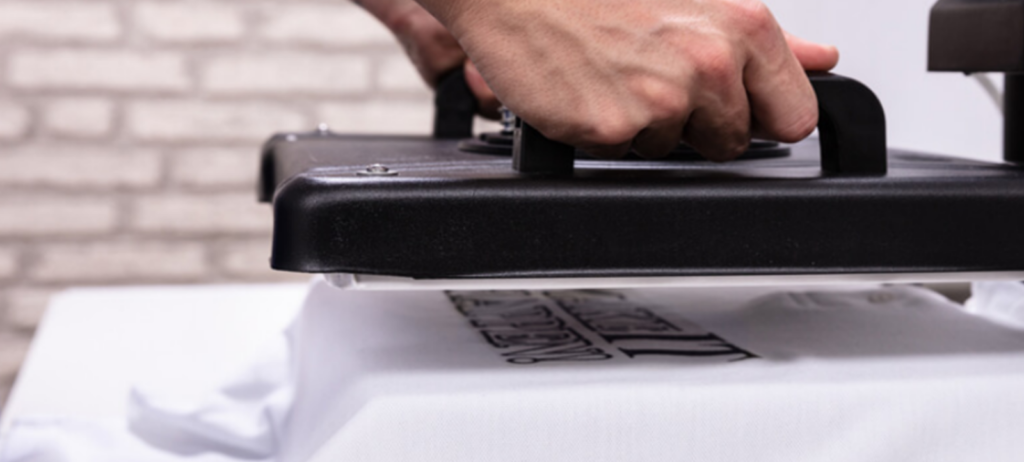
Once your iron or heat press has reached the right temperature, smooth out your T-shirt and place the printed vinyl where you want it. Take your time to position the artwork correctly.
Vinyl is hard to remove once it's been pressed, so you need to get it right the first time!
Close the heat press or use your iron to apply heat and pressure to the design. The printable heat transfer vinyl logo should be pressed at 150°C for 20 seconds.
When time's up, let the transfer tape sheet cool slightly. Then carefully lift one corner to make sure the vinyl stays stuck to the T-shirt. If the design starts to lift, apply heat a second time and try again. Once the vinyl has fully adhered to the shirt, you're done! 😉
What Can You Make with Printable Vinyl?
The possibilities are endless! ♾️
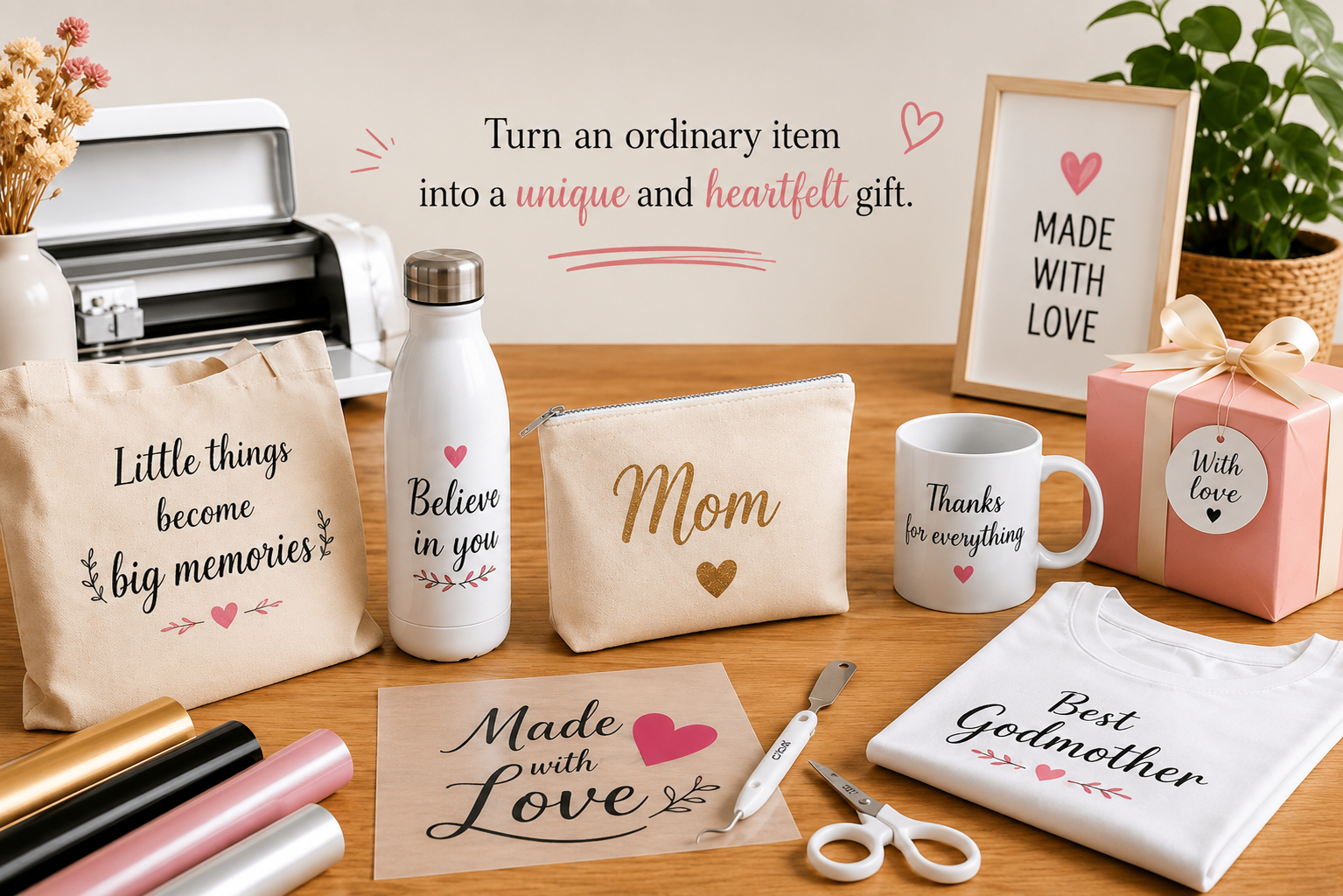
You can print a photo and turn it into a custom T-shirt, sweatshirt, or blanket. Instead of layering vinyl, you can print the image of your choice (a unicorn, a mermaid, your kids' or pet's names, etc.) onto printable vinyl, and you'll only need to press your design once!
We sell heat transfer vinyl, including eco-solvent printable vinyl, which is really handy for customizing garments. Feel free to check out our Printable Vinyl and our Heat Transfer Vinyl Shop! ⭐

3 comments
Hello, The printer you recommend is no longer available. Do you have another model to recommend?
Hello, I would like to try printable heat transfer vinyl. To that end, can I print it with an EcoTank sublimation printer? Thank you for your answer.
Hello, it is not possible to print on printable heat transfer vinyl with an EcoTank sublimation printer. Only eco-solvent inks are compatible with our printable heat transfer vinyl. The VersaSTUDIO BN-20 print-and-cut machines from the ROLAND brand are compatible with printable heat transfer vinyl.
Leave a comment