
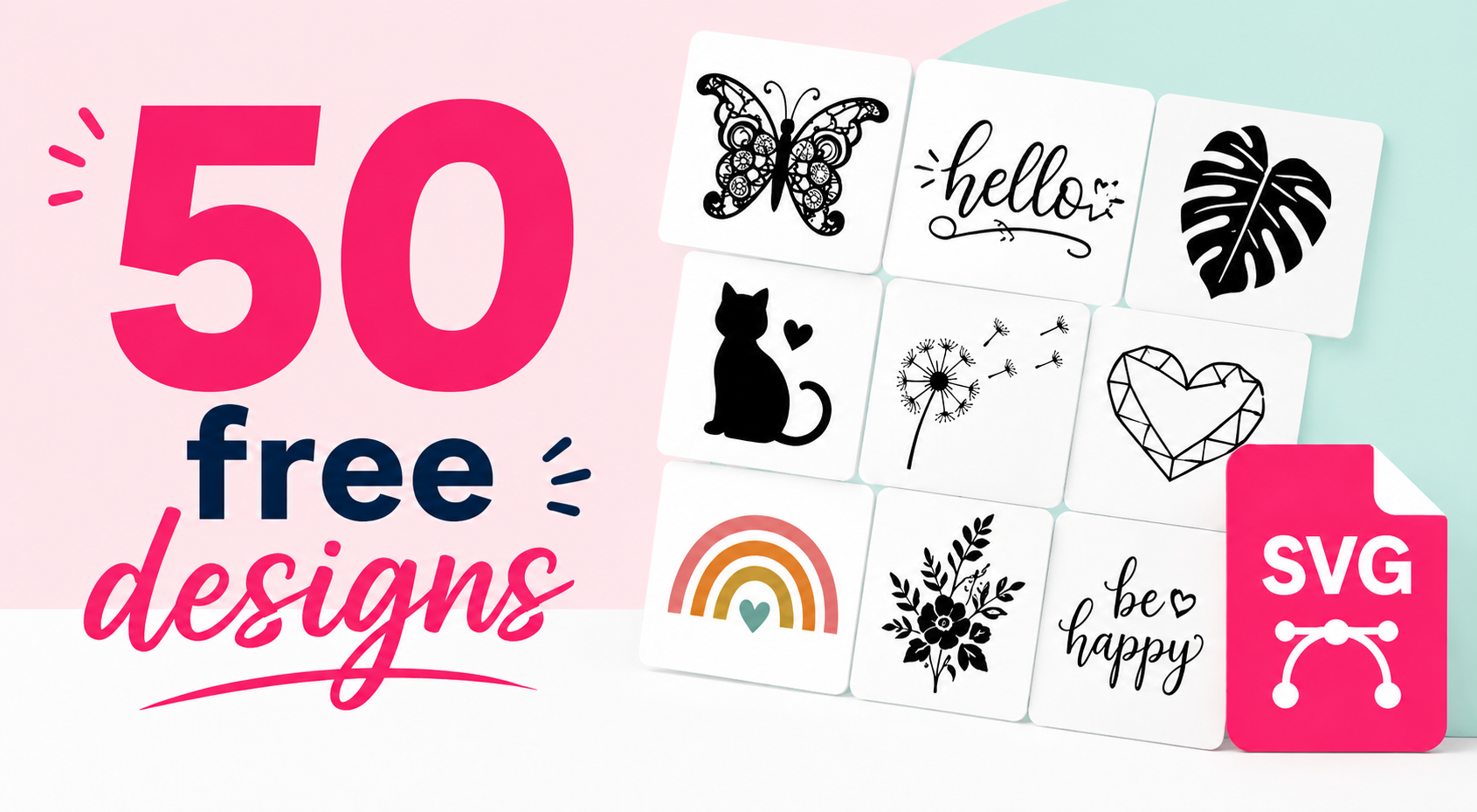
Free SVG Files for Silhouette Cameo - 50 Free Designs!
It's never easy to find free SVG files online when you want to create designs with your Silhouette Cameo, Cricut, ScanNCut, or other cutting machine.
In fact, most of them aren't royalty-free, which makes things tricky if you want to sell your creations and customize apparel with heat transfer vinyl! And even if you're a top-notch illustrator, you'll save a ton of time by downloading design files that are already vectorized, too!
So the Transfer Paper team has decided to give you around fifty free SVG files for Silhouette Cameo, Cricut, and ScanNCut!
The designs and lettering we're giving you were created for heat transfer vinyl projects and vinyl stickers, but you can also use them with lots of other scrapbooking materials.
All the designs we're giving you are licensed for commercial use, so you can use them to sell your creations, and you can modify them too.
Each free file for Silhouette Cameo and Cricut comes in 4 formats: SVG, PNG, DXF, and EPS, so you can use and edit them in all kinds of software!
That way, you'll be able to create all kinds of heat transfer vinyl and vinyl projects with beautiful designs using the Set of 50 Free Designs for Silhouette Cameo and Cricut. 😉
I want to get my 50 SVG files for Silhouette Cameo and Cricut! 👈
How to Use the Free Files for Silhouette Cameo and Cricut:
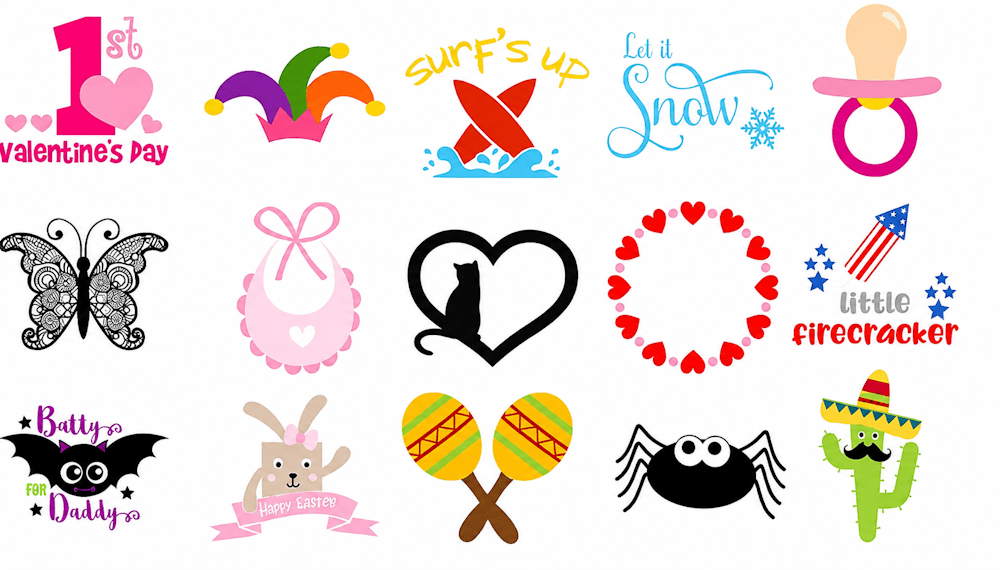
Once you've downloaded the file, just open it and double-click "new folder".
Once you're on the page with all the designs, you'll need to import your design into your design software, Silhouette Studio or Cricut Design Space:
Importing the Free SVG Files into Silhouette Studio:
First, pick the design you want to use from the full set. In Silhouette Studio, we recommend using the "DXF" format because it's already vectorized.
Click and hold the DXF design you want to use with your left mouse button and drag it onto your computer's desktop. Then save the DXF design in your file explorer and open Silhouette Studio.
Finally, click "file", then "open", and double-click the design.
Wait a few seconds, and you're all set!
Importing the Free SVG Files into Cricut Design Space:
Importing into the Cricut software works much the same way: choose one of the 3 formats (PNG, DXF, or SVG) and, just like with Silhouette, download the image to your file explorer.
Once the design has downloaded, open Cricut Design Space, click "New Project", then "Upload", and finally click "Upload Image" and import your design.
Follow the Cricut steps, and you're done!
We hope this set of free SVG files for Silhouette Cameo and Cricut comes in handy. It's always important to keep drawing inspiration from other people's creations, because it sparks our own creative ideas and helps us grow! 🎨
The whole set is yours in one click, in SVG, PNG, DXF, and EPS formats, and it's cleared for commercial use, so you can sell everything you make with it.



Comments
No comments yet. Be the first to share your experience.
Leave a comment