
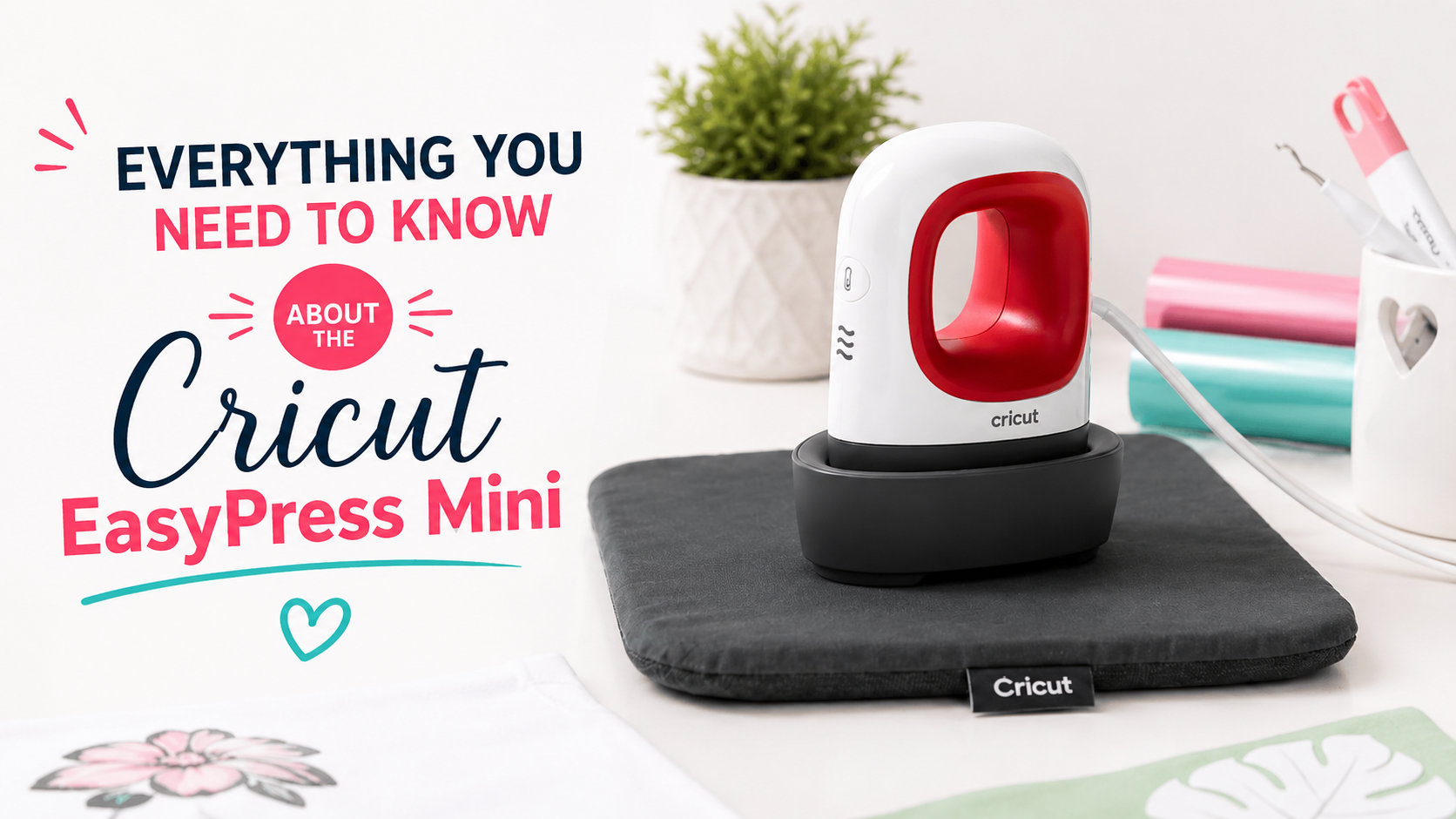
The Cricut Mini Press is one of the newest heat presses in the Cricut EasyPress family. It's great as a standalone tool and as a sidekick to a standard EasyPress.
Here's everything you need to know about the Cricut Mini Press! 😉
What Is the EasyPress Mini?
The Cricut EasyPress Mini is a heat plate with a ceramic-coated surface for applying heat to craft and DIY projects. It's a lightweight, portable accessory that lets you heat-press designs in 60 seconds or less.
The Mini Press is fast and efficient, and it delivers quality heat and pressure.
The heating element reaches 200°C 🌡️, which means the EasyPress Mini also works with Infusible Ink projects.
It has 3 heat settings (low, medium, and high) and comes with an insulated base and an auto shut-off feature for added safety.
You'll need to use a separate timer for your projects, since the Cricut Mini Press doesn't have a built-in timer.
Dimensions of the Cricut EasyPress Mini
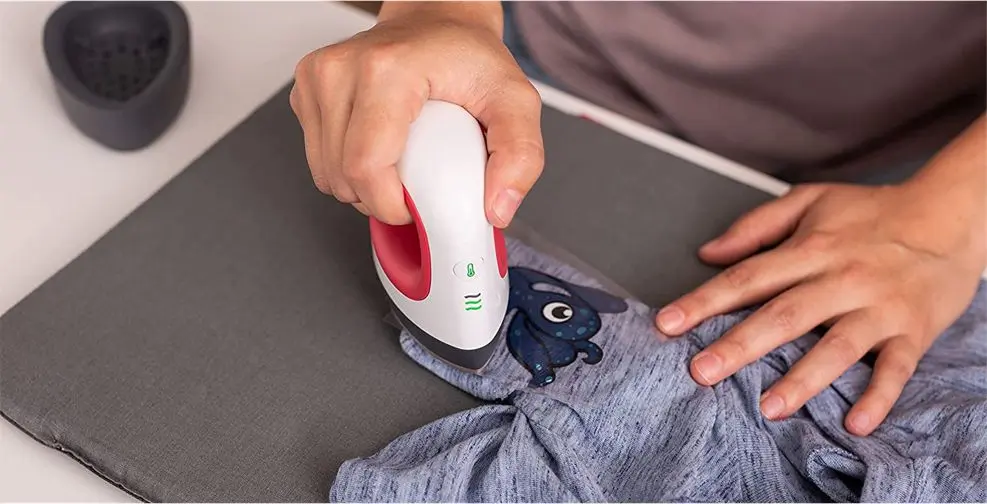
The heat plate is 8cm long and 4.8cm wide. The maximum recommended design size for using the Cricut EasyPress Mini with heat transfer vinyl is 10cm x 8cm. You can also press large logos, but they'll take much longer to bond to the fabric. ⌛
The distance between the plate and the top of the handle is 10 cm, which makes it very comfortable to hold and use. 👍
How Is the EasyPress Mini Different from the Other Cricut Presses?
There are 4 major differences between the EasyPress Mini and the other EasyPress models:
Size
The Cricut Mini Press is smaller than its siblings:
Cricut Mini Press heat plate size: 8cm x 4.8cm
Other Cricut EasyPress sizes: 15cm x 17.5cm / 22.5cm x 22.5cm / 25cm x 30cm
Shape
Its teardrop shape 💧 and small size make it the perfect tool for small projects.
The EasyPress Mini can easily fit into tight or hard-to-reach spots.
Temperature Settings
The other EasyPress models have precise, degree-by-degree temperature controls. The EasyPress Mini has 3 temperature settings... Low (145°C), Medium (165°C), and High (200°C).
Countdown Timer
Unlike the other EasyPress models, the EasyPress Mini doesn't have a built-in timer.
What Can I Do with the EasyPress Mini?
The EasyPress Mini can be used for craft projects on its own, or alongside a larger EasyPress to handle borders or smaller, detailed areas! 😀
Here are a few things you can use the Cricut Mini Press on:
- Dolls
- Hats
- Small details on clothing
- Luggage tags
- Clothing patches
- Pockets, cuffs, and sleeves
- Pressing seams and hems for sewing projects
- Shoes
- Slippers
- Stuffed animals
- Touching up spots you missed on larger projects.
- T-shirts
- Sweatshirts
How to Use the Cricut Mini Press
Heating Up the Mini Press
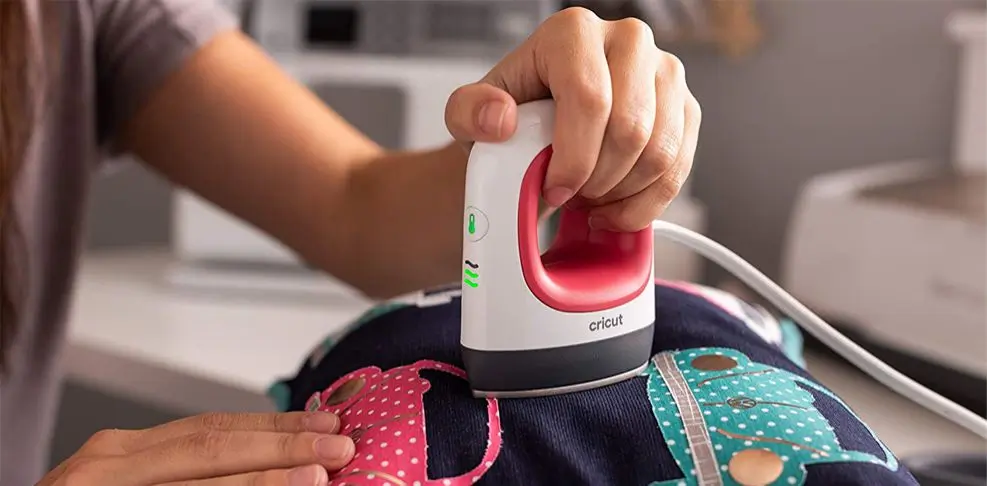
Plug the device into a wall outlet. Press the button with the temperature icon once to turn the machine on 🌡️, then press the button again to cycle through the 3 temperature settings. To turn it off, press the button a fourth time.
Leave the Cricut EasyPress Mini in its base while it heats up. And remember: even though it's small, it gets very hot. 🥵
Because it's so small, it heats up very quickly. Going from room temperature to the high setting only takes about a minute.
EasyPress Mini Settings
For heat transfer vinyl projects, you generally won't need to set the Mini Press to level 3. Just follow the temperature instructions from your supplier for each heat transfer vinyl, and everything will turn out perfectly.
Once the Cricut Mini Press reaches the right temperature, its buttons will change from orange to green.
🕐 Mini Press Timer
You may have already noticed that the EasyPress Mini doesn't have a timer. You'll need to use a separate clock. For example, you can use the clock on your phone to keep track of the heating time.
Moving the Cricut Mini Press
The EasyPress Mini was designed to be moved around. The base plate has an extra layer of ceramic coating so it glides smoothly over your project.
When you're applying a design to a garment with your press, apply pressure with your arm while moving the Mini Press around so every area gets bonded.
How Much Does the EasyPress Mini Cost?
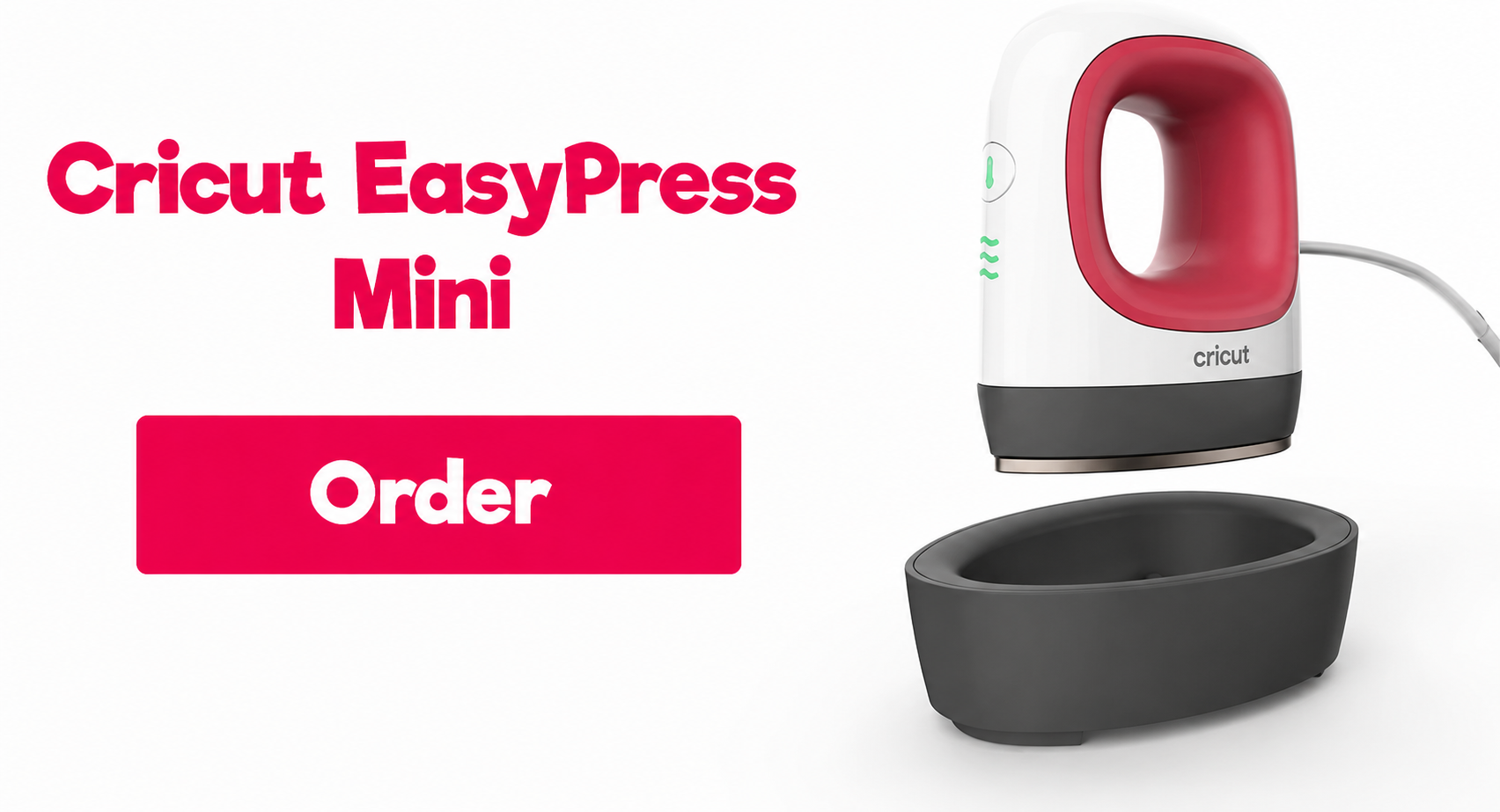
The Cricut EasyPress Mini costs 65€. You can order it on Amazon, for example. 😉
EasyPress Mini vs. Iron
When you see or hear about the EasyPress Mini, the question that comes to mind is: why not just use an iron for heat transfers?
Well, let's go over the pros and cons of the Cricut Mini Press to see whether it's really better than an iron:
✔️ Advantages of the EasyPress Mini
1️⃣ You Get More Reliable Heat Settings:
The Cricut has 3 different heat settings, and all 3 are designed for pressing onto fabric... Whereas with an iron, you never really know what temperature it's at!
2️⃣ The Cricut Mini Press Has No Steam Holes:
The Mini Press is better designed than an iron for applying even pressure.
It comes with a safety base, and unlike an iron, it has no steam holes that could change the look of your project.
3️⃣ The Mini Press Heats Evenly:
The heat across the plate of the Cricut EasyPress Mini is even on all sides, whereas the heat on an iron varies from one spot to another.
4️⃣ The Mini Press Is Very Safe:
The Mini Press comes with a protective base that lets you set your press down once your project is finished. That way, you no longer have to worry about an iron setting your workshop on fire.
❌ Disadvantages of the EasyPress Mini
1️⃣ It's Expensive:
The Cricut EasyPress Mini costs 65€, which is pricey.
2️⃣ Not Suitable for Large Projects:
The Cricut Mini Press is very small, so it'll be very difficult to press a logo larger than 20cm. For large projects, we recommend going with one of the bigger Cricut presses or a standard heat press.
We hope this post has helped you learn more about the Cricut EasyPress Mini.
If you're in the mood to take on some heat transfer vinyl projects, check out the heat transfer vinyl we offer in our Shop!


Comments
No comments yet. Be the first to share your experience.
Leave a comment