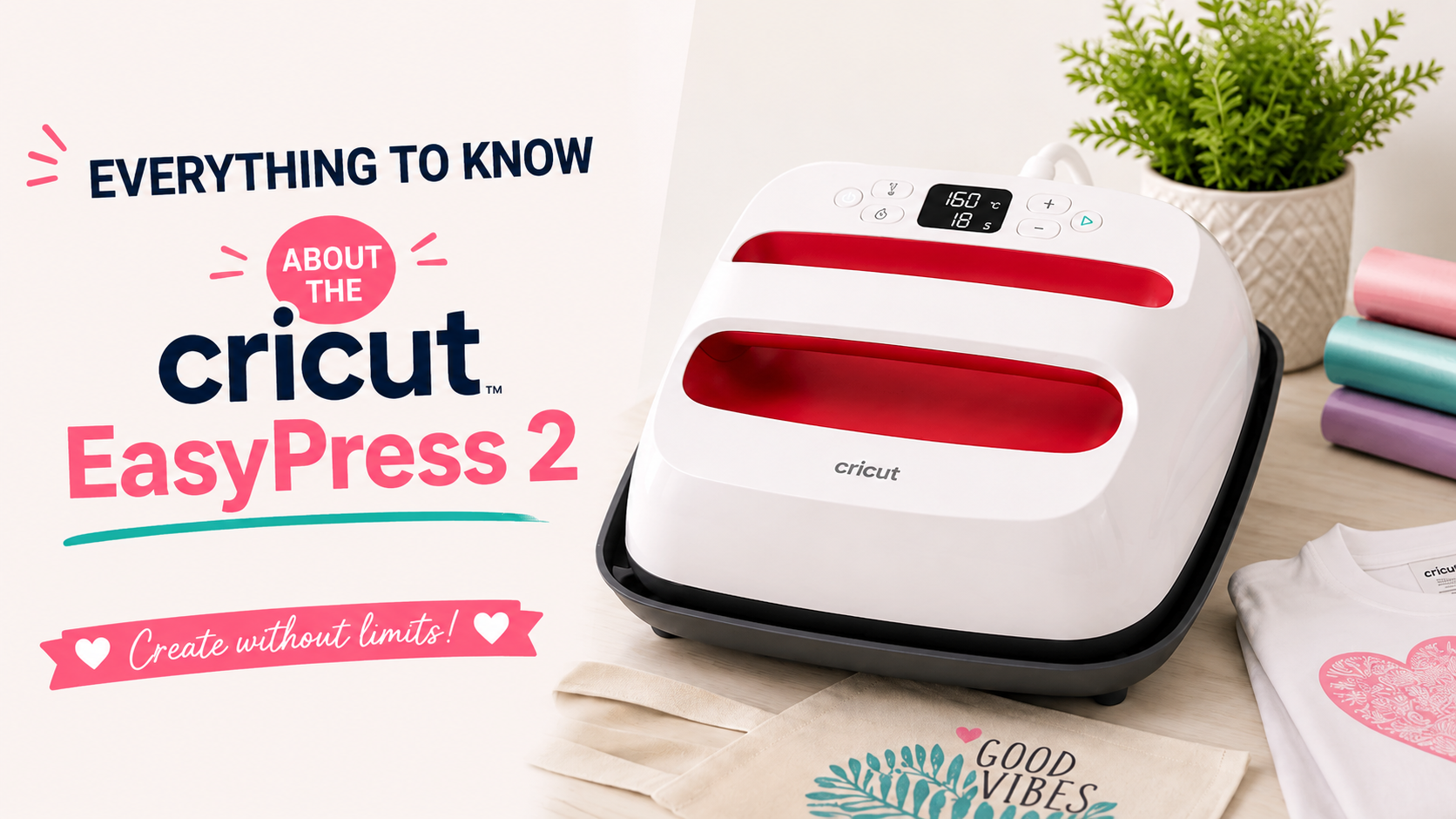
If you're a crafter, a DIY enthusiast, or you simply love making things by hand, you're going to love the Cricut EasyPress 2.
Read this article before you buy a Cricut press to figure out whether you really need one. It's important to know what sizes it comes in and how to use it for your heat transfer vinyl projects. 😉
What Is an EasyPress? 🤔
The Cricut EasyPress is a machine that lets you apply logos to your clothes. It combines the lightweight portability of a regular iron with the evenly distributed heat and surface area of a heat press.
That means it can apply an iron-on design to fabric in just seconds. ⌛
The Cricut EasyPress 2 heats up to 200°C, which makes it the ideal tool for Infusible Ink projects and for HTV, because you need high, consistent, evenly distributed heat for a successful transfer.
How Is the EasyPress 2 Different from an Iron?
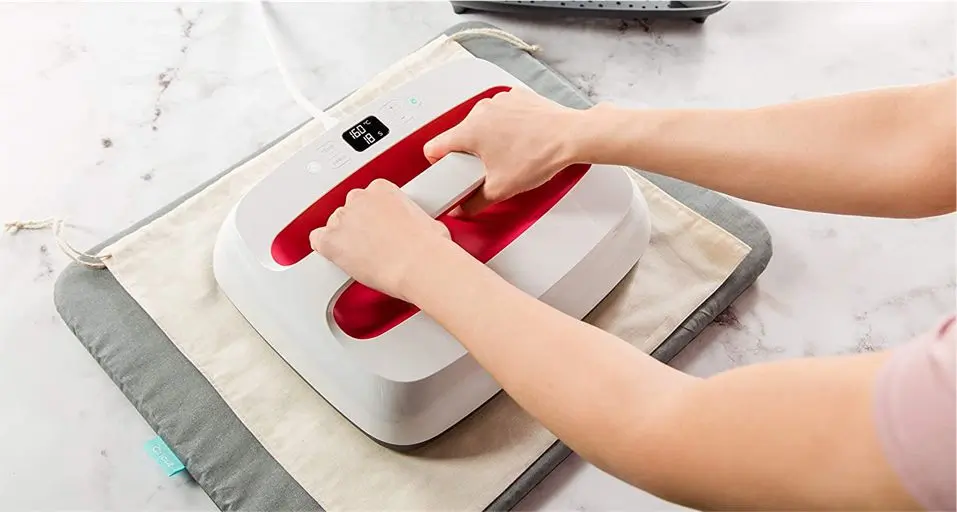
Using a household iron to customize your clothes with heat transfer vinyl does work, but it's not the most efficient option. An iron heats unevenly, so you have to move it around in every direction while applying firm pressure to get the vinyl design to adhere properly.
Most household irons also have steam holes, which make even heat distribution even harder. 🌡️
With a household iron, you can't know the exact temperature of the area you're trying to press. That means when you press with an iron, some areas may get the heat they need while others don't.
Finally, an iron just isn't the right size for your heat transfer vinyl projects. With the 3 different sizes available for the EasyPress 2, you're sure to find one that fits your needs. ✅
Unlike standard industrial presses, the EasyPress 2 is easy to carry around, thanks to its lightweight plastic body and a base that lets you move it safely.
Using the Cricut EasyPress 2
Setting up and using the Cricut EasyPress 2 is very simple:
-
Once you've removed the plastic wrap from the machine, place the heat plate on the safety base that comes with it. The heat plate fits perfectly into the base.
-
Plug your EasyPress 2 into an outlet. 🔌⚡
-
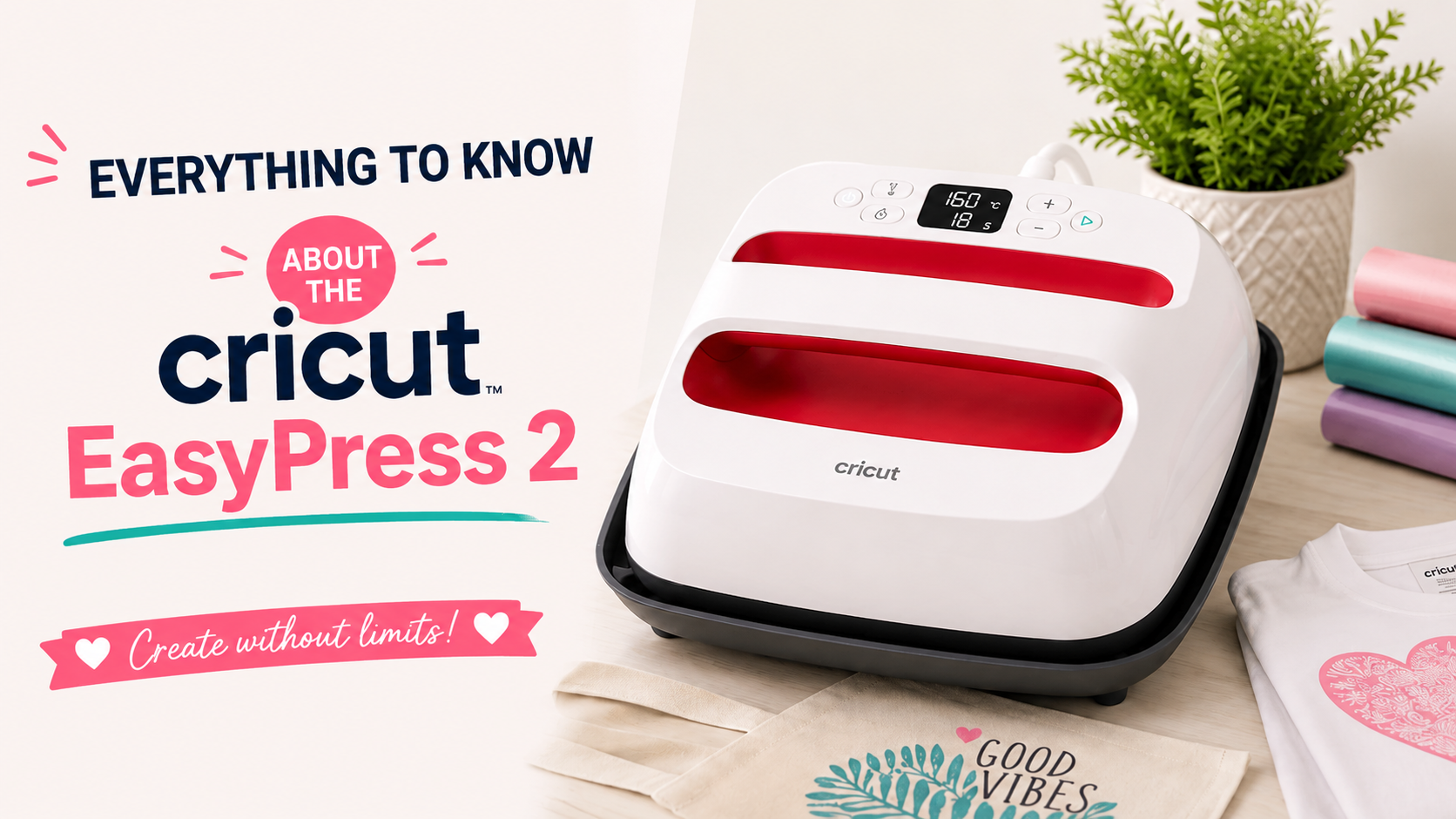
Set the temperature by pressing the button at the top left, then use the "+" or "-" buttons to raise or lower the heat.
-
Set the pressing time by pressing the "clock" button at the bottom left and using the "+" or "-" buttons to increase or decrease the time.
-
Place the garment of your choice on an ironing mat, then set your machine to 150°C and 5 seconds to preheat. 👕
-
Once the machine has reached the right temperature, place the EasyPress on the fabric, press the start button (the Cricut button) at the top right, and press for 5 seconds to warm up the fabric. (Don't skip this step!)
-
Now that the fabric is preheated, set the timer for 20 seconds and place your vinyl logo on the garment.
-
Place the Cricut EasyPress 2 on the preheated fabric and start the timer by pressing the Cricut logo.
-
When the 20 seconds are up, put the press back on its safety base and peel the carrier sheet off the vinyl.
And that's it! You've just made your first transfer with the Cricut EasyPress 2!
If the logo peels off easily or part of the vinyl hasn't fully adhered, apply heat again for another 15 seconds.
The Different Sizes of the Cricut EasyPress 2:
There are 3 sizes of Cricut EasyPress on the market, so you can take on projects big and small. Here they are:
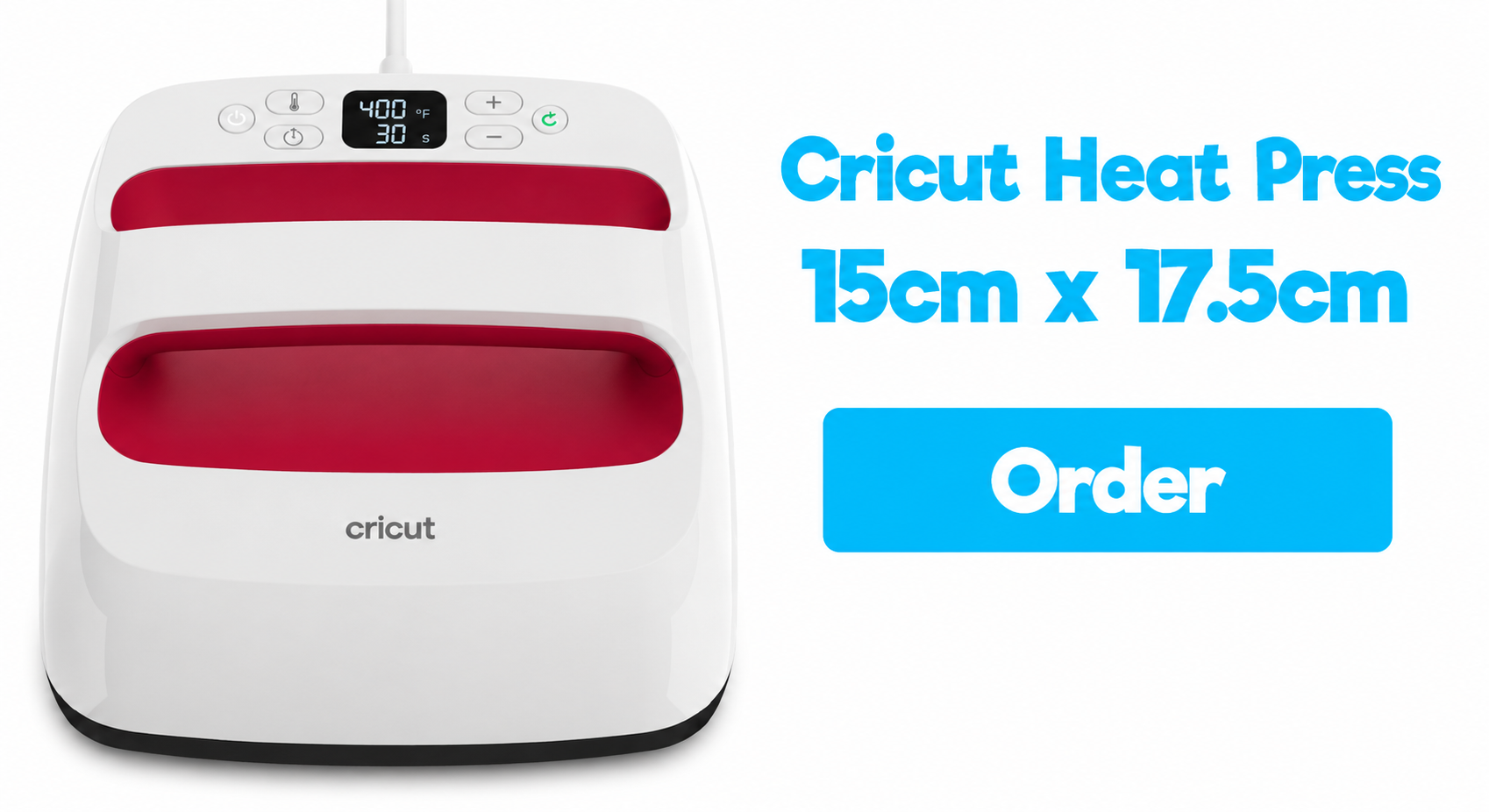
1️⃣ Cricut EasyPress 15cm x 17.5cm:
This is the smallest size of the classic EasyPress. At 1.5kg, it's perfect for small, flat projects like:
- Baby clothes
- Beanies
- Small bags
- Gloves
- Socks
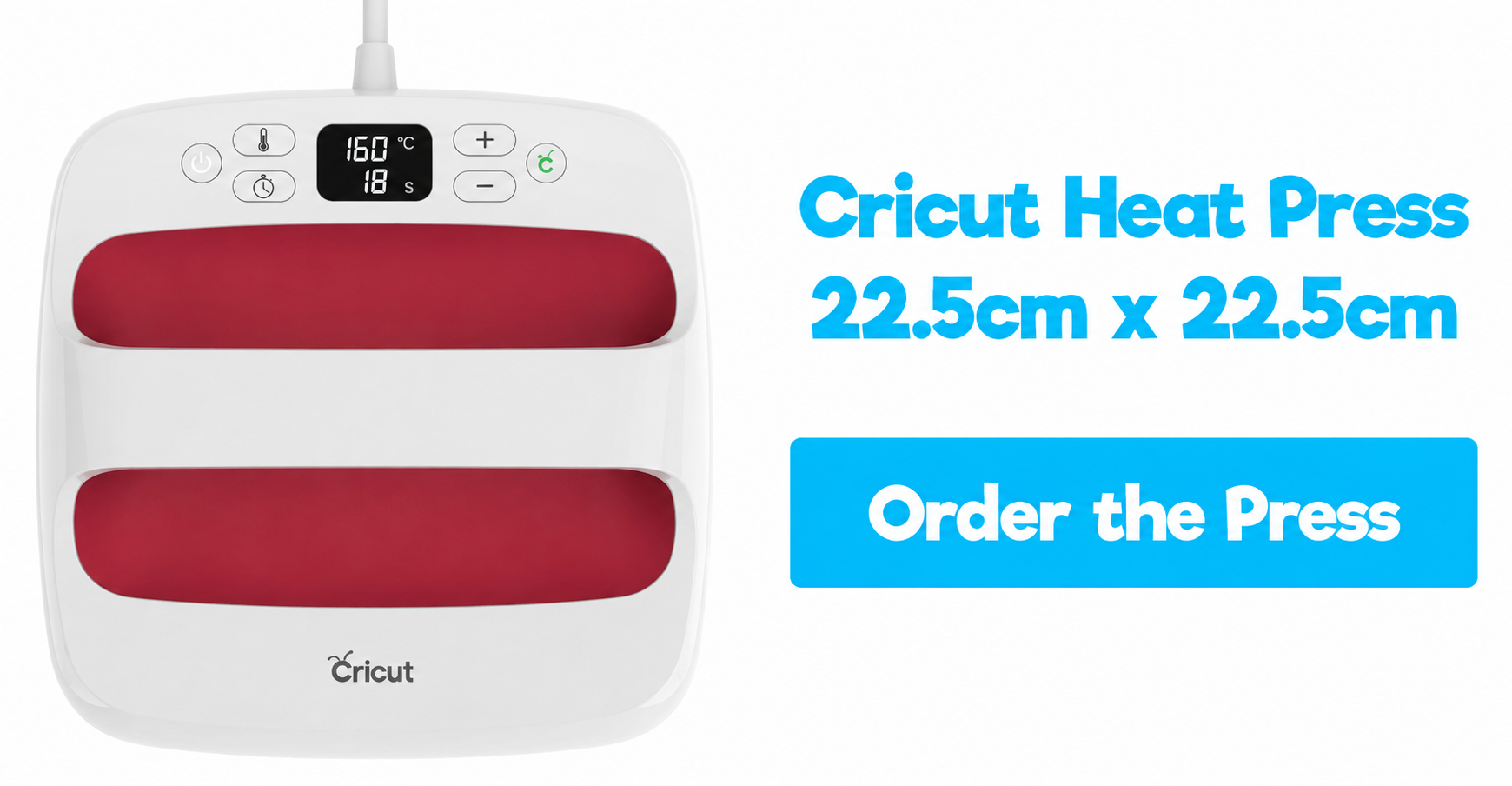
2️⃣ Cricut EasyPress 22.5cm x 22.5cm:
This is the mid-size model, and at just 2.5kg, it's the perfect size for most DIY projects and the one we recommend most if you're new to the EasyPress. It's ideal for projects like:
- Tote bags
- Pillows
- Aprons
- T-shirts
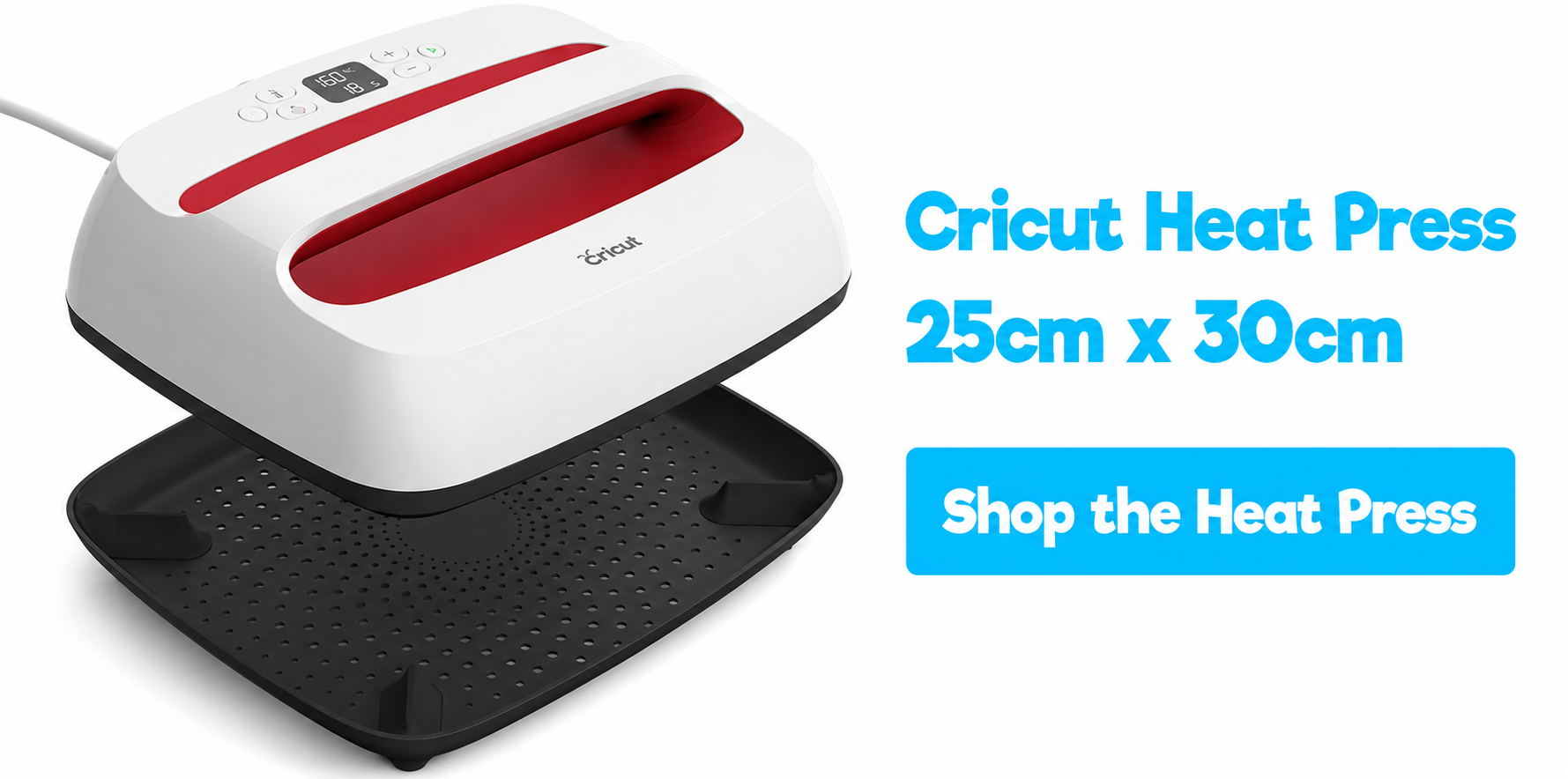
3️⃣ Cricut EasyPress 25cm x 30cm:
This is the largest EasyPress size. It's perfect for bigger projects where you need a larger transfer area:
- Large T-shirts
- Blankets
- Sweatshirts
- Large projects
Pros and Cons of the Cricut EasyPress:
Let's wrap up this article by going over the pros and cons of the Cricut EasyPress 2:
✔️ Easy to Use
As usual, Cricut has kept its machines simple and user-friendly. With just 6 buttons, you'll have no trouble using it.
✔️ Quality Design and Materials
Whether it's their cutting machines, their presses, or any other Cricut product, they're easy to recognize thanks to their sleek looks and long-lasting durability.
✔️ An Easy-to-Carry Press
This is undoubtedly the main advantage of the Cricut EasyPress 2 over regular heat presses: you can easily take it with you on vacation or for projects that require travel. 👍
✔️ A Choice of Sizes
As we mentioned earlier, Cricut offers 3 different EasyPress sizes to meet your needs.
✔️ Great Protection for Your Work Surface
Thanks to the safety base included with the Cricut EasyPress 2, you won't have to worry about your work surface.
❌ High Price
Despite all the great qualities of the Cricut EasyPress 2, the price is still high (between 150€ and 240€ depending on the size). That said, with the Cricut EasyPress 2, you can be confident your press will last for years before it gives out. 💪 (unlike some heat presses that only last a few months).
❌ The Cricut EasyPress Doesn't Apply Much Pressure
When you want to customize clothes with heat transfer vinyl, it's important for your heat press to apply enough pressure to the transfer so it bonds perfectly to the fabric.
When you use the Cricut press, the only pressure it puts on the fabric comes from its own weight. That can be enough for standard HTV, but if you're using velvet HTV or glitter HTV, we recommend applying extra pressure with your hand so the design bonds perfectly to the fabric.
We hope this article has helped you decide whether or not you need a Cricut EasyPress 2.
If you're in the mood to create custom apparel projects with your Cricut machine, take a look at the heat transfer vinyl we offer in our shop!

Comments
No comments yet. Be the first to share your experience.
Leave a comment