
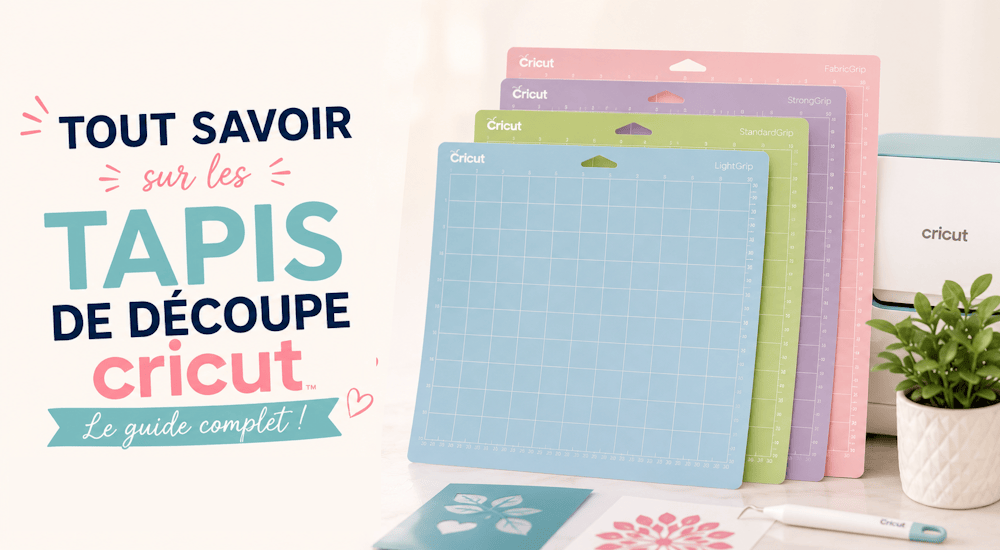
Whether you're a beginner or a Cricut pro, you know how important it is to have the right cutting mat for your project. But what are the different types of mats, and which one do you need for specific materials?
If you're ready to learn more about Cricut cutting mats, you've come to the right place. This beginner's guide to Cricut cutting mats covers everything you need to know about Cricut mats:
How they work, the different types of mats, and which ones are right for you. Plus other helpful tips and tricks, like how to care for your mats so they last and don't wear out over time. 😉
What Are the Differences Between Cricut Mats?
Depending on the materials you want to work with, you'll need a different type of cutting mat.
You'll need to memorize, or at least have a general idea of, which mat to use, because Cricut Design Space won't tell you which mat to use for different materials (it will, however, tell you which blade to use).
It's always a good idea to keep your Cricut cutting mats within reach, so you can cut anything you want!
Ready to learn the differences?
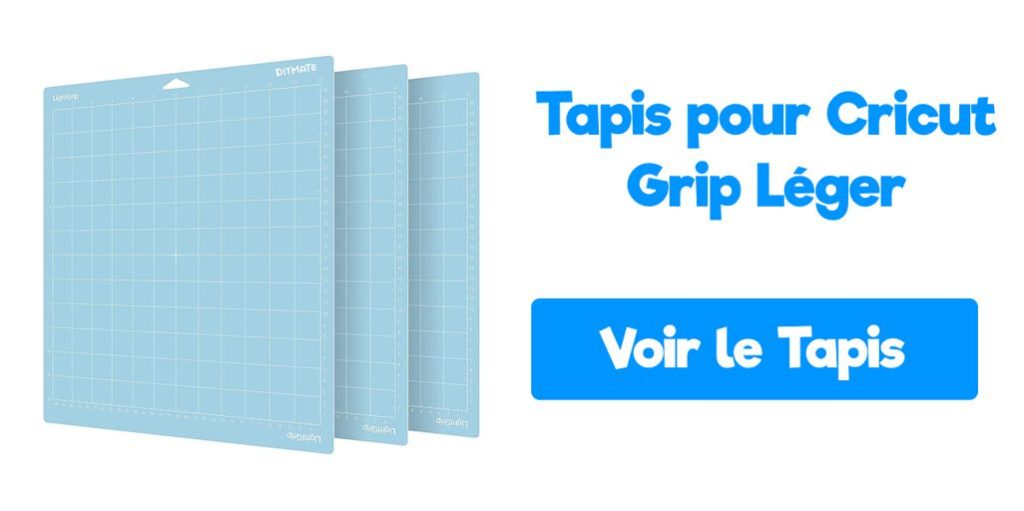
🔵 LightGrip - Blue Mat
This mat is designed for cutting lightweight materials.
It comes in two sizes: 30.5cm x 30.5cm and 30.5cm x 61cm
If you put a thin material on a high-tack mat, it'll be nearly impossible to get it off the mat, which is why the blue mat is essential for certain materials.
The most common materials you can cut with the blue LightGrip mat include:
- Regular paper
- Thin cardstock
- Construction paper
- Adhesive vinyl
- Heat transfer vinyl
🟢 StandardGrip - Green Mat
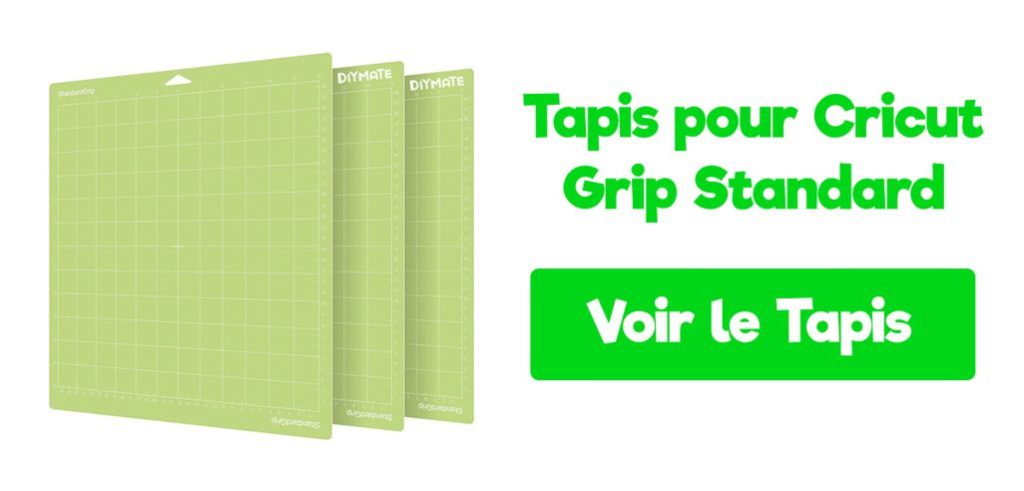
The StandardGrip mat is the most common. It's designed for medium-weight materials.
It usually comes with a Cricut machine (be sure to check the product description to see what's included), and it's green.
It comes in 30.5cm x 30.5cm and 30.5cm x 61cm sizes
The advantage of this mat is that it sits between the low-tack (blue) and high-tack (purple) mats. That means you can cut lots of different materials, whether they're on the lighter or heavier side.
The most common materials you can cut with the StandardGrip mat include:
- Cardstock
- Solid and glitter heat transfer vinyl
- Solid and glitter adhesive vinyl
🟣 StrongGrip - Purple Mat
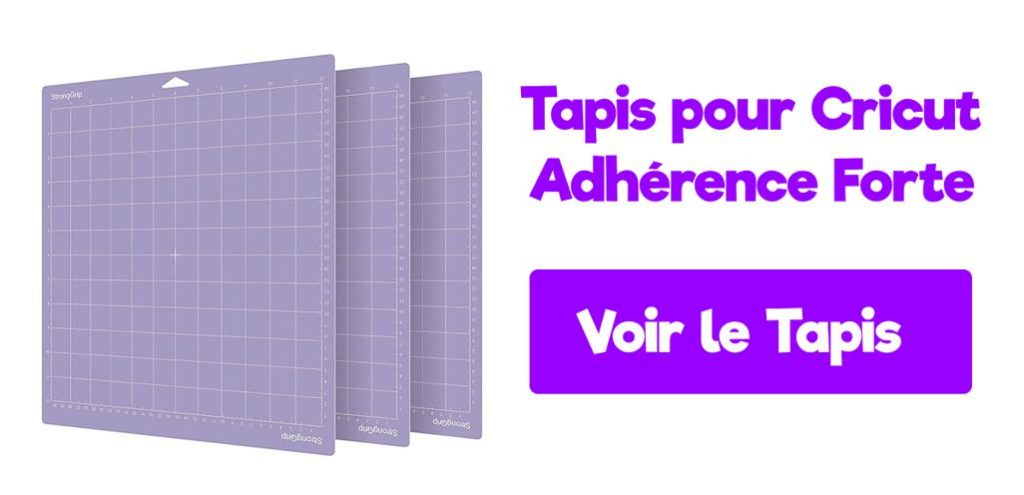
This mat is designed to hold heavy materials in place.
It comes in 30.5cm x 30.5cm and 30.5cm x 61cm sizes
When you're using a heavy material like balsa wood, the mat's grip alone isn't enough. In that case, use masking tape to secure the material to the mat.
The most common materials you can cut with the purple mat include:
- Thick and glitter cardstock
- Balsa wood
- Chipboard
- Poster board
- Leather
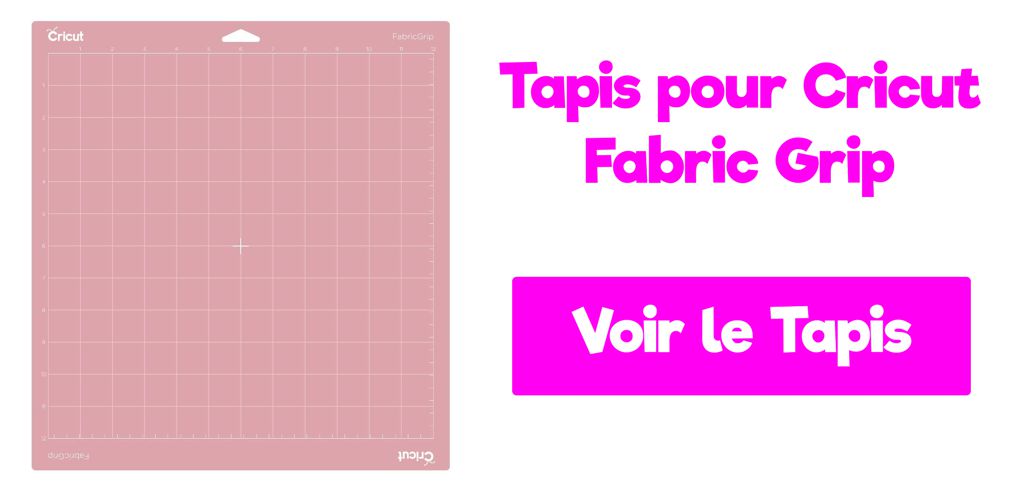
🌹 FabricGrip - Pink Mat
The pink mat is a newer mat from Cricut.
It comes in two sizes: 30.5cm x 30.5cm and 30.5cm x 61cm
The FabricGrip mat is specially designed for cutting fabric. You can use it with any machine in the Cricut Explore family, or simply with the rotary blade on the Cricut Maker.
The most common materials you can cut with the FabricGrip mat include:
- Bonded fabric (Explore family machines)
- Any type of fabric with the rotary blade and the Cricut Maker
Tips for Using Your Cricut Cutting Mat
1️⃣ - Keep Your Mats Covered
Every cutting mat comes with a clear plastic cover. KEEP IT!
After each use, just put the cover back on the mat. That way, your mat stays clean, and nothing you store with it will stick to it.
If you use your Cricut cutting mats regularly and don't put the clear plastic cover back on after each use, your mat will lose all its stickiness in just 1 month.
2️⃣ - Secure Heavy Materials with Masking Tape
As we mentioned above, heavy materials like wood and leather need to be secured with masking tape.
This helps keep your project from shifting while it's being cut. 👍 Especially if your mat isn't as sticky as it used to be. This method works great, even once your mats have no stickiness left at all.
That way, you don't have to buy a new Cricut mat.
3️⃣ - Remove Your Project from the Mat Properly
Another way to make sure your project stays intact and your mat stays clean is to always peel the project off gently by flipping the mat over.
Place your mat on a flat surface, turning it over so your project is facing down, and carefully peel it off.
This keeps your project flat and prevents your Cricut cutting mat from picking up extra bits of material that could make it dirty.
4️⃣ - Always Calibrate the Blade for a Better Cut
Before each project, make sure you have the right blade for the cut and that your machine is calibrated for that blade.
You'll get a faster, cleaner cut. 😀
Cleaning Your Cricut Cutting Mat
Over time, your mat loses its grip. Sometimes bits of material have built up on it, and sometimes it's simply time to replace it.
But before you buy a new mat, try cleaning it. Here are three different ways to clean your Cricut cutting mat.
Cleaning the Blue, Green, and Purple Mats
The Scraper:
After each use, use the Cricut scraper to remove any bits of material left on the mat.
The scraper works really well and won't damage your mat in any way. It can even help your mat get back a bit of its grip.
The Lint Roller:
Use a lint roller to pick up small bits of material left on the mat. This trick works especially well when you need to remove fabric! 😋
Alcohol-Free Baby Wipes:
For a quick clean, you can always use baby wipes. They work like magic if your mat just has a little dirt on it. But be careful, they may cause it to lose some of its grip.
If you clean the mat with water, be sure to let it air dry. I know you'll be tempted to use it right away. But moisture can damage not only your materials but also your machine. 😕
Cleaning the Pink FabricGrip Mat
The pink mat is a special case, and it needs different care than the other mats!
Here are some do's and don'ts for cleaning and caring for your Cricut FabricGrip
❌ Don't Use the Scraper:
Don't use the scraper, because the adhesive on this mat is just barely strong enough to hold fabric, and it's fairly light, so the scraper will strip away the grip.
❌ Don't Use Soap or Water:
When you handle your mat to place fabric on it, be careful not to touch the sticky surface with your fingers, and don't use soap and water, or the mat may lose all its stickiness.
✔️ Lint Roller
Use a lint roller to get rid of fabric bits left on your mat.
✔️ Masking Tape
Masking tape is perfect for helping materials stay put, especially when your pink mat has lost some of its stickiness.
We hope this post has helped you better understand the different types of Cricut mats!
If you're in the mood to make custom apparel projects with your Cricut, check out the heat transfer vinyl we offer in our shop!


Comments
No comments yet. Be the first to share your experience.
Leave a comment