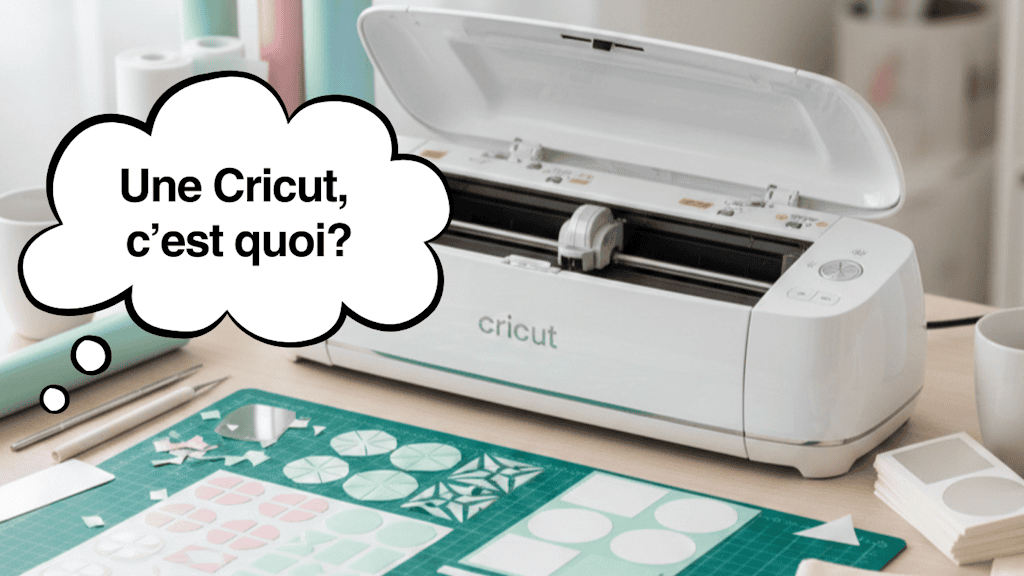
I clearly remember the day I typed "what is a Cricut" into Google. I'd seen a video of someone making perfect labels out of adhesive vinyl, and I thought, "OK, this must be a super complicated machine for pros only." I couldn't have been further from the truth. And I mean FAR.
Because what is a Cricut, really? It's not just a machine. It's a door. A door that opens onto ideas you never imagined you could make yourself. A door that turns a 2 a.m. creative urge (yep, speaking from experience haha) into a real object, right in your hands, that you can give away, sell, or keep.
When you discover what a Cricut is, you realize you've just stepped into the most powerful and addictive DIY world out there right now. (And I'm barely exaggerating!) I started with simple adhesive vinyl stickers... and today I personalize fabric, mugs, and gifts. I make them for my family, for my friends, and above all, for every occasion!
In this article, I'll explain exactly what a Cricut is, how it works, which machines are available, and most importantly, what you can create with one. So if you want a simple answer to the question "what is a Cricut?", stay right here, because I'm going to explain everything!
1. What Is a Cricut?
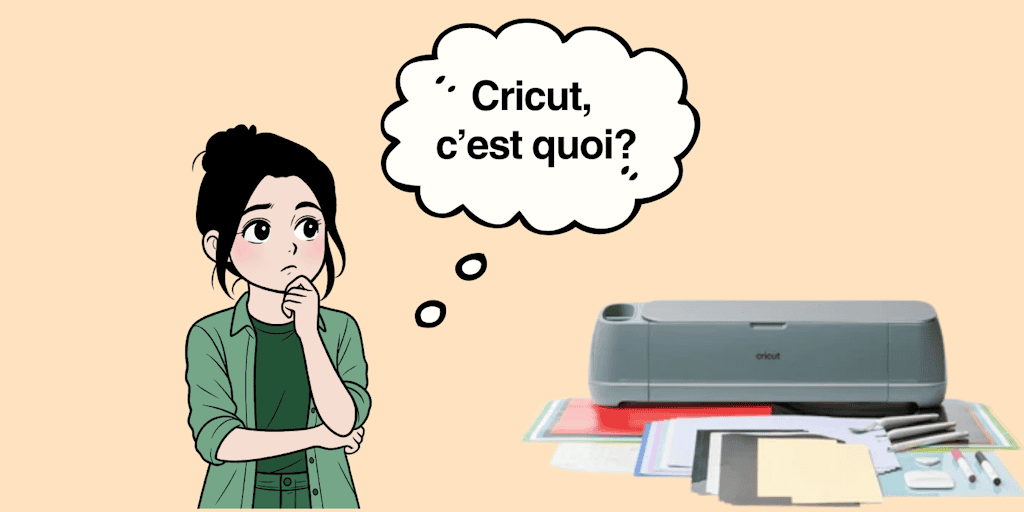
So, what exactly is a Cricut? Cricut is a brand of smart cutting machines that make it easy to create DIY (Do It Yourself) projects. Now you're probably thinking: OK, sure, but... I still don't get "what exactly is a Cricut?" Well, just think of it as a tool that cuts adhesive vinyl, heat transfer vinyl, paper, cardboard, thin leather, and even wood (careful, that depends on the model!)
Want an even simpler explanation? It's a creative assistant. You send it a design through the Cricut Design Space software, and the machine does the work with a precision you'll never get by hand (and that's a huge advantage!).
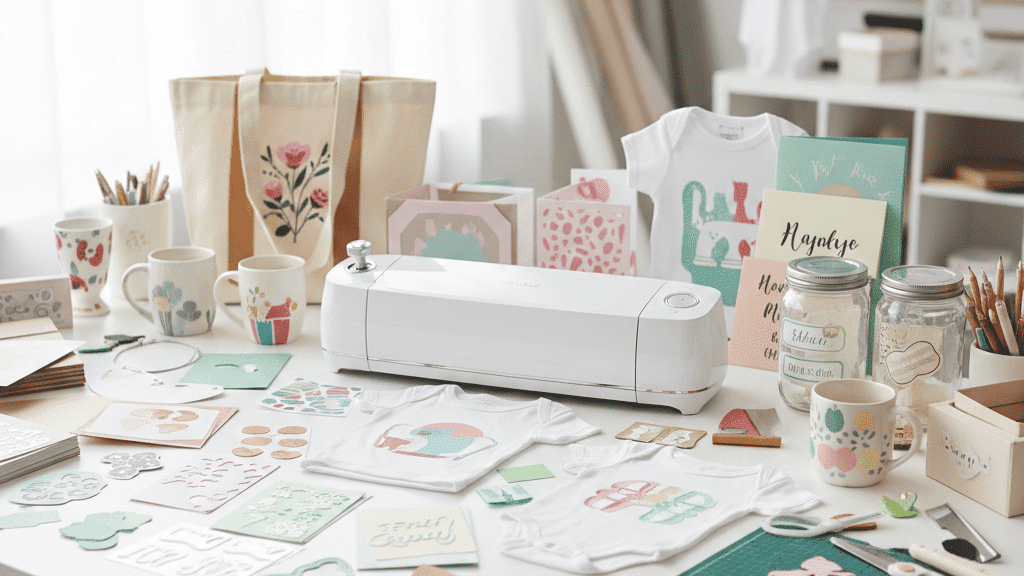
If you're just discovering the Cricut, here's what this machine lets you create:
-
Custom stickers from adhesive vinyl
-
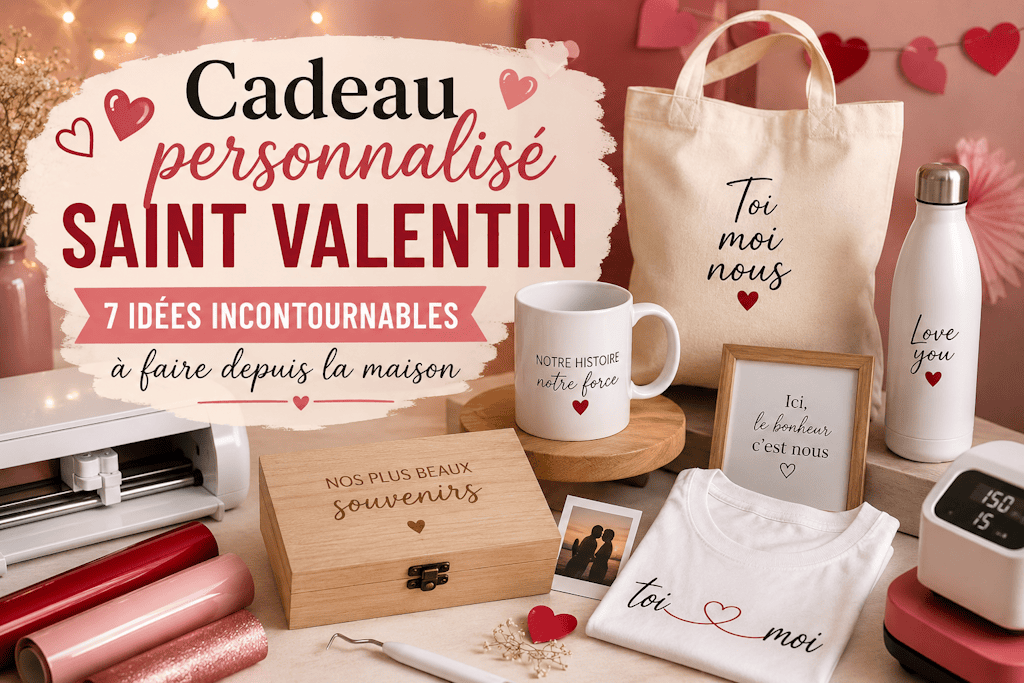
T-shirts with heat transfer vinyl
-
Decorated mugs
-
One-of-a-kind tote bags
-
Kids' room decor
-
New baby gifts
-
Labels to organize your home
-
And so much more...
And that's where everything changes. Because the real answer to your question "what is a Cricut" is simply this: a machine that turns all your ideas into real objects!
2. Cricut Machines: Which One Should You Choose When You're Wondering What a Cricut Is?
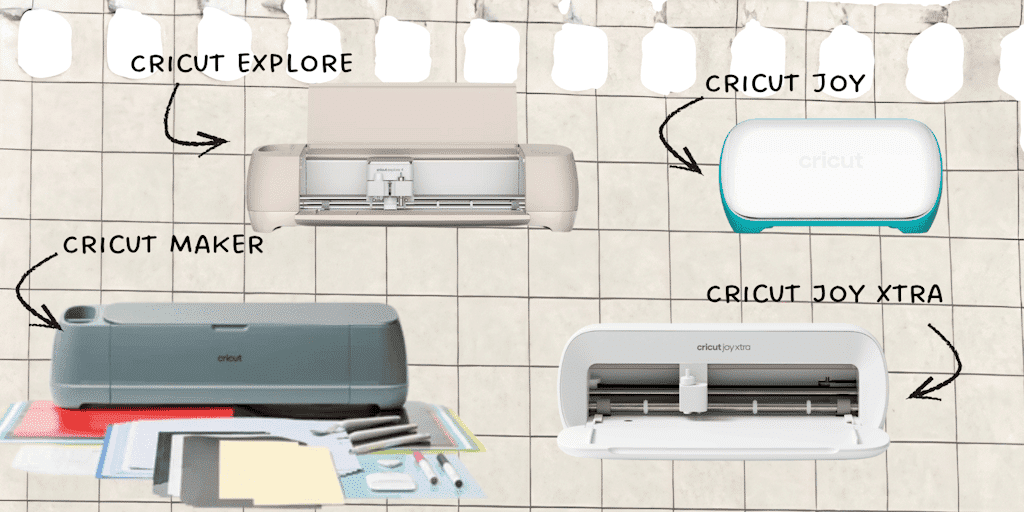
When you search for Cricut online, you quickly come across lots of different names: Cricut Joy, Cricut Joy Xtra, Cricut Explore, Cricut Maker... And then you think: OK, that's great, but what's the difference between them? And more importantly, which one do I need?
Here's a quick rundown to help you figure it out:
▸ Cricut Joy / Joy Xtra
Perfect for beginners who want to start out simple and quick. Great for stickers, labels, cards, and small personalization projects.
The Cricut Joy is compact, intuitive, and easy to use. And best of all, it takes up very little space, which is a real plus if you don't have a big desk dedicated to DIY.
▸ Cricut Explore
More versatile. More materials, more possibilities. The Cricut Explore is the "mid-range" machine for people who want to take their DIY further. It's also bigger than the Cricut Joy, so you can make larger projects!
▸ Cricut Maker
The Cricut Maker is the ultimate machine if you want to do it all! Thin wood, engraving, leather, fabric... It's hands down the most powerful model of them all!
Still having a hard time choosing the right one for you? I've broken down each model, with a comparison chart, in another article right here: Which Cricut to Choose. Feel free to check it out!
3. What Can You Make with a Cricut?
When you're trying to figure out what a Cricut is actually good for, it's easy to assume it's just a machine that cuts paper. But honestly, when I realized everything you could do with a Cricut, I couldn't believe it! I know it sounds like an exaggeration, but I promise you, EVERYTHING CHANGES the day you realize your ideas are no longer limited to what you can do with your hands. You'll quickly find yourself making way more projects, trying things you'd never dared to before, and so much more!
A Cricut gives you the power to go from a vague idea to a finished object. It opens the door to professional-level work that anyone can create at home.
I remember my very first project: a simple sticker with my name on it, in black vinyl. I started the cut, weeded it, and applied it with transfer tape.
And then... magic.
Something that came straight out of my head was right there in front of me, perfectly cut, as if I'd bought it in a store... except I'd made it myself. And that's exactly the answer to what is a Cricut: creative power in everyone's hands.
Here's what you can create once you start to understand what a Cricut can do:
✔️
Fabric Personalization
-
T-shirts
-
tote bags
-
baby bodysuits
-
sweatshirts
-
caps
-
personalized pajamas
For fabric, you use heat transfer vinyl and simply (yes, it really is SUPER EASY) apply it with a heat press or an iron.
👉
And good news: Transfer Paper is THE go-to site for that.
Because yes, asking "what is a Cricut" is often just the beginning: the real addiction kicks in when you discover heat transfers for fabric (that's actually my favorite thing to do with my Cricut).
✔️
Home Decor
-
name wall decals in adhesive vinyl
-
stickers for kids' rooms
-
organizing labels (jars, toys, bathroom, entryway)
The moment I thought, "OK, now I really know what a Cricut is good for," was when I started labeling my entire house... and now it's completely organized!
And I have to say, having labels on every spice jar, or even on the kids' toy bins, is just magical!
And everyone kept asking me, "Where did you buy them?"
Me: "I made them myself."
The way people look at you changes, I promise.
✔️
Personalized Gifts
-
mugs
-
glasses
-
birthday cards
-
gift boxes
-
Christmas decorations
Once you start to master your Cricut, you quickly become the person everyone asks:
"Could you make a gift for my mom? For a christening? For a coworker's going-away party?"
You're the one people call to save the day with a unique, heartfelt gift made with love.
✔️
Projects with Specialty Materials
-
thin leather
-
cardstock
-
kraft paper
-
thin wood (with the Cricut Maker)
-
plastic (transparency film, stencils, etc.)
And here again, your cutting machine becomes a whole world of experimentation, not just a tool. Because a Cricut doesn't just cut: some machines draw, engrave, score, and perforate. That means you can make faux leather coin purses, engrave acrylic keychains, and tons of other things!
Let me be honest with you:
👉
Until you've tried making a simple personalized label, you can't truly understand a Cricut's potential.
You think you know. You think it's nice. You think it's just a hobby.
Then you create.
And that's when you realize you have something profitable, creative, and limitless in your hands.
And that's exactly when you catch the Cricut bug (WARNING: this bug is hard to shake, and it's also very contagious!)
4. Is a Cricut Easy to Use for Beginners?
I'll be honest: the first time you open a cutting machine, you wonder, "what is this software, anyway?"
Personally, I was afraid of clicking in the wrong place, afraid of messing everything up, afraid it would be too technical for me. Everyone goes through that when they're starting out! So don't give up, you'll get the hang of your Cricut!
If you can use a smartphone and follow instructions on a screen... you already almost know how to use a Cricut.
Because it's really not a complicated machine with a thousand buttons. It's a guided, step-by-step system that shows you:
-
What you're going to cut
-
How you're going to cut it
-
What material to use
Your Cricut walks you through the whole process, and it makes life so much easier!
But what scares people when they type "what is a Cricut" isn't the machine... it's the Cricut Design Space software.
So let's be very clear:
🎯
Cricut Design Space: What Is It?
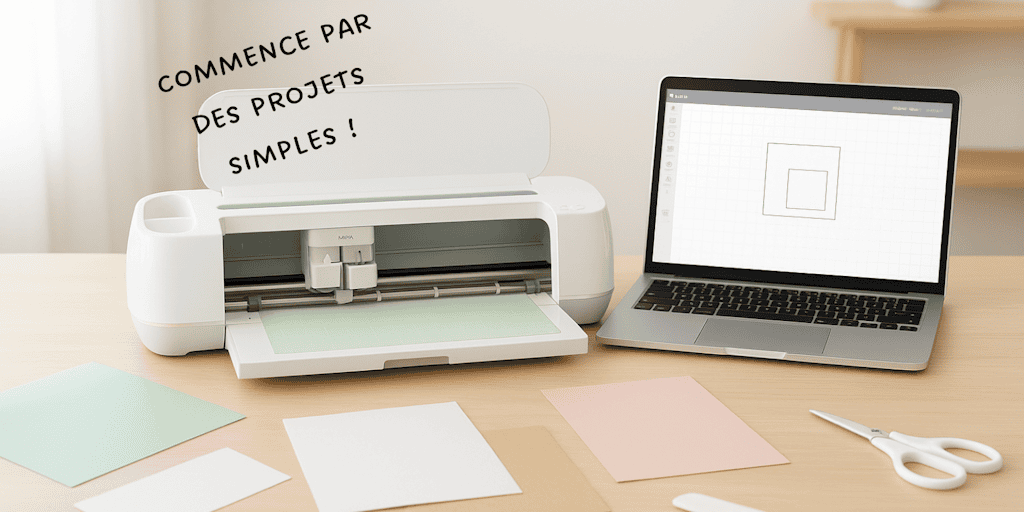
It's simply a digital whiteboard where you choose, write, draw, import, or place your designs.
You can:
-
write text
-
import an image (SVG, PNG, JPEG...)
-
move, resize, erase
-
add shapes
-
download a template
It's as easy as making a PowerPoint, just more creative.
The fear often comes from thinking you have to know how to draw. You're going to love what I'm about to say:
👉
You absolutely don't need to know how to draw.
You just need ideas.
And that's exactly what a Cricut is: a translator between your brain and reality.
My Beginnings (and My Mistakes)
I remember one evening sitting in front of my screen, stuck on an image that just wouldn't cut properly. I thought, "Why can't I get this to work? What's going on here?"
Then I discovered the "vectorize / detach" option for cleaning up an image.
One minute later... problem solved.
You're going to make mistakes at first. Everyone does (I made plenty myself...). But here's the rule:
A mistake with a Cricut isn't a failure. It's a lesson, and your next project will be even better.
When people ask me "what is a Cricut," I simply say:
👉
It's a machine so intuitive that you learn by creating, not by studying!
First, you'll cut paper.
Then adhesive vinyl.
Then heat transfer vinyl.
Then maybe, one day, you'll try wood or leather... and you'll nail it.
What If I'm Not "Crafty"?
Another classic fear.
Listen:
You don't need to be crafty to use a Cricut.
You just need to be curious and want to learn how to use it.
Your Cricut aligns, centers, measures, and cuts for you, without shaking, without mistakes, without stress.
Your job is to imagine. The machine? It brings all your projects to life!
Why It's So Addictive
You make your first project.
You love it.
You show it off.
Someone says, "Wow, you made that?!"
You make another one.
Then another.
And one day, you realize you've made 27 T-shirts and 14 mugs, and your house looks like an Etsy workshop.
A Cricut opens up a world where you learn without even realizing it, just because you're having fun.
And that's something no instruction manual can tell you. You have to try it to understand.
🧵
So, What Is a Cricut, Really?
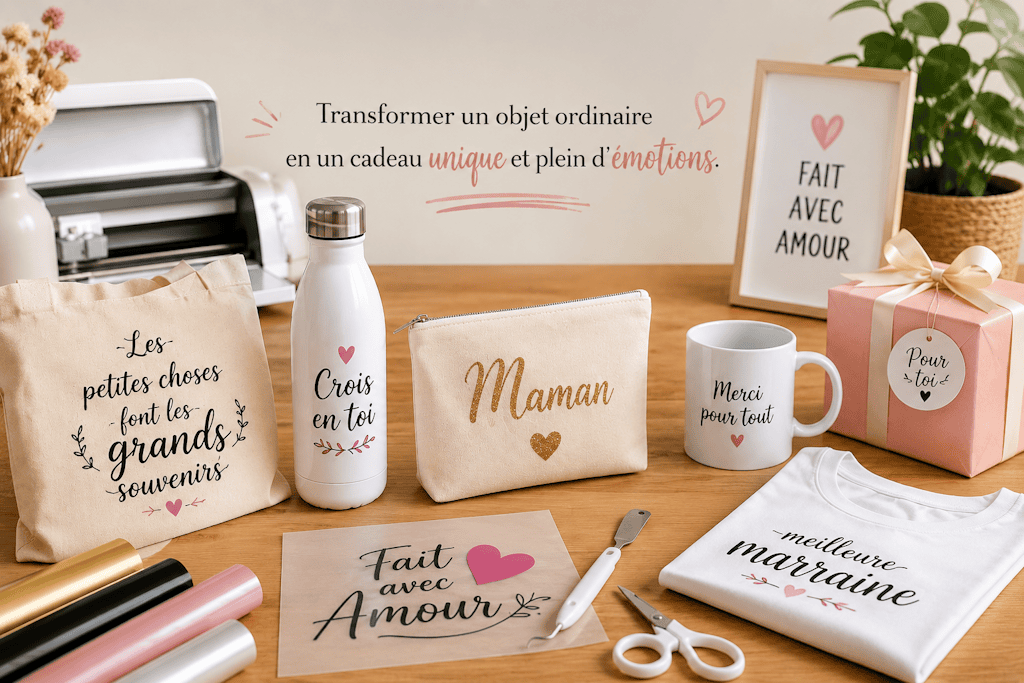
In the end, what is a Cricut? It's so much more than a machine that cuts. It's a creative spark. It's the moment you realize you can finally make what's in your head without relying on anyone else. When someone asks you "what do you use your Cricut for?", you can answer:
It's a tool (one that quickly becomes essential) that turns an idea into a real object, personalized to your taste and your style, with materials that reflect who you are. It's a way to create unique gifts, launch a small business, treat yourself to a hobby that makes you happy, or take on a project close to your heart.
You were asking the question, and now you have a clear picture:
It's an easy way into modern DIY: simple, precise, and fun. Once you've tried it, you'll never look at a mug, a tote bag, a label, or a wooden name sign the same way again. You'll always be thinking, "Ooh, I could add a personal touch to that!"
Now it's your turn.
You have everything you need to answer the question "what is a Cricut?" yourself, with your own creations, and that's the beginning of real creative freedom.
❓
FAQ: What Is a Cricut?
🔥
- What Exactly Is a Cricut?
Cricut is a brand of smart cutting machines. Picture a tool that cuts adhesive vinyl, paper, heat transfer vinyl, cardboard, leather, and even thin wood, so you can easily create personalized, customizable DIY projects.
📦
- What Is a Cricut Like for Beginners?
It's a plug-and-play machine. You plug it in, choose a project in the app, and start creating. You don't need to be crafty, know how to draw, or create SVG files. Cricut makes everything easy for you.
🖥️
- What Is Cricut Design Space?
It's Cricut's free software. Design Space is the digital side of things: it's where you prepare your project and add your text and images, and where the machine gets its instructions.
👕
- Cricut Mug Press, EasyPress, Joy... What's the Difference?
-
Cricut Joy: small, fast, and perfect for labels and mini projects.
-
Cricut Explore / Maker: versatile machines that cut all kinds of materials.
-
Cricut EasyPress / Mug Press: for pressing heat transfer vinyl and sublimation.
Cricut offers a range of tools that all work together.
💰
- How Much Should You Budget for a Cricut?
It depends on the model. A Cricut Joy costs less than a Maker 4. Either way, as investments go, it pays for itself quickly if you make several projects or sell your creations.
🧼
- What Is a Cricut Like to Maintain?
Upkeep is minimal. You replace the blade when it doesn't cut as well, clean your mat, and run material tests. So what is a Cricut when it comes to maintenance? A machine that's really easy to keep in good shape.
⚠️
- How Does a Cricut Compare to a Laser Cutter or a 3D Printer?
A Cricut cuts flexible materials.
A laser engraves or cuts wood of varying thicknesses.
A 3D printer builds three-dimensional objects.
So what is a Cricut? It's the perfect middle ground for personalizing projects without a complicated setup.
🆕
- What Is a Cricut in 2026?
In 2026, what is a Cricut? It's the most accessible tool for expressing your DIY creativity. Labels, projects, an image library, dedicated materials... it's the technology that turns an idea into an object, quickly and beautifully.
So, are you ready to take the plunge? Tell us all about it in the comments: which Cricut has caught your eye?
Comments
No comments yet. Be the first to share your experience.
Leave a comment