Want to get into customizing clothes but don't know where to start when it comes to finding affordable supplies? Looking for cheap products for your first tests so you won't beat yourself up if you make mistakes? 💸 Don't worry, here you'll find all our tips for finding fabric items to customize, and above all, cheap T-shirts to personalize.
Because the personalized T-shirt really is the go-to item when you want to start customizing your clothes and other fabric items: it's versatile and budget-friendly, and you can even start with it if you want to launch your own brand.
Why Personalize a Cheap T-Shirt Yourself?
As you might expect, personalizing a T-shirt yourself is often cheaper than buying a ready-made one in a store. Plus, you can customize it however you like: with a logo, a catchy phrase, a name... or even a loved one's face, thanks to printable HTV from Transfer Paper. Perfect for any occasion, the cheap personalized T-shirt will quickly become your go-to for giving a gift that really stands out or for your wildest parties. And on top of that, it's homemade, which makes it such a thoughtful gesture. 🤍
And even if you don't consider yourself much of an artist, you can get a really nice, professional-looking result on a budget by following our tips.
Choosing a Cheap T-Shirt to Personalize
If you want to get your hands on a T-shirt to personalize on the cheap, you have several options:
- Either you're team secondhand, and you can easily pick up a plain T-shirt at a thrift store or yard sale near you. Expect to pay 1€ or 2€ for a T-shirt.
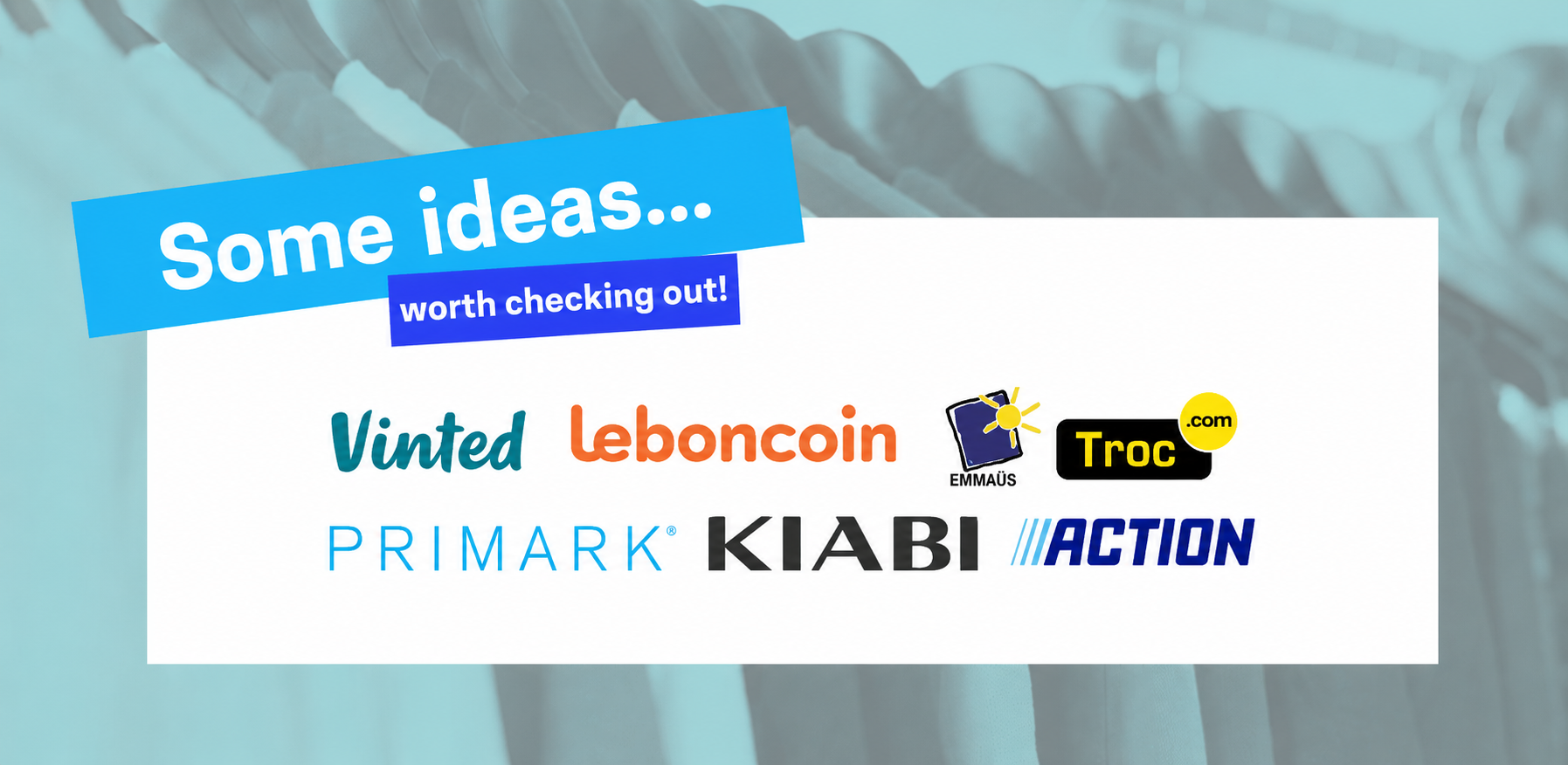
- Or you're team secondhand but can't be bothered to search very far, in which case I'd point you to online marketplaces like Le Bon Coin or Vinted, where you can find T-shirts at the best prices. You might even get lucky and come across bundles of several T-shirts. A must, and super budget-friendly.
If you'd rather go for a brand-new cheap T-shirt, here are a few more ideas for finding your hidden gem:
- At discount stores: Action, Primark, Lidl, or Kiabi, where you'll find cotton basics at really low prices, between 3€ and 5€.
- From online retailers like Amazon, which even sell multipacks of T-shirts in different colors.
- From professional suppliers like Teeasy or Wordans. They're ideal if you want to turn your design into your own collection. But be careful: these suppliers often sell to professionals only. If you're not self-employed, you may not be able to take advantage of these wholesalers' deals.
You now have plenty of great places to find your cheap T-shirt. When it comes to low prices, I recommend paying close attention to the materials you choose. Go for cotton or a cotton-polyester blend to make sure your personalized T-shirt won't stretch out or turn yellow over time in the wash.
Techniques for a Cheap Personalized T-Shirt That Really Pops
To personalize your T-shirt on a tight budget, the most affordable option is standard heat transfer vinyl. On the Transfer Paper website, you'll find HTV with the best value for money on the market. Available in around twenty colors and different roll sizes, it's ideal for creating your designs on a budget.
If you have a slightly bigger budget for your cheap personalized T-shirt, you can also choose patterned HTV, with prices starting at 3.70€. There's plenty to treat yourself to without spending much.
😍
To cut and apply the HTV, we're keeping it budget-friendly: a good pair of scissors and your trusty iron will do the trick. It couldn't be simpler:
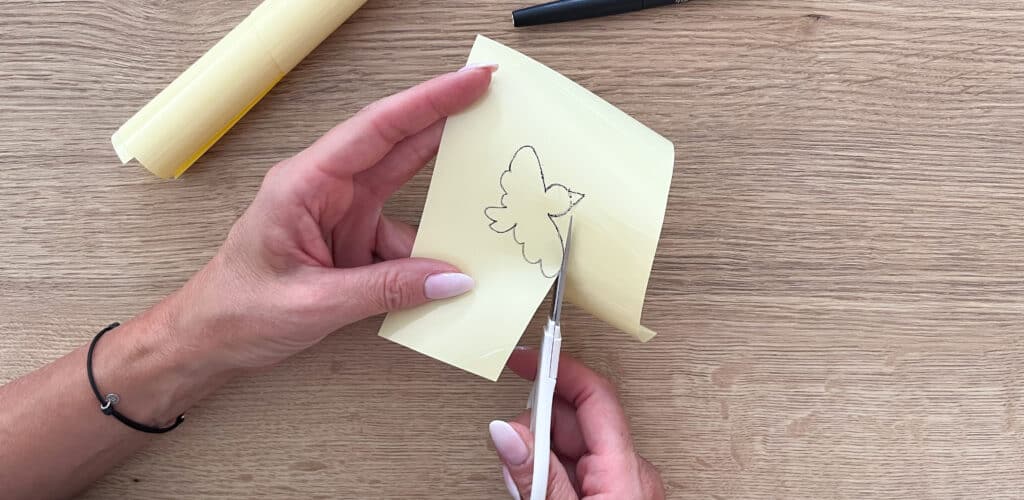
- Draw the design, phrase, or logo you want on your sheet of heat transfer vinyl.
- Cut out your design carefully (I recommend using small scissors so your cuts are nice and precise).
- Lay your T-shirt nice and flat on a clean work surface.
- Carefully place your designs, logos, or text where you want them.
- Cover your design with a sheet of parchment paper to protect it from the heat.
- Press firmly with the iron for about twenty seconds at a constant heat, without using steam.
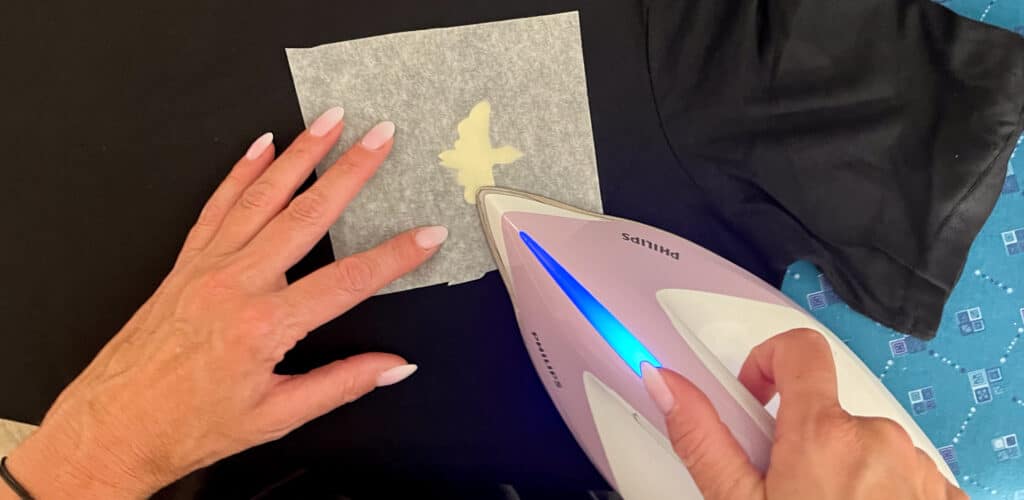
- Let it rest for five seconds before peeling off the plastic carrier sheet.
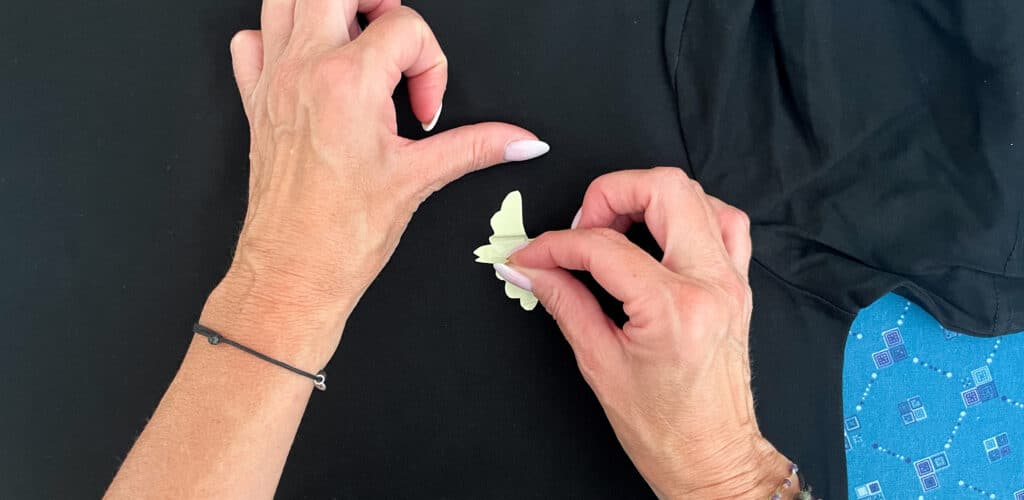
- And admire the result: in no time at all, your cheap personalized T-shirt is ready and looks flawless! Well done, crafters, another mission accomplished with flying colors.

If you notice the edges lifting a little after ironing, don't hesitate to give it another quick press, without forgetting the parchment paper. Also, for a flawless result, be sure to wait 24 hours before washing your personalized T-shirt.
Estimating the Total Cost of a Budget-Friendly Personalized T-Shirt
If you followed our tips for a cheap personalized T-shirt, it should cost you less than 10€ per T-shirt:
- 4€ for the T-shirt
- 1.90€ for the roll of solid-color HTV
You might even have a little HTV left over for future projects, so it all adds up! 😎
On top of getting a 100% original T-shirt and taking on a fun creative challenge, you've saved around ten euros compared to a T-shirt with a basic design you might have bought at a big-box store.
As you've seen, making a cheap personalized T-shirt really is super easy. Anyone can do it, whether you're a hobbyist or a total beginner. Just make room for your creativity, and you're all set.
Feel free to share your best cheap T-shirt creations on social media and tag us @transferpaper.shop so we can see your most beautiful work.
See you soon for another tutorial, artists!


Comments
No comments yet. Be the first to share your experience.
Leave a comment