
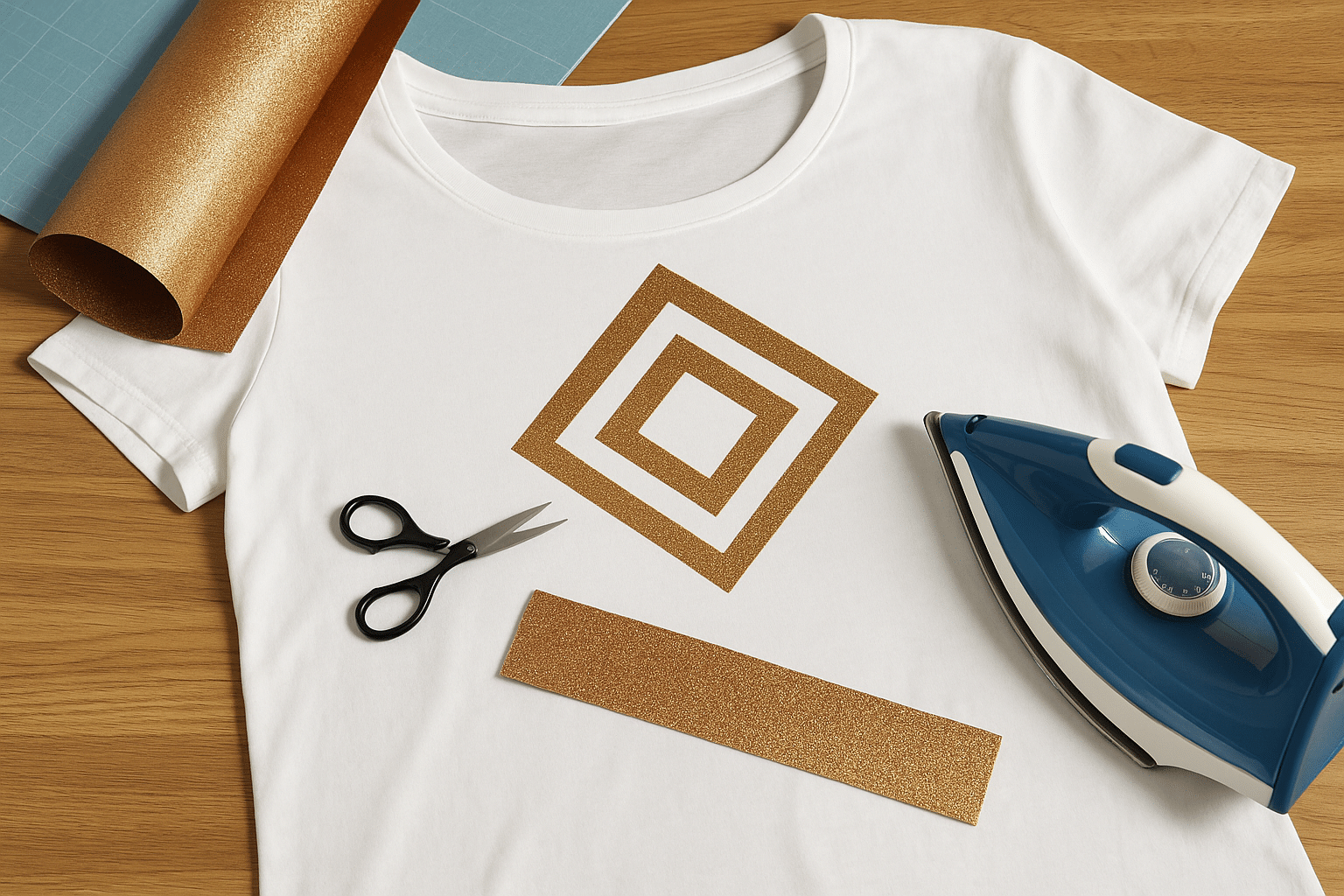
Impara a personalizzare t-shirt e altri tessuti come preferisci con il vinile termoadesivo!
Se non hai mai lavorato con il vinile, ti invitiamo a seguire questa guida passo passo: ti insegnerà esattamente come usare il vinile termoadesivo per stampare sui tuoi vestiti tutti i motivi che vuoi! 😀
Che cos’è il vinile termoadesivo?
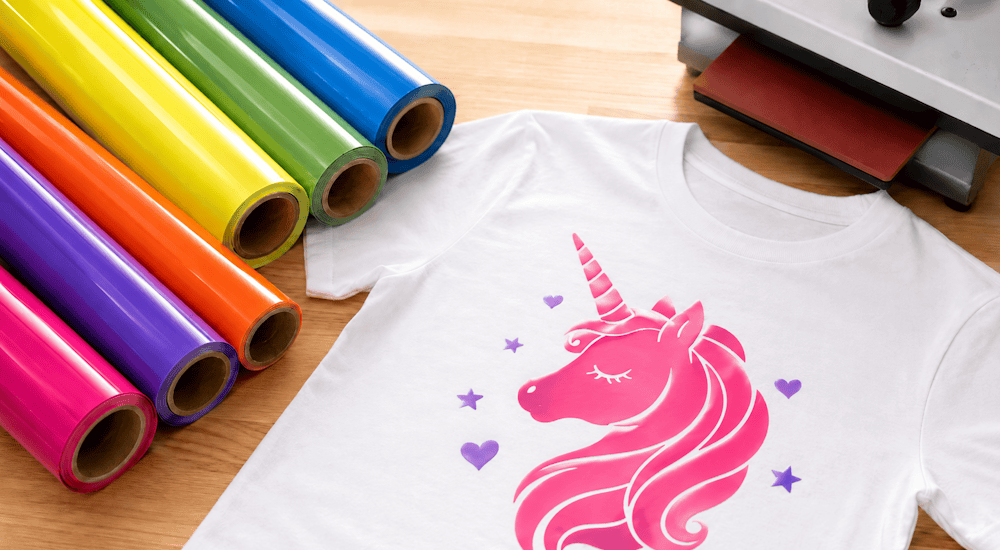
Se muovi i primi passi nel mondo della stampa termoadesiva, sei nel posto giusto! Ecco una guida completa per principianti sull’uso del vinile termoadesivo.
Ma prima di tutto, vediamo che cos’è il vinile termoadesivo, così saprai esattamente di cosa stiamo parlando:
Il vinile termoadesivo è un foglio di plastica che si può tagliare con un plotter da taglio per realizzare qualsiasi tipo di motivo. Una volta creato il motivo, questo foglio di plastica va pressato sul tessuto ad alta temperatura perché il trasferimento riesca.
Questo metodo di stampa si chiama stampa termoadesiva: in altre parole, il vinile termoadesivo è il materiale di consumo che permette di realizzare una stampa termoadesiva su tessuto.
Quali strumenti servono per realizzare una stampa termoadesiva su tessuto?
Per creare le tue prime personalizzazioni tessili, è importante conoscere i diversi strumenti e accessori che ti servono per usare il vinile termoadesivo.
Ecco quindi tutto quello che ti occorre:
✔️ Il vinile termoadesivo
Hai capito bene: per realizzare una stampa termoadesiva ti serve del vinile termoadesivo.
✔️ Un plotter da taglio
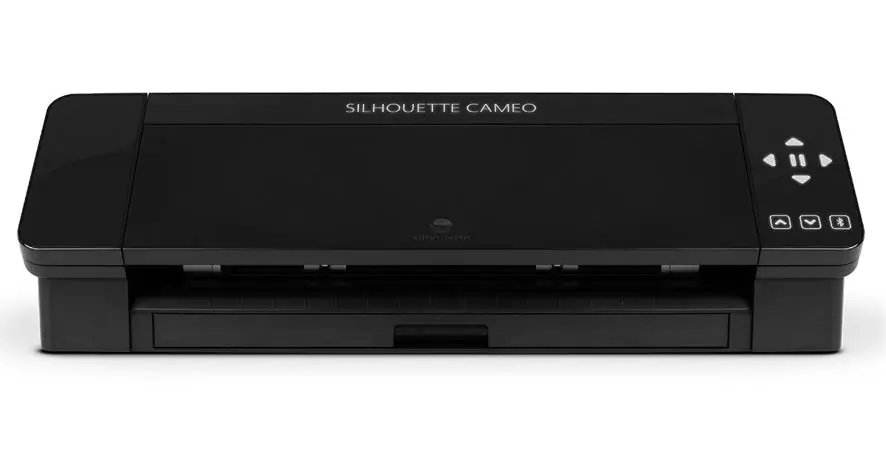
Il plotter da taglio ti permette di tagliare il vinile termoadesivo riproducendo i tuoi loghi e motivi, per poi applicarli sulle t-shirt. 👕
I modelli che ti consigliamo sono la Cricut Maker 3 e la Silhouette Cameo 5, perché sono i più affidabili sul mercato.
Sono facili da usare, molto intuitivi e il software da installare sul computer è gratuito. Ti consigliamo di guardare qualche video informativo su questi due plotter per scegliere quello più adatto a te.
✔️ Una pressa a caldo o un ferro da stiro
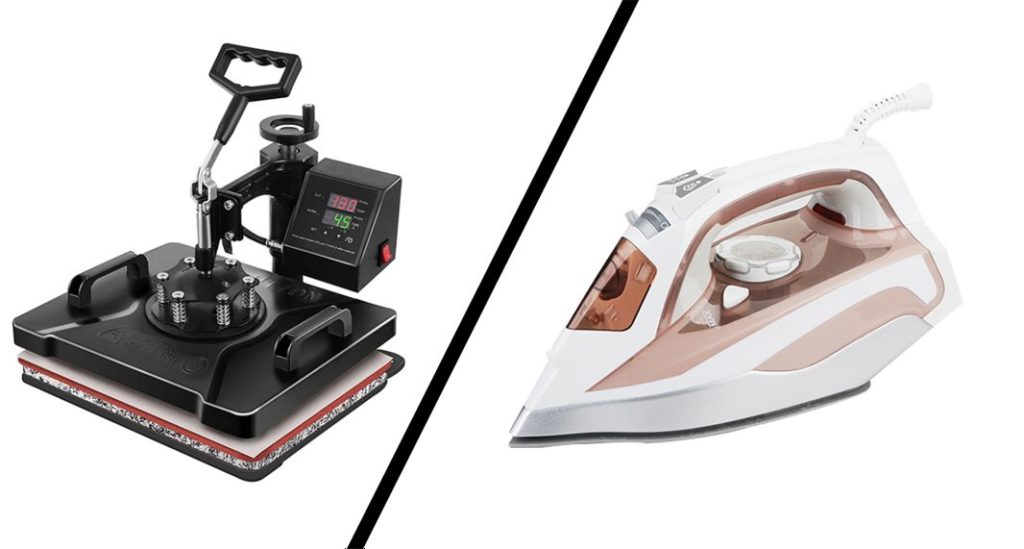
Dopo aver tagliato il vinile termoadesivo, prendi il capo che preferisci e stendilo bene in piano. Posiziona sopra il motivo in vinile termoadesivo.
A quel punto ti basterà un ferro da stiro (o una pressa a caldo) per pressare il motivo sul capo, e la tua prima personalizzazione tessile sarà pronta!
Ti consigliamo di iniziare con la stampa termoadesiva usando un ferro da stiro, perché costa meno di una pressa a caldo di qualità. Quando avrai parecchi progetti da realizzare, potrai pensare di passare alla pressa a caldo.
✔️ Un capo d’abbigliamento
Sembra ovvio, ma preferiamo dirlo comunque: naturalmente ti servirà anche il tessuto che preferisci su cui applicare il motivo.
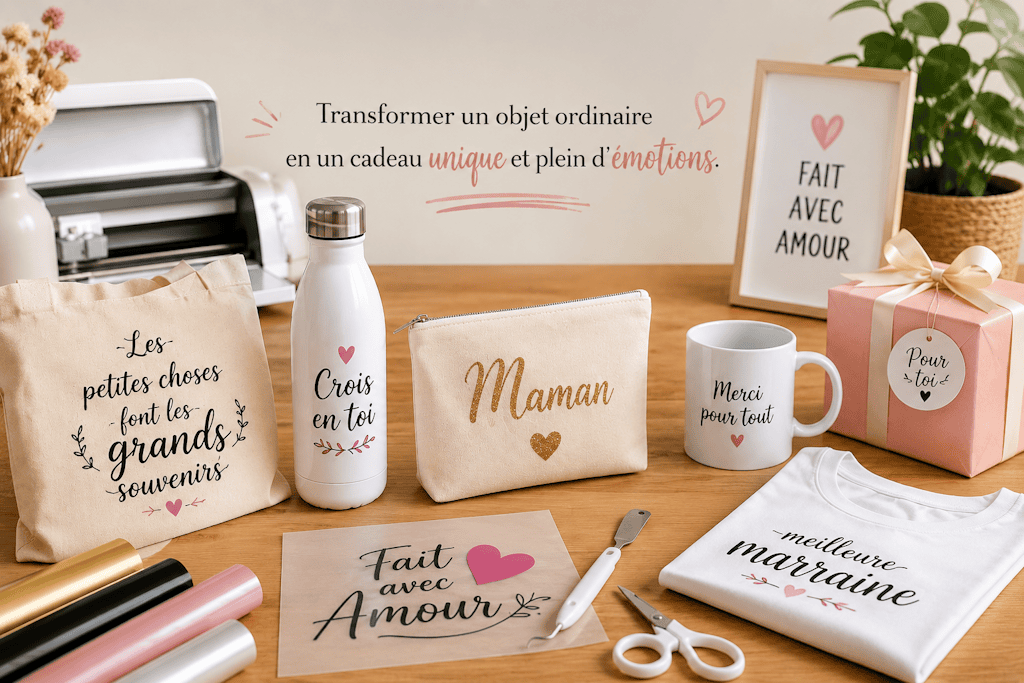
Che si tratti di una borsa, di una t-shirt, di un paio di jeans, di calzini o di una fodera per cuscino, puoi usare il vinile termoadesivo per personalizzare i tessuti di tutti i giorni. 😉
4 passaggi per imparare a usare il vinile termoadesivo
1️⃣ - La preparazione del motivo
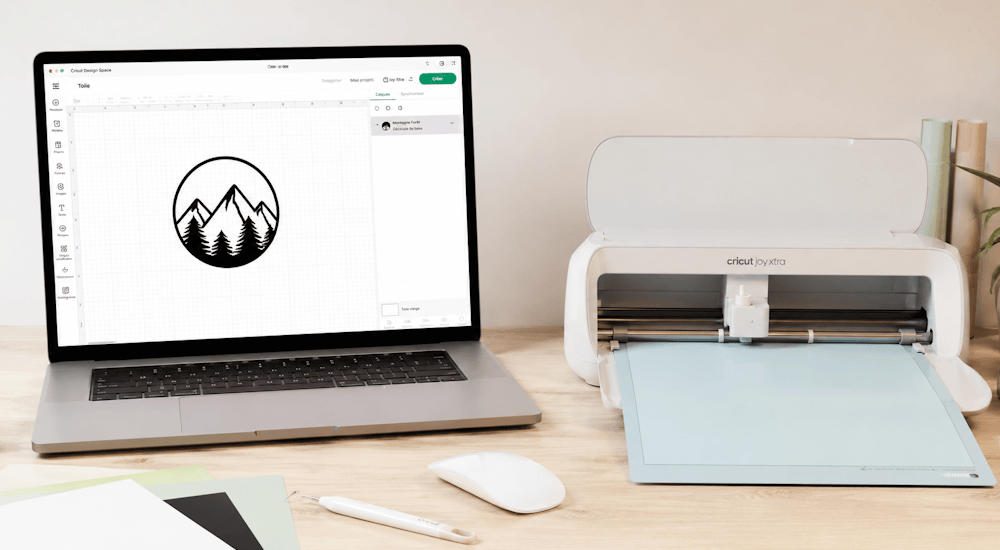
Quando hai tutto il materiale e il tuo plotter da taglio è installato, devi creare al computer il motivo che il plotter taglierà. Il modo più semplice è usare il software fornito con il plotter e cominciare con un logo semplice.
Quando avrai preso piena confidenza con il plotter, potrai iniziare a realizzare motivi più complessi importandoli nel software.
Questi programmi sono molto intuitivi e su YouTube trovi milioni di tutorial che ti aiuteranno a iniziare. E se la grafica non è il tuo forte, puoi dare un’occhiata alla nostra collezione di motivi per Silhouette Cameo e Cricut per creare i tuoi progetti in tutta semplicità!
Infine, prima di mandare il file al taglio, è molto importante assicurarti di aver applicato l’effetto specchio per capovolgere il motivo in orizzontale. Dato che tagli il retro del vinile termoadesivo, il disegno deve essere invertito per ottenere un risultato nel verso giusto. Così, quando lo presserai, sarà orientato correttamente.
2️⃣ - Il taglio del vinile termoadesivo
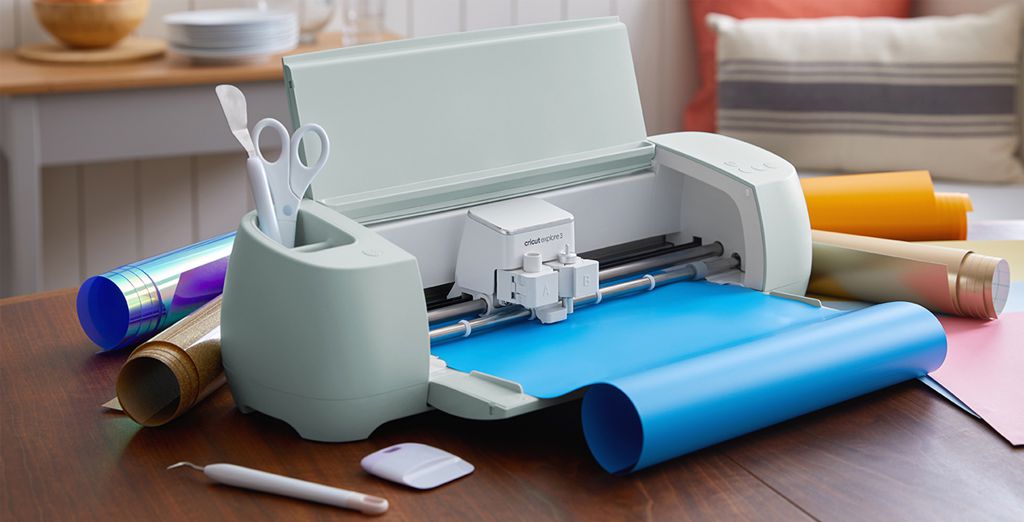
Quando il file di taglio è pronto, è il momento di caricare il vinile nel plotter da taglio. Se è la prima volta che usi il vinile termoadesivo, devi fare attenzione a due cose.
Innanzitutto, noterai che il vinile termoadesivo ha un lato lucido e un lato opaco. Il lato lucido corrisponde alla pellicola di supporto. Questa pellicola in plastica tiene fermo il vinile durante l’applicazione, così il motivo tagliato resta ben allineato.
Il lato opposto, quello opaco, è il lato adesivo del materiale ed è quello che va tagliato. Tenendo presente questo, dovrai quindi posizionare il lato lucido verso il basso e il lato opaco verso l’alto (perché è il lato opaco che deve essere tagliato).
Ogni plotter da taglio ha un tappetino da taglio su cui far aderire il vinile subito prima del taglio. Appoggia quindi il vinile sul tappetino come indicato e inserisci il tappetino nel plotter.
Regola bene le impostazioni del plotter in base al tipo di vinile termoadesivo che vuoi tagliare, poi avvia il taglio.
3️⃣ - La spellicolatura del vinile
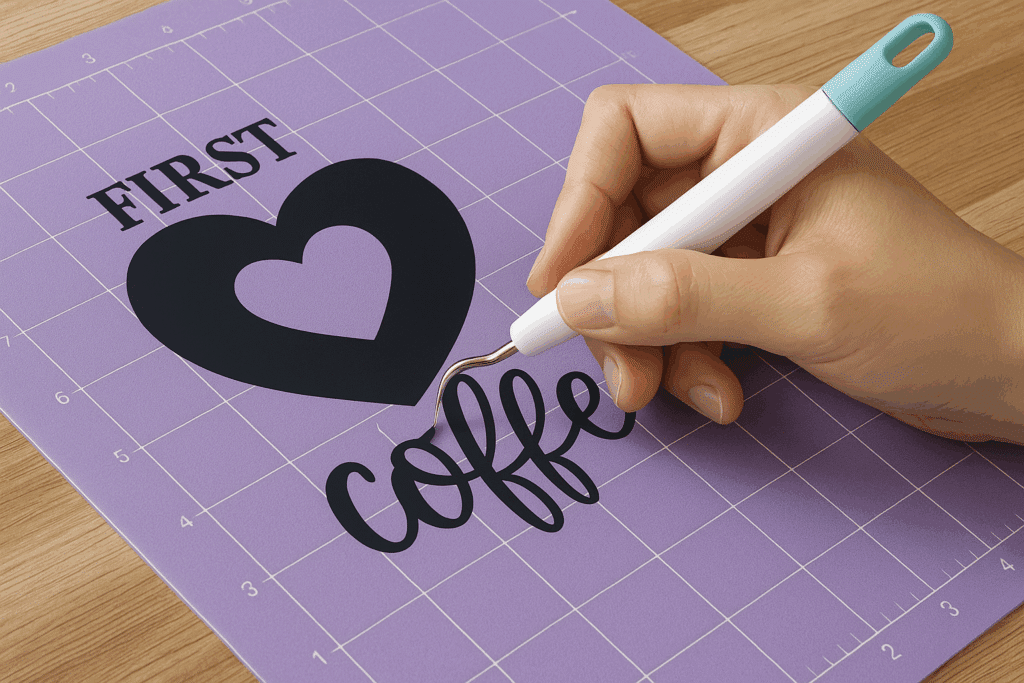
Una volta tagliato il motivo, è il momento di rimuovere il vinile termoadesivo in eccesso, cioè quello che non fa parte del motivo. È quella che comunemente si chiama spellicolatura.
Puoi aiutarti con una pinzetta o con un attrezzo specifico per la spellicolatura, soprattutto per togliere i pezzetti più piccoli.
Questo passaggio va fatto con cura, per non rovinare il logo.
4️⃣ - L’applicazione sul tessuto

Ora abbiamo un motivo pronto da pressare sul tuo capo.
Posiziona il disegno appena spellicolato sul tessuto che hai scelto (in questo esempio useremo una t-shirt)
Quando appoggi il logo, lavora con precisione e delicatezza: dopo aver pressato il vinile sul tessuto, non potrai più toglierlo.
I vinili termoadesivi non hanno tutti la stessa temperatura di applicazione: in questo esempio useremo quindi le impostazioni del vinile termoadesivo standard della nostra gamma.
Dopo aver posizionato bene il logo sulla t-shirt, prendi il ferro da stiro o la pressa a caldo e imposta la temperatura a 150 °C. Applica il calore su tutto il motivo per 15-20 secondi, esercitando una forte pressione, così che il motivo aderisca perfettamente al tessuto.
Poi rimuovi la pellicola di supporto a caldo, togliendo la plastica che ricopre il vinile, e il gioco è fatto!
Ora sai come usare il vinile termoadesivo.
Puoi anche guardare il nostro video tutorial qui sotto per capire meglio il procedimento. ⬇️
Video tutorial per usare il vinile termoadesivo
Esistono tanti tipi di vinile termoadesivo
Uno dei grandi vantaggi della stampa termoadesiva rispetto ad altri metodi di stampa è che esistono tantissimi tipi di vinili termoadesivi diversi.
Questo ti permette di realizzare un’infinità di progetti, uno più originale dell’altro! 🤩
Ecco alcuni tipi di vinile termoadesivo che potrebbero interessarti:
- Vinile termoadesivo standard
- Vinile termoadesivo glitter
- Vinile termoadesivo olografico
- Vinile termoadesivo velluto
- Vinile termoadesivo 3D
- Vinile termoadesivo fluo
- Vinile termoadesivo fosforescente
- Vinile termoadesivo arcobaleno
- Vinile termoadesivo leopardato
- Vinile termoadesivo diamante
E molto altro ancora!
Segui scrupolosamente le istruzioni di temperatura e pressatura di ciascun vinile termoadesivo: le trovi nella descrizione di ogni tipo di vinile. 👍
Speriamo che questo articolo ti abbia aiutato a fare chiarezza sull’uso del vinile termoadesivo.
Hai voglia di passare all’azione? 🚀
Con il nostro Magic Starter Pack hai tutto il necessario per lanciarti fin da oggi nella personalizzazione tessile: macchine, accessori, vinile termoadesivo premium... e persino corsi passo passo per accompagnarti.
Che tu voglia creare il tuo marchio o avviare la tua attività di personalizzazione, è già tutto pronto... mancano solo le tue idee! ✨
Se hai già tutti gli accessori necessari per personalizzare i tuoi vestiti con la stampa termoadesiva, puoi anche dare un’occhiata ai vinili termoadesivi che trovi nel nostro negozio!


Commenti
Ancora nessun commento. Scrivi il primo e racconta la tua esperienza.
Lascia un commento