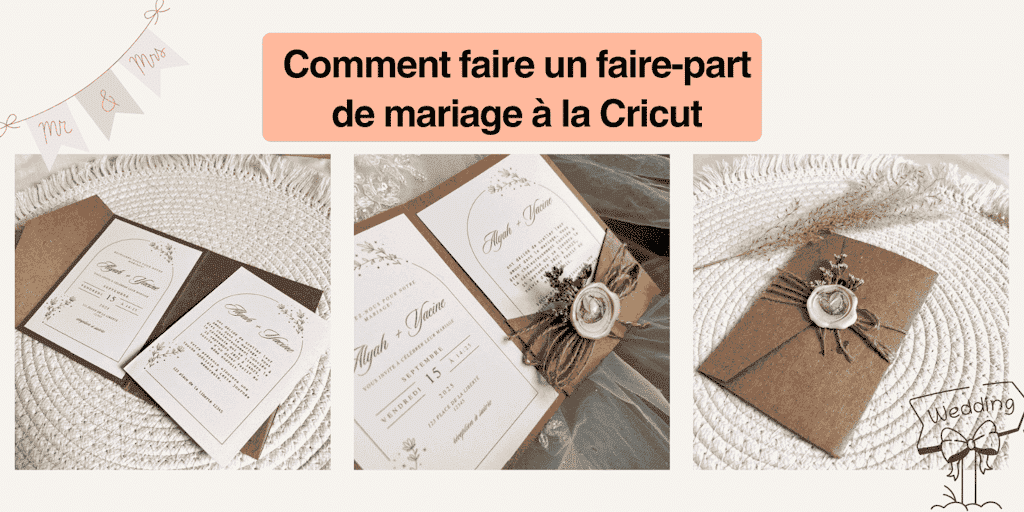
Come fare una partecipazione di nozze con la Cricut è una domanda che si pongono molti futuri sposi, e non a caso: il matrimonio è uno dei giorni più belli della tua vita, un giorno in cui ogni dettaglio conta. Tra tutti questi dettagli, la partecipazione ha un posto davvero speciale: dà il tono al tuo grande giorno e annuncia l’evento alle persone a cui vuoi bene.
Invece di scegliere un modello standard, perché non creare una partecipazione di nozze unica e personalizzata con la tua Cricut? Questo plotter da taglio ti permette di realizzare inviti da professionista, lasciando libero sfogo alla tua creatività.
Quando preparavo il mio matrimonio, ho passato ore a cercare la partecipazione PER-FET-TA. Volevo qualcosa che ci somigliasse, elegante ma non troppo classico, originale senza essere stravagante. Ma ogni volta i modelli erano troppo impersonali, oppure i prezzi erano esorbitanti
😳
.
Un giorno ho avuto l’illuminazione: e se la realizzassi io? È lì che è entrata in gioco la Cricut. Grazie a lei ho potuto creare inviti personalizzati, raffinati e, soprattutto, che ci rispecchiavano davvero.
Oggi voglio condividere questa esperienza con te. Se sei nel pieno dei preparativi e sogni una partecipazione unica che resti impressa ai tuoi invitati, ti mostrerò come fare una partecipazione di nozze con la Cricut degna di un professionista, senza sforare il budget.
Scopri come progettare facilmente una partecipazione di nozze con la Cricut in soli 5 semplici passaggi, insieme ai miei migliori consigli per un risultato elegante!
Allora, pronta a metterti all’opera e a creare le tue partecipazioni Cricut? Dai, si comincia!
1. Il materiale indispensabile per realizzare una partecipazione di nozze con la Cricut
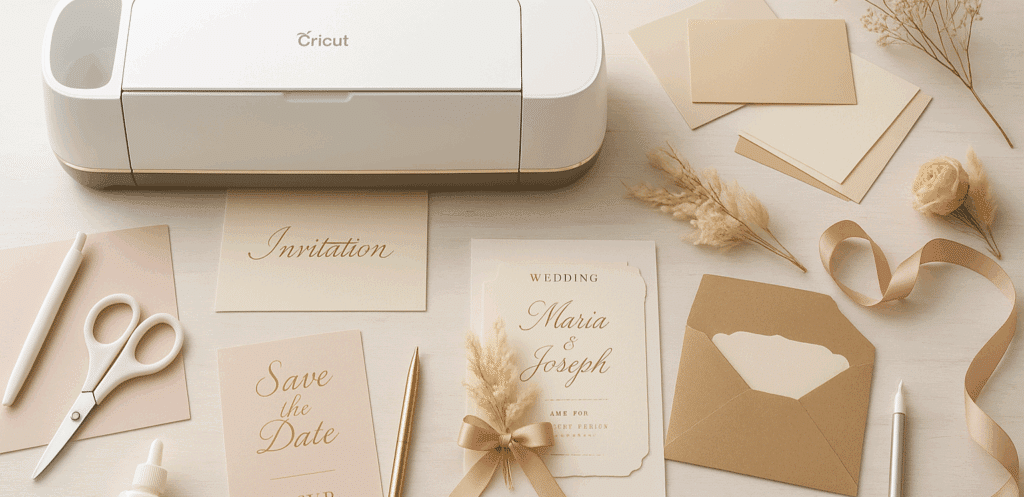
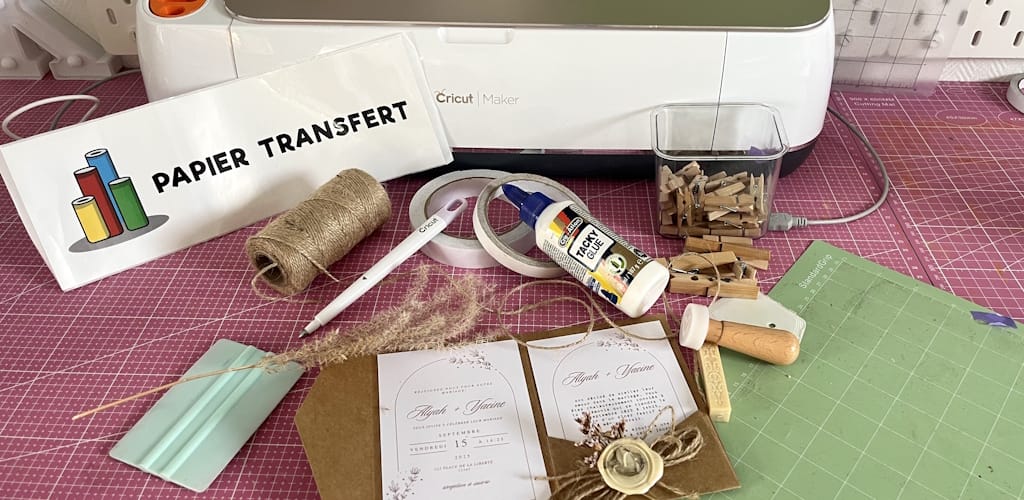
Prima di lanciarti nella creazione dei tuoi inviti, è fondamentale preparare tutto il materiale. Avere gli strumenti giusti a portata di mano ti farà risparmiare tempo e ti eviterà errori. Ecco l’elenco dettagliato di tutti gli strumenti che ti consiglio di avere per realizzare le partecipazioni:
A. La macchina Cricut
In base alle tue esigenze e al tuo budget, puoi scegliere tra diversi modelli:
-
Cricut Explore: un buon compromesso per progetti di medie dimensioni.
-
Cricut Maker: la più versatile e potente, ideale se vuoi spingere la personalizzazione al massimo.
Non sai quale scegliere? Niente panico: ho preparato per te un confronto tra questi due modelli di Cricut, lo trovi QUI.
💡
Il mio consiglio: se pensi di realizzare molte partecipazioni o di aggiungere tagli complessi (come il pizzo di carta), la Cricut Maker sarà la tua migliore alleata.
Altrimenti, puoi orientarti anche sulla Silhouette Cameo 5!
B. Il tappetino da taglio
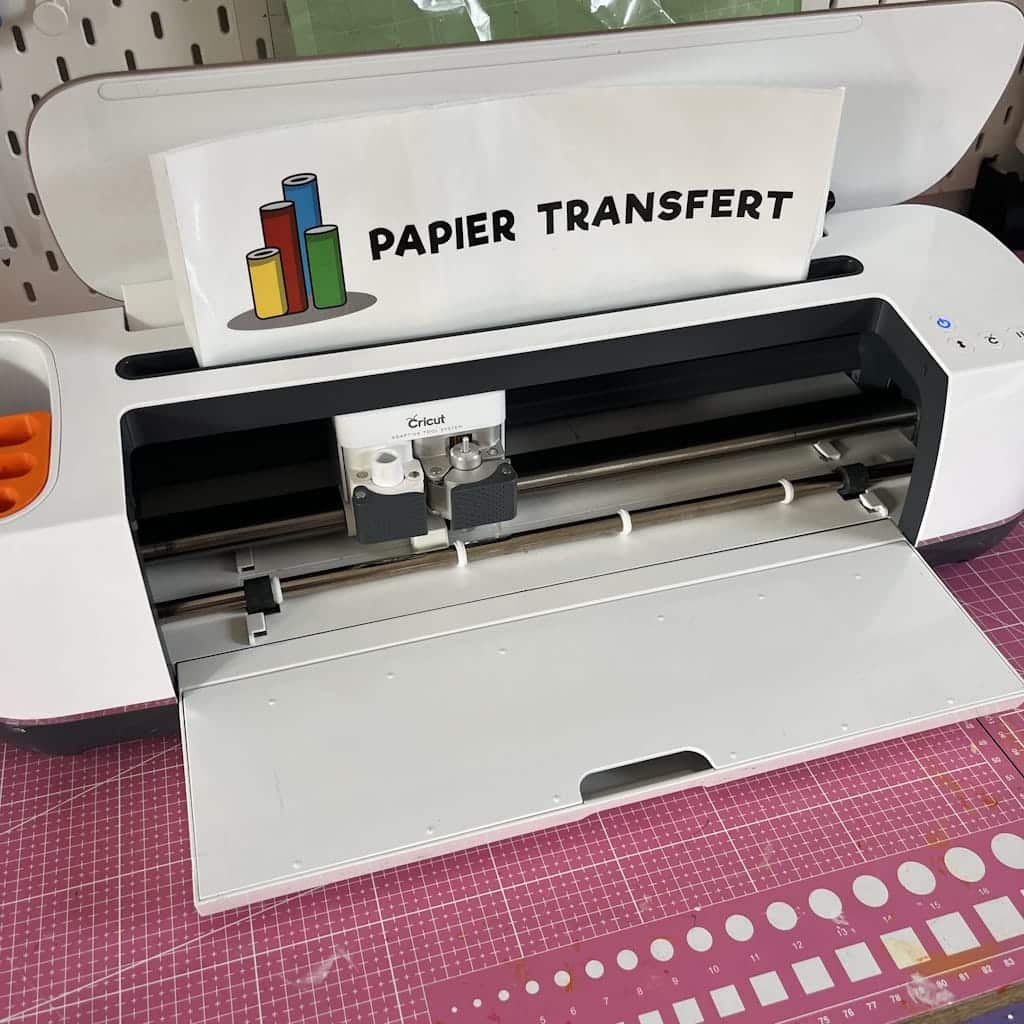
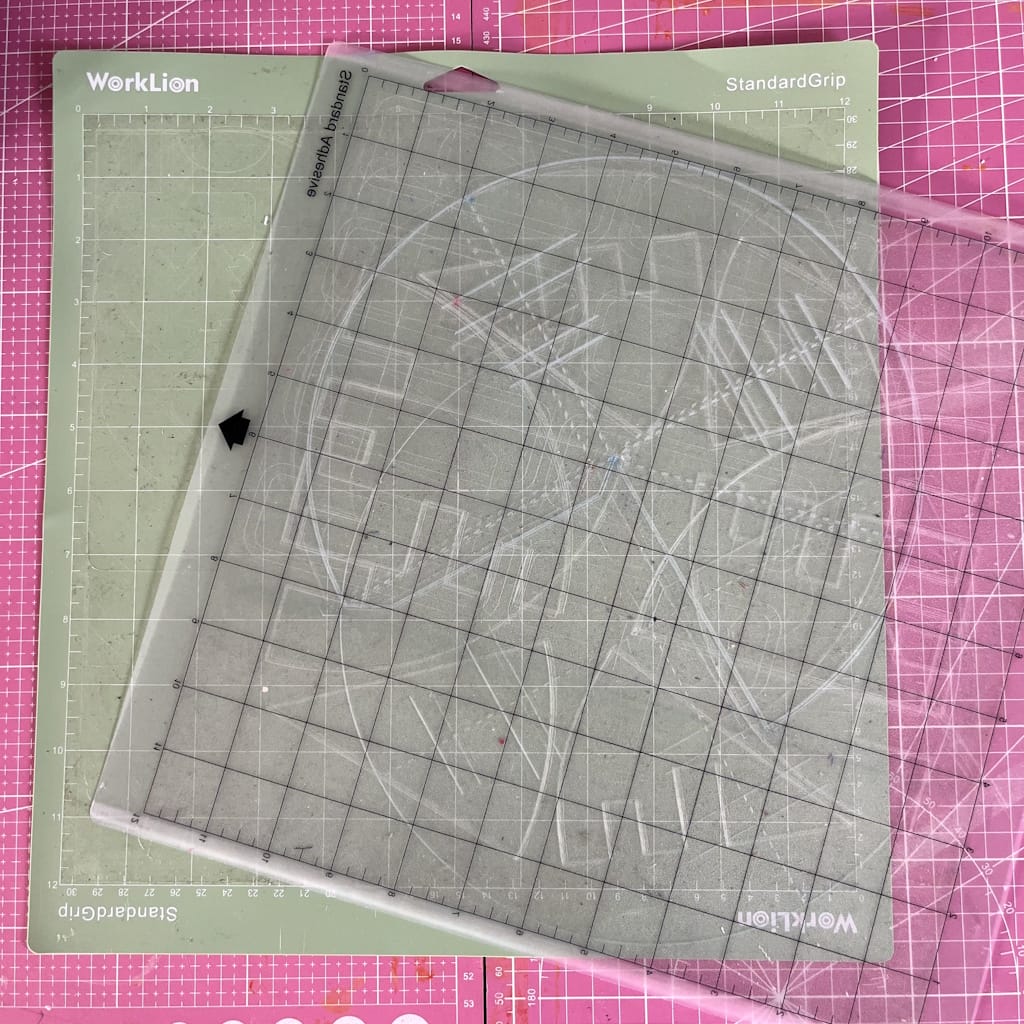
La scelta del tappetino è fondamentale per la riuscita delle tue partecipazioni di nozze.
-
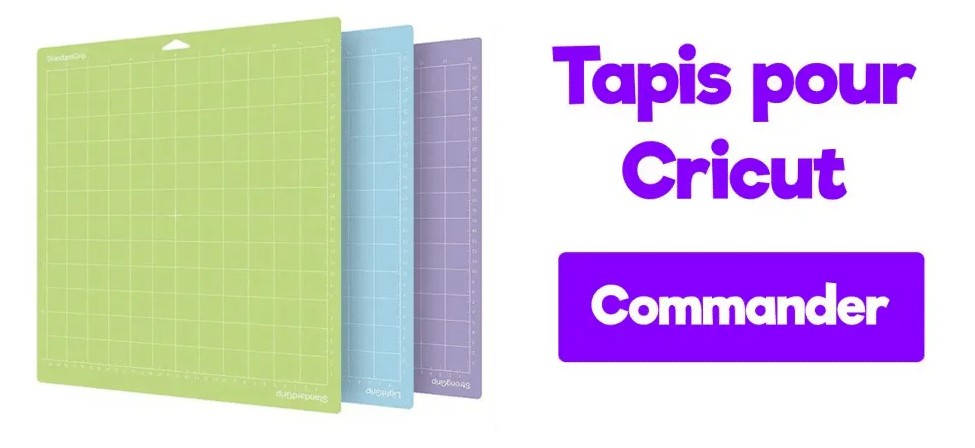
Tappetino LightGrip (blu): perfetto per le carte sottili o la carta da lucido.
-
Tappetino StandardGrip (verde): ideale per il cartoncino.
-
Tappetino StrongGrip (viola): pensato per i materiali più spessi (da evitare con la carta delicata).
Da Transfer Paper, i tappetini da taglio Cricut sono venduti in set, così li hai tutti a portata di mano, oppure singolarmente se ti serve solo quello che ti manca!
Consiglio: usa una spatola per far aderire le carte senza rovinarle e preservarne la qualità.
C. Il cartoncino
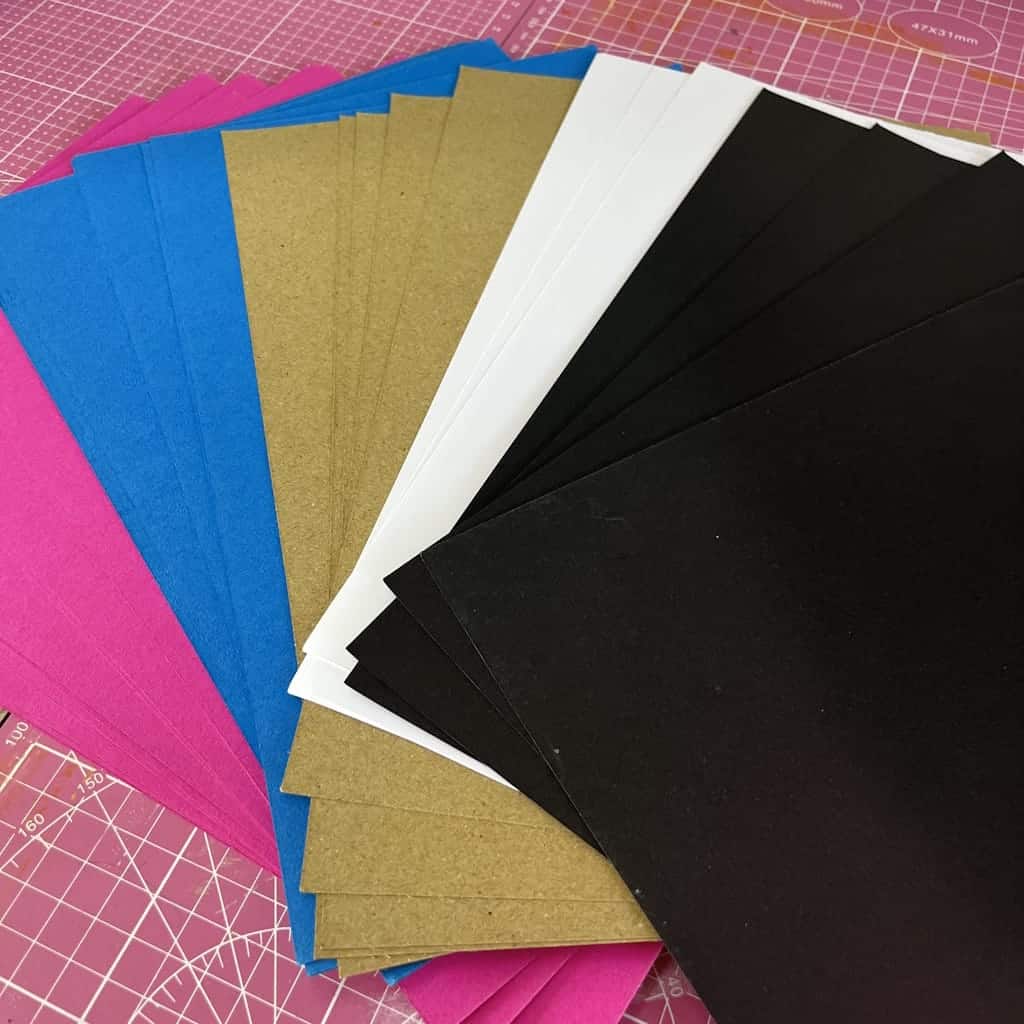
Il cartoncino è l’elemento centrale della tua partecipazione. Più è di qualità, più i tuoi inviti avranno un aspetto professionale.
-
Grammatura consigliata: tra 200 e 300 g/m².
-
Finiture possibili: opaca, lucida, perlata, metallizzata, testurizzata.
-
Colori: rispetta la palette del tuo matrimonio
(es. bianco e oro per un matrimonio chic, kraft e beige per uno stile campestre).
Un piccolo consiglio che viene dall’esperienza: all’inizio avevo scelto una carta troppo sottile e il biglietto non aveva abbastanza corpo. Con una carta spessa e leggermente testurizzata, il risultato è diventato molto più raffinato e professionale.
D. Gli strumenti per incollare
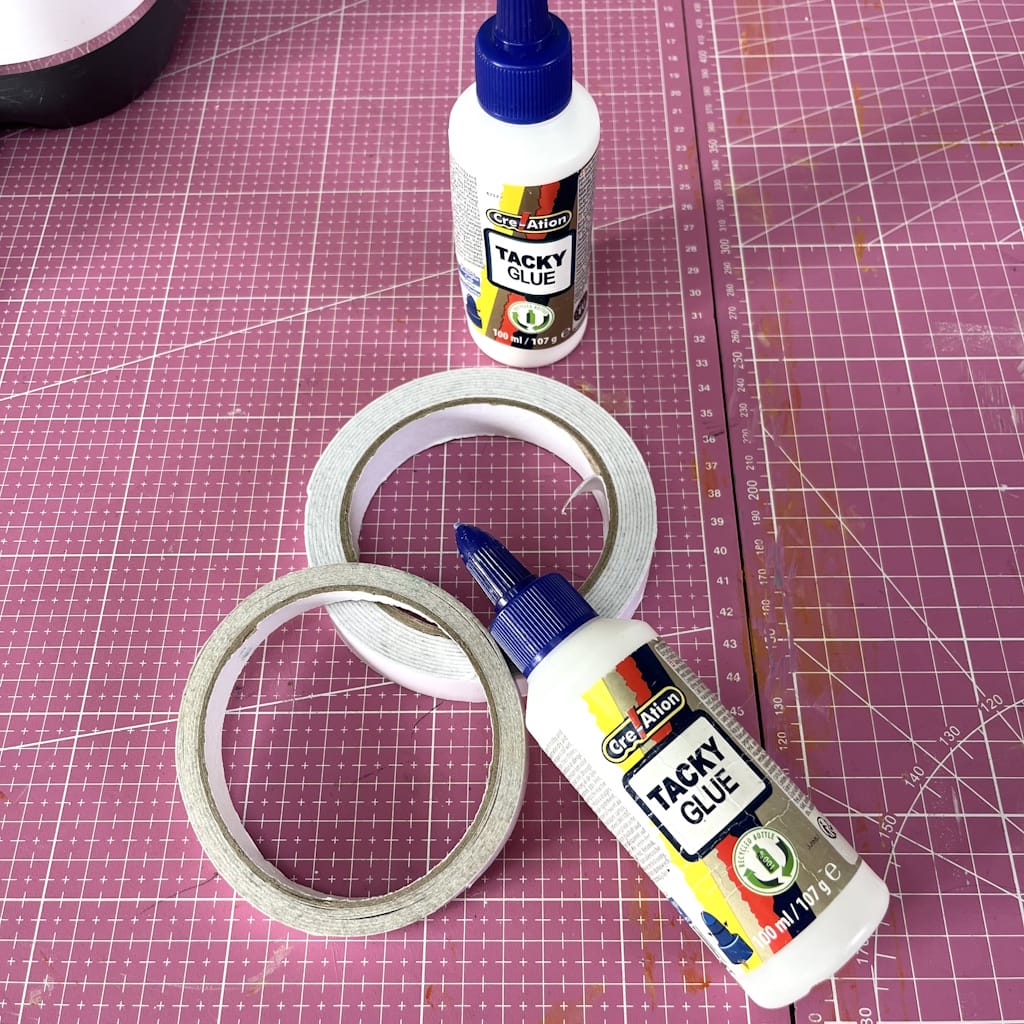
Due opzioni principali:
-
Il biadesivo: veloce e pulito, ideale per assemblaggi precisi e creazioni curate.
-
La colla liquida: più economica, ma può lasciare segni se fuoriesce. Pratica per i progetti semplici o per le rifiniture più minuziose.
Consiglio: usa una penna colla per i piccoli tagli sottili (arabeschi, motivi, pizzo...), così otterrai un risultato preciso e pulito.
E. Gli abbellimenti
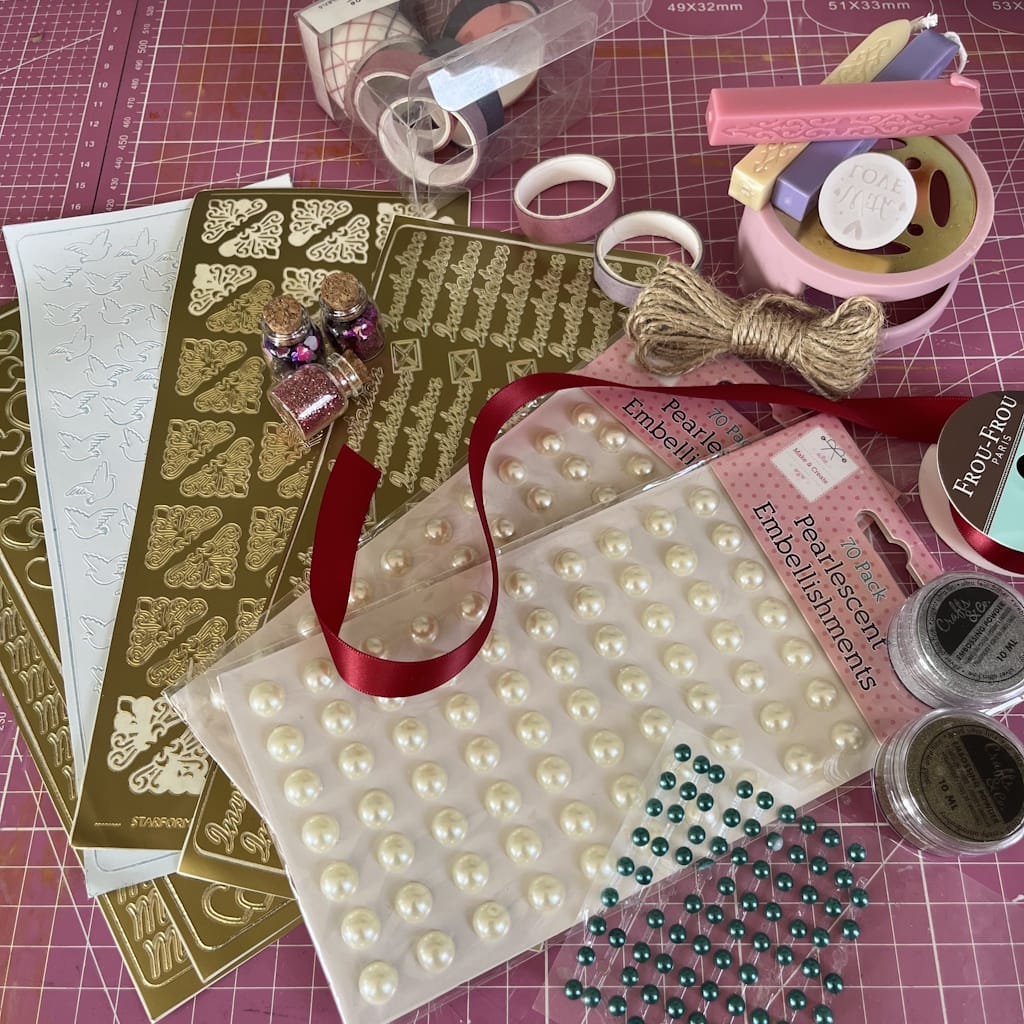
Sono loro a fare la differenza tra una partecipazione classica e una partecipazione unica creata con la tua Cricut.
-
Nastri e spago per un effetto chic o campestre.
-
Strass e perle adesive per un tocco elegante.
-
Fiori secchi per uno stile romantico e naturale.
-
Adesivi o sigilli di ceralacca per chiudere la busta con raffinatezza.
💡
Il mio trucco personale: per il mio matrimonio avevo aggiunto un piccolo nastro dorato a ogni partecipazione. Semplice, ma l’effetto «wow» era garantito già all’apertura della busta.
F. Il software Cricut Design Space
È il cervello del tuo progetto. Con questo programma puoi:
-
Creare o importare i tuoi modelli.
-
Provare diversi font e impaginazioni per un risultato professionale.
-
Regolare le dimensioni e la posizione dei testi.
-
Vedere l’anteprima del risultato prima di avviare il taglio.
È qui che personalizzerai davvero la tua partecipazione perché rispecchi la tua coppia e il tuo tema, ottenendo un risultato unico e professionale.
Preparare bene il materiale è il primo passo per capire come fare una partecipazione di nozze con la Cricut. Una macchina adatta, una buona carta e qualche abbellimento bastano per trasformare i tuoi inviti in vere opere d’arte.
Ora che conosci tutto il materiale che serve per fare una partecipazione di nozze con la Cricut, scopriamo i 5 semplici passaggi per realizzarla. Dai, si comincia!
2. Come fare una partecipazione di nozze con la Cricut.
Ricordo ancora la prima volta che ho voluto creare le mie partecipazioni con la Cricut. Avevo mille idee in testa, ma nessun metodo preciso. Sono andata per tentativi, ho sbagliato qualche taglio (e sprecato un po’ di carta
😅
), ma a poco a poco ho trovato il modo giusto di organizzarmi, che mi ha permesso di ottenere un risultato davvero degno di una professionista.
È proprio questa esperienza che voglio condividere con te oggi, perché anche tu sappia come fare una partecipazione di nozze con la Cricut senza perdere tempo ed evitando i miei errori. Ecco i semplici passaggi da seguire per riuscire a creare i tuoi inviti al primo colpo!
PS: realizzeremo insieme un modello di partecipazione, ma ovviamente sei libera di personalizzarlo o di crearne uno che rispecchi davvero il tuo stile!
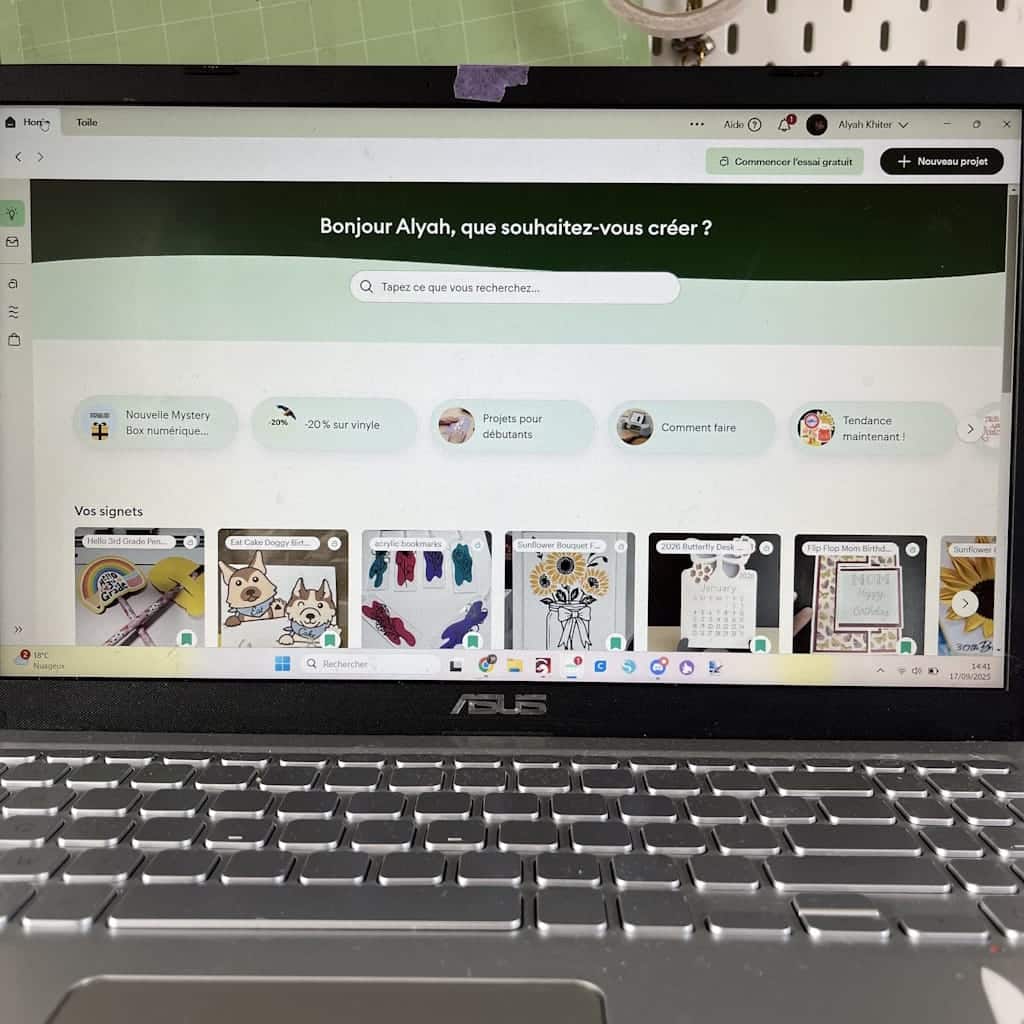
1. Scegli un design adatto al tuo matrimonio
Inizia definendo uno stile: romantico, campestre, moderno o minimalista. In Design Space (l’applicazione di Cricut) troverai modelli pronti all’uso, oppure puoi creare il tuo.
A corto di ispirazione? Pinterest è una vera miniera d’oro di idee!
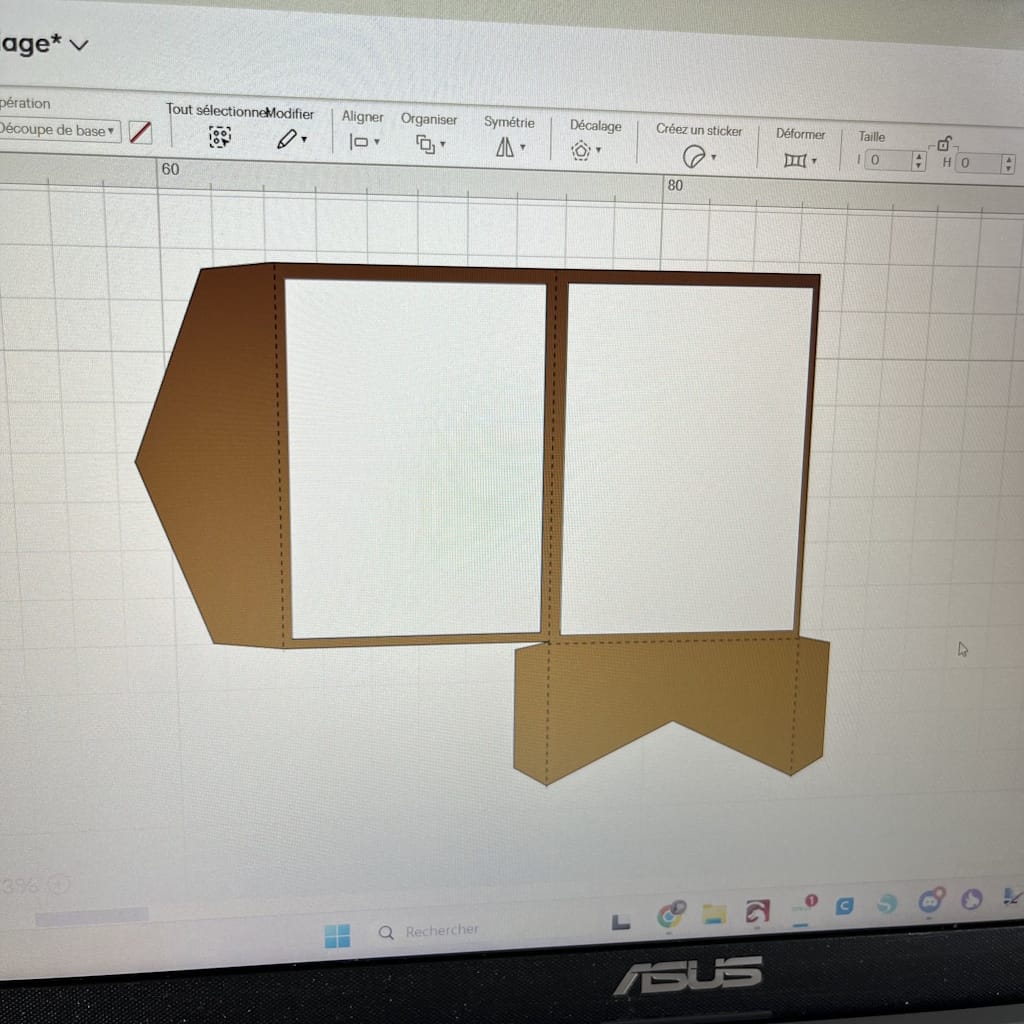
2. Prepara il file in Cricut Design Space
-
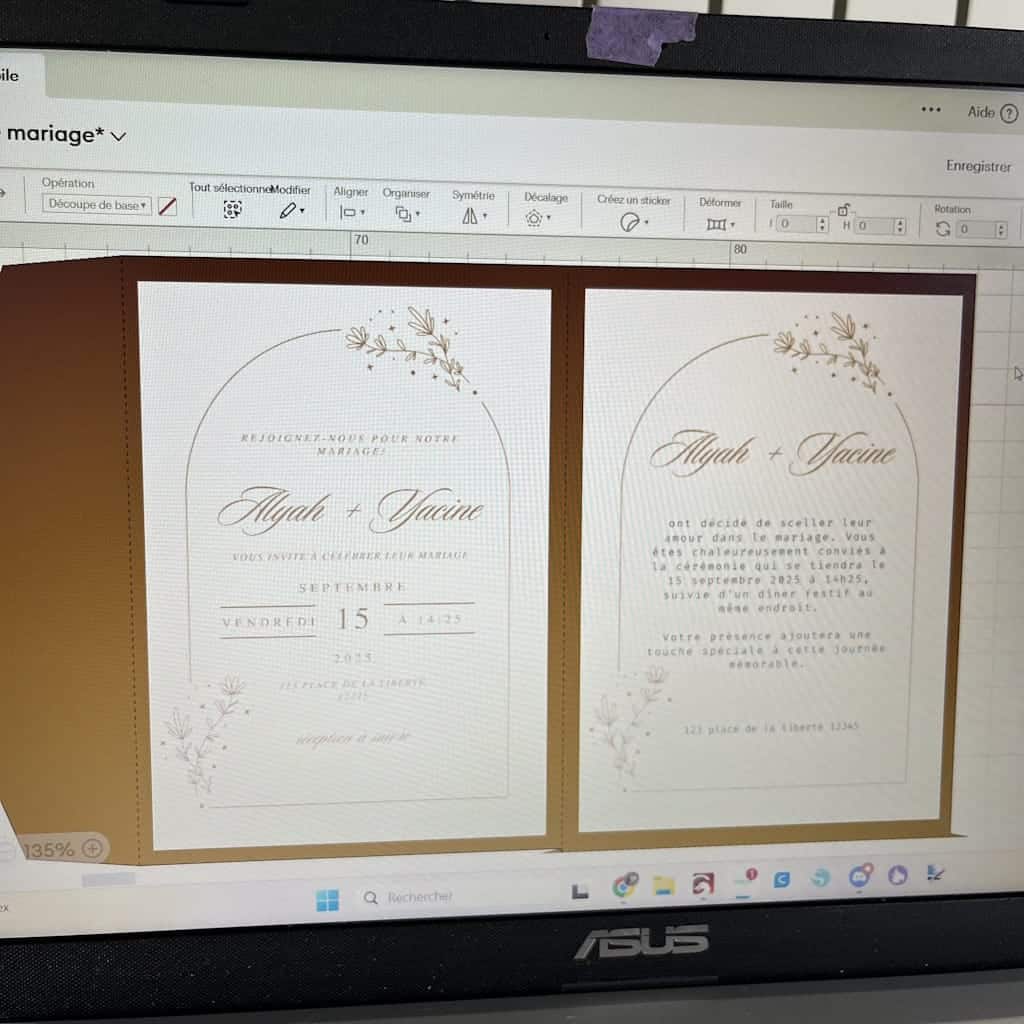
Inserisci i nomi degli sposi, la data e il luogo del matrimonio.
-
Seleziona i font (scritto a mano, calligrafico, moderno).
-
Aggiungi gli ornamenti (arabeschi, cuori, motivi floreali).
In Cricut Design Space, ogni elemento da tagliare deve avere un colore diverso. In questo modo il software capisce che dovrà tagliare più carte diverse.
Piccolo consiglio: ricordati di organizzare bene i livelli per evitare confusione al momento del taglio.
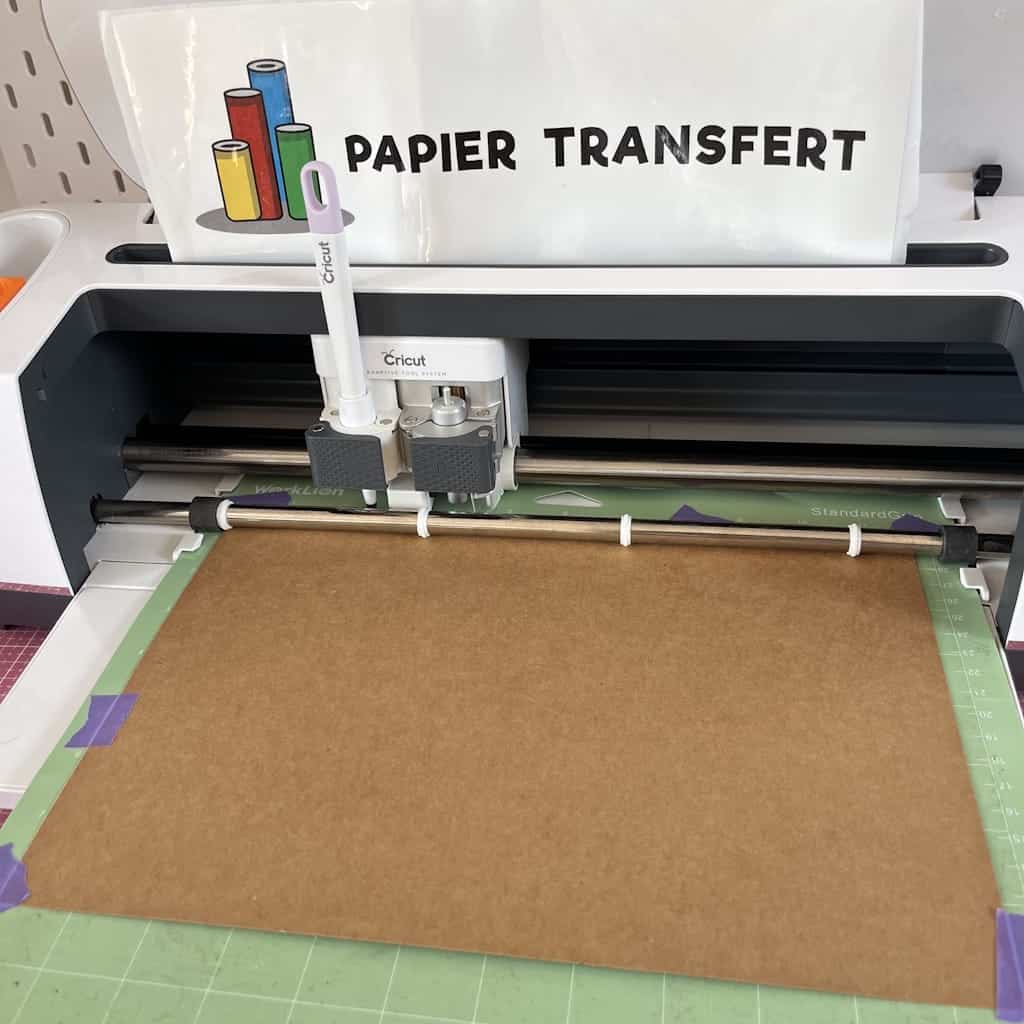
3. Avvia il taglio
-
Posiziona la carta sul tappetino.
-
Controlla le impostazioni prima di avviare la macchina.
-
Lascia che la Cricut tagli il tuo design con precisione.
Per questa partecipazione, tra l’altro, ho usato l’opzione Print & Cut della Cricut (prima la stampa, poi il taglio), per un risultato ancora più professionale!
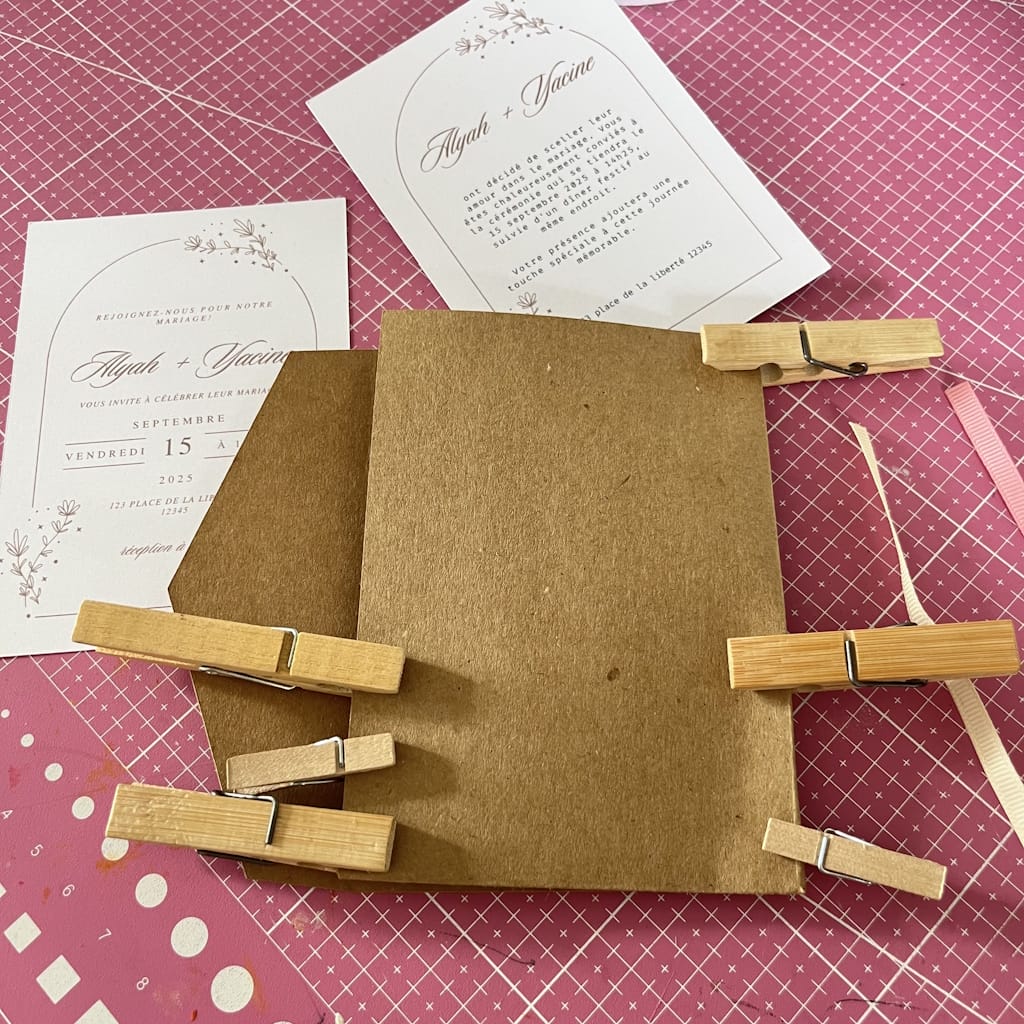
4. Assembla la partecipazione
-
Sovrapponi le carte. Se vuoi creare un effetto in rilievo, usa del biadesivo spessorato.
-
Incolla i vari elementi.
-
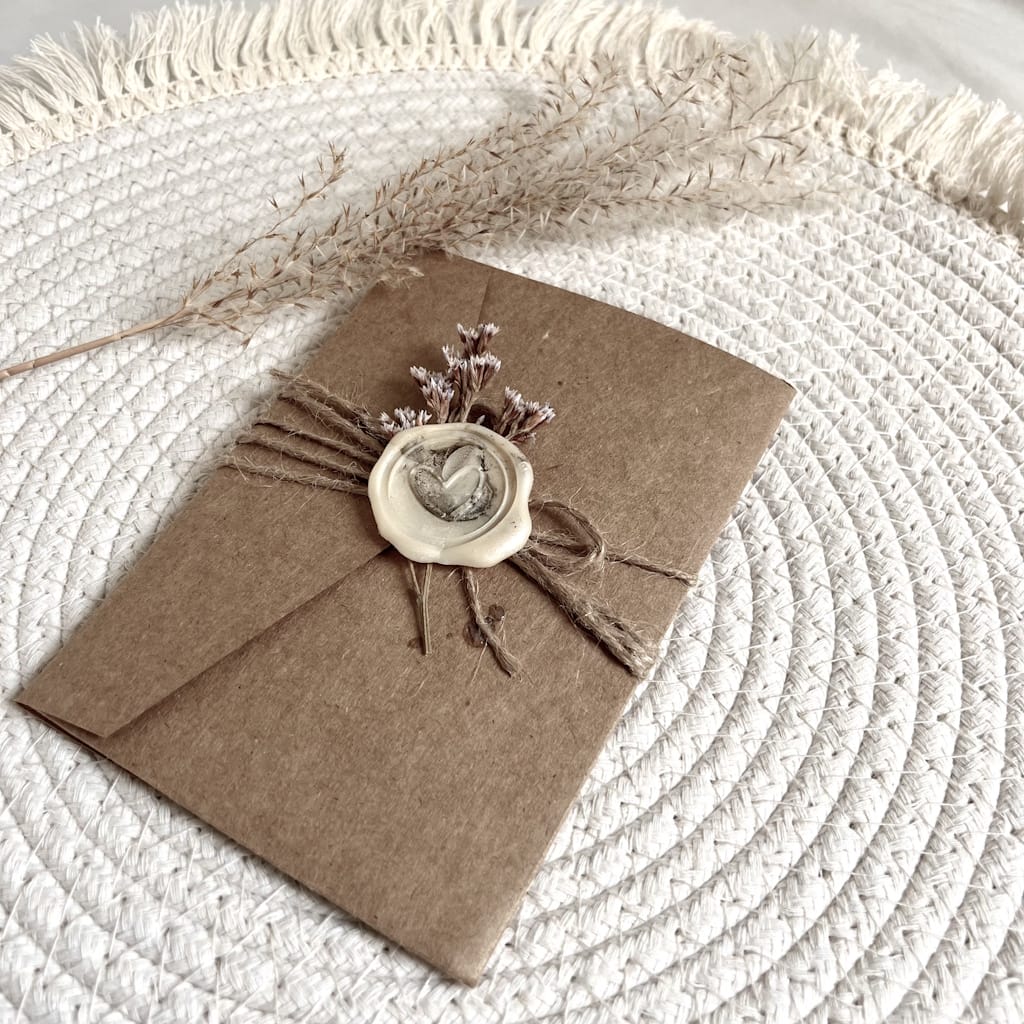
Aggiungi un nastro, un fiocco o dello spago per un risultato raffinato.
5. Completa i tuoi inviti
-
Controlla che i colori e i dettagli degli inviti siano coerenti con il tema del tuo matrimonio.
-
Inserisci le tue creazioni in buste coordinate per un risultato armonioso ed elegante.
-
Bravissima! Sei riuscita a creare i tuoi inviti con la Cricut. Puoi essere fiera di te: ogni biglietto è unico, personalizzato e rispecchia perfettamente il tuo stile. I tuoi invitati saranno felicissimi di ricevere una partecipazione fatta con tanta cura e creatività!
-
Piccolo consiglio extra: scatta una foto delle tue creazioni prima di spedirle, così conserverai un ricordo magico del tuo progetto fai da te!
3. Come fare una partecipazione di nozze con la Cricut: i miei consigli!
Per ottenere una partecipazione elegante, che resti impressa, ecco qualche consiglio nato dalla mia esperienza:
-
Scegli una carta metallizzata o perlata: queste carte riflettono la luce e danno subito un tocco chic e raffinato all’invito. Anche un design semplice acquisterà immediatamente un aspetto professionale.
-
Aggiungi del foil dorato o argentato sul testo: questa tecnica dà un risultato lussuoso e moderno. Qualche tocco dorato sui nomi o sulla data del matrimonio valorizzerà al massimo la tua partecipazione.
-
Mantieni sempre coerenti colori e tema: scegli tonalità in linea con il tuo matrimonio. Anche i dettagli più piccoli, come un nastro o un particolare del taglio, devono richiamare la tua palette di colori.
💡
Il mio trucco personale: per il mio matrimonio avevo usato una carta bianca con qualche dettaglio in foil dorato e un nastro abbinato. Il risultato era semplice, ma così elegante che diversi invitati mi hanno chiesto come avessi fatto!
4. Idee di stile per partecipazioni con la Cricut
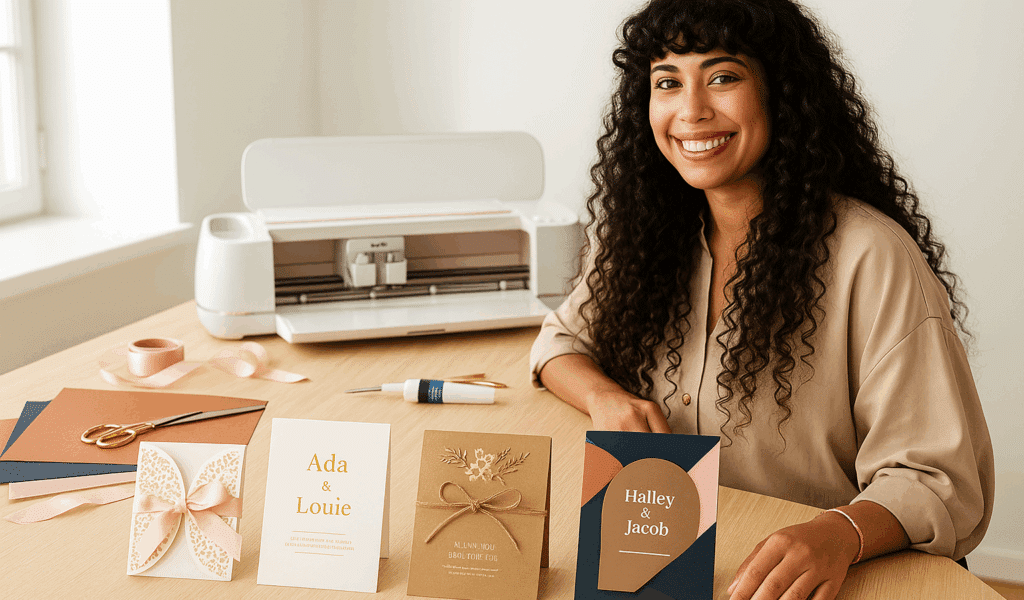
Quando ho creato i miei inviti, mi sono resa conto di quanto la Cricut lasci libero sfogo alla creatività. In base allo stile del tuo matrimonio, puoi adattare la partecipazione perché rispecchi perfettamente il tuo mondo. Ecco qualche idea per ispirarti:
💌
Romantico
Per uno stile dolce ed elegante, punta sul pizzo di carta intagliato, su arabeschi sottili e dettagli delicati. Puoi aggiungere un nastro di raso per un tocco ancora più raffinato. Questo stile è perfetto per un matrimonio classico o country chic.
💡
Consiglio: usa una carta perlata per accentuare l’effetto romantico e dare luminosità all’invito.
💌
Minimalista e chic
Se ami le linee pulite e lo stile contemporaneo, il minimalismo è l’ideale. Scegli una carta bianca o avorio spessa, font semplici ma eleganti, e aggiungi qualche tocco di doratura o di foil sui testi.
💡
Consiglio: gioca con le dimensioni e il contrasto dei font per mettere in risalto i nomi o la data, senza bisogno di altre decorazioni.
💌
Campestre
Per un matrimonio naturale o rustico, la carta kraft e i fiori secchi sono i tuoi migliori alleati. Con la Cricut puoi tagliare motivi floreali o foglie per completare il look.
💡
Consiglio: aggiungi dello spago naturale o un piccolo nastro di juta per un risultato autentico e accogliente.
💌
Moderno
Se ami l’originalità e il design grafico, scegli forme geometriche, colori a contrasto e motivi audaci. La Cricut ti permetterà di realizzare tagli precisi e innovativi, per un risultato ultra contemporaneo.
💡
Consiglio: gioca con la sovrapposizione di carte colorate per creare un effetto in rilievo e dare carattere alla tua partecipazione.
Qualunque stile tu scelga, assicurati che la partecipazione rispecchi la tua personalità e l’atmosfera del tuo matrimonio. È il modo migliore per creare un invito unico che resterà impresso ai tuoi invitati!
5. Trasforma i tuoi inviti in un ricordo indimenticabile con la Cricut
Creare la tua partecipazione di nozze con una Cricut è molto più di un semplice lavoretto fai da te: è un modo per raccontare la tua storia e dare voce alla tua creatività. Ricordo ancora il momento in cui ho tenuto tra le mani i miei primi inviti... un misto di orgoglio ed emozione. Ogni dettaglio rispecchiava il nostro mondo e l’atmosfera che volevamo per il nostro matrimonio.
Seguendo i passaggi e i consigli che ho condiviso con te, anche tu puoi realizzare partecipazioni eleganti, uniche e personalizzate, senza sforare il budget. E la cosa più bella? I tuoi invitati percepiranno tutta la cura e l’amore che hai messo in queste piccole opere d’arte. 💕
Allora non esitare più: buttati, esplora le tue idee, fai qualche prova di taglio, gioca con le carte e gli abbellimenti. Con un po’ di pazienza e la tua Cricut, i tuoi inviti saranno tanto belli quanto memorabili.
FAQ: come fare una partecipazione di nozze con la Cricut
1. Quale Cricut scegliere per creare la tua partecipazione di nozze?
Per le partecipazioni, la Cricut Maker è l’ideale grazie alla sua versatilità e alla sua potenza, soprattutto se vuoi realizzare tagli complessi o aggiungere dettagli sottili come il pizzo di carta. Anche la Cricut Explore va bene per design semplici, mentre la Cricut Joy è perfetta per piccoli progetti e inviti più minimalisti.
2. Che tipo di carta usare per inviti eleganti?
Scegli un cartoncino da 200 a 300 g/m². Per un risultato chic, preferisci le carte perlate, metallizzate o testurizzate. Puoi anche sovrapporre più carte per dare rilievo ai tuoi inviti.
3. È difficile creare una partecipazione con la Cricut per chi è principiante?
Per niente! La Cricut è pensata per essere facile da usare, anche se sei alle prime armi. Basta seguire i passaggi: scegliere un design, preparare il file in Design Space, tagliare e assemblare. Con un po’ di pratica e seguendo i miei consigli, le tue partecipazioni avranno un risultato da professionista.
4. Quanto costa realizzare una partecipazione fatta in casa?
Il costo dipende dalla carta e dagli abbellimenti che scegli. In media, una partecipazione fatta in casa costa tra 1,50 € e 3 €, contro i 6-8 € (o anche di più) di una partecipazione ordinata in tipografia. L’acquisto della macchina è un investimento che fai una volta sola e ti permette di creare tutti i modelli che vuoi.
5. Puoi personalizzare completamente i tuoi inviti con la Cricut?
Sì! Con la Cricut puoi personalizzare font, colori, motivi e tagli. Puoi aggiungere nastri, strass, foil dorato o argentato, e persino creare i tuoi motivi per rendere unico ogni invito.
6. Quanto tempo ci vuole per realizzare una partecipazione di nozze?
Tutto dipende dalla complessità del design e dal numero di inviti. Per un modello semplice, calcola dai 30 ai 45 minuti per invito (taglio e assemblaggio compresi). I modelli più elaborati possono richiedere più tempo, soprattutto se aggiungi più strati di carta o decorazioni.
7. Quali sono i consigli per un risultato davvero professionale?
- Scegli una carta di qualità con la grammatura giusta.
- Mantieni una palette di colori coerente con il tema del tuo matrimonio.
- Aggiungi dettagli eleganti come foil, nastri o vinile metallizzato.
- Fai un test di taglio su un foglio di prova prima di avviare la produzione in serie.
8. Dove trovare il materiale adatto per realizzare le tue partecipazioni con la Cricut?
Trovi tutti gli accessori che ti servono per la tua Cricut su Transfer Paper.
Avere una Cricut è già una rivoluzione. Ma per ottenere tagli netti, precisi e duraturi, ti serve l’accessorio che fa la differenza: il tappetino da taglio Cricut. È lui a garantire un risultato impeccabile, soprattutto per progetti importanti come una partecipazione di nozze. E c’è una buona notizia: i nostri tappetini da taglio Cricut sono davvero performanti... a un prezzo molto più accessibile!
Commenti
Ancora nessun commento. Scrivi il primo e racconta la tua esperienza.
Lascia un commento