
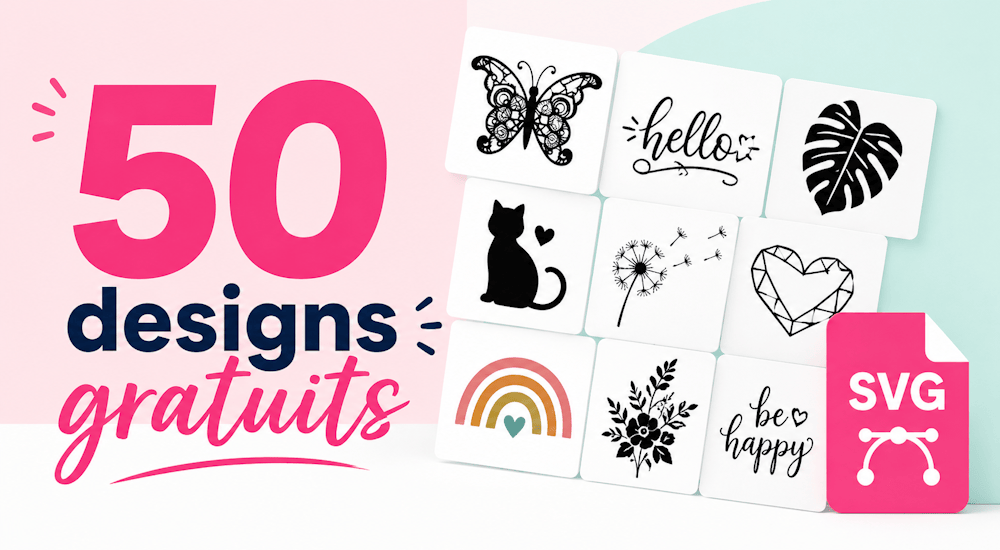
File SVG gratuiti per Silhouette Cameo: 50 design gratuiti!
Non è mai facile trovare file SVG gratuiti su internet quando vuoi realizzare dei motivi con la tua Silhouette Cameo, Cricut, ScanNCut o con un altro plotter da taglio.
La maggior parte, infatti, non è libera da diritti, e per chi vuole vendere le proprie creazioni e personalizzare tessuti con il vinile termoadesivo è un bel problema! E anche se sei un disegnatore o una disegnatrice di talento, scaricando file già pronti, e per di più già vettorizzati, risparmierai un sacco di tempo!
Il team di Transfer Paper ha quindi deciso di regalarti una cinquantina di file SVG gratuiti per Silhouette Cameo, Cricut, ScanNCut!
I motivi e le scritte che ti regaliamo sono pensati per le creazioni in vinile termoadesivo e gli sticker in vinile, ma puoi usarli anche con tanti altri materiali per lo scrapbooking.
Tutti i design sono utilizzabili a fini commerciali: puoi usarli per vendere le tue creazioni e puoi anche modificarli.
Ogni file gratuito per Silhouette Cameo e Cricut è disponibile in 4 formati: SVG, PNG, DXF ed EPS, così puoi usarlo e modificarlo con qualsiasi software!
Con il pacchetto di 50 motivi gratuiti per Silhouette Cameo e Cricut potrai realizzare tantissime creazioni in vinile termoadesivo e vinile adesivo con motivi bellissimi. 😉
Voglio ricevere i miei 50 file SVG per Silhouette Cameo e Cricut! 👈
Come usare i file gratuiti per Silhouette Cameo e Cricut?
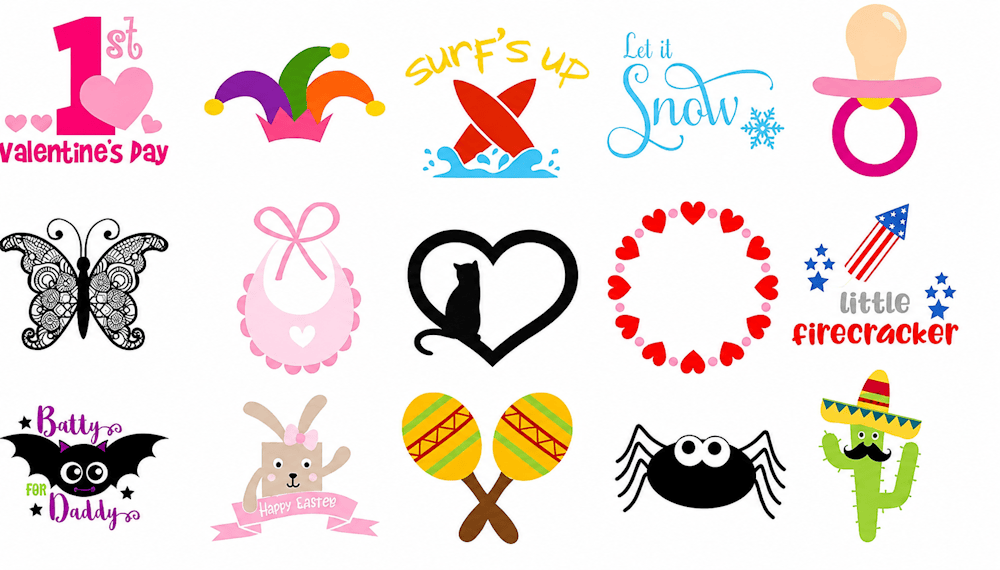
Dopo aver scaricato il file, ti basterà aprirlo e fare doppio clic su «nuova cartella»
Quando vedrai la schermata con tutti i design, dovrai importarli nel tuo software di grafica, Silhouette Studio o Cricut Design Space:
Importare i file SVG gratuiti in Silhouette Studio:
Per prima cosa, scegli tra tutti i motivi il design che vuoi usare. In Silhouette Studio ti consigliamo il formato «DXF», perché è già vettorizzato.
Tieni premuto il tasto sinistro del mouse sul design in formato DXF che vuoi usare e trascinalo sul desktop del computer. Poi salva il design DXF in una cartella del computer e apri il software Silhouette Studio.
Infine clicca su «file», poi su «apri» e fai doppio clic sul design che hai scelto.
Aspetta qualche secondo e il gioco è fatto!
Importare i file SVG gratuiti in Cricut Design Space:
Con il software Cricut la procedura è abbastanza simile: scegli uno dei 3 formati (PNG, DXF o SVG) e, come per Silhouette, salva l’immagine in una cartella del computer.
Quando il design è stato scaricato, apri il software Cricut Design Space, clicca su «Nuovo progetto», poi su «carica» e infine su «carica immagine», quindi importa il tuo design.
Segui i passaggi indicati da Cricut ed è fatta!
Speriamo che questo pacchetto di file SVG gratuiti per Silhouette Cameo e Cricut ti sia utile. È sempre fondamentale continuare a lasciarsi ispirare dalle creazioni degli altri, perché stimola le nostre idee creative e ci aiuta a crescere! 🎨
L’intero set è tuo con un clic, in SVG, PNG, DXF ed EPS, e ne è consentito l’uso commerciale: puoi quindi vendere tutto quello che realizzi.



Commenti
Ancora nessun commento. Scrivi il primo e racconta la tua esperienza.
Lascia un commento