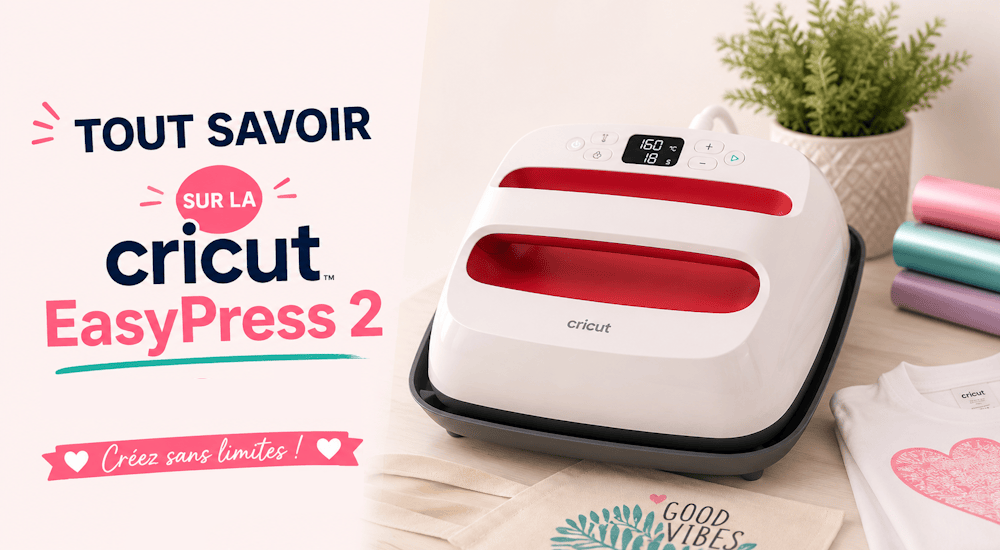
Che tu sia un artigiano, un appassionato di fai da te o semplicemente ami creare oggetti fatti a mano, adorerai la Cricut Easy Press 2.
Prima di acquistare una pressa Cricut, leggi questo articolo per capire se ti serve davvero. È importante sapere quali dimensioni esistono e come usarla per realizzare progetti con il vinile termoadesivo. 😉
Che cos’è la EasyPress? 🤔
La EasyPress di Cricut è un apparecchio che permette di applicare loghi a caldo sui tuoi capi d’abbigliamento. Unisce la leggerezza e la praticità di un comune ferro da stiro al calore distribuito in modo uniforme e alla superficie di una pressa a caldo.
In pochi secondi può quindi applicare un motivo termoadesivo su un tessuto. ⌛
La Cricut EasyPress 2 raggiunge i 200 gradi Celsius: per questo è lo strumento ideale per i prodotti Infusible Ink e per le applicazioni a caldo, che richiedono un calore elevato, costante e ben distribuito per un trasferimento riuscito.
In cosa è diversa la EasyPress 2 da un ferro da stiro?
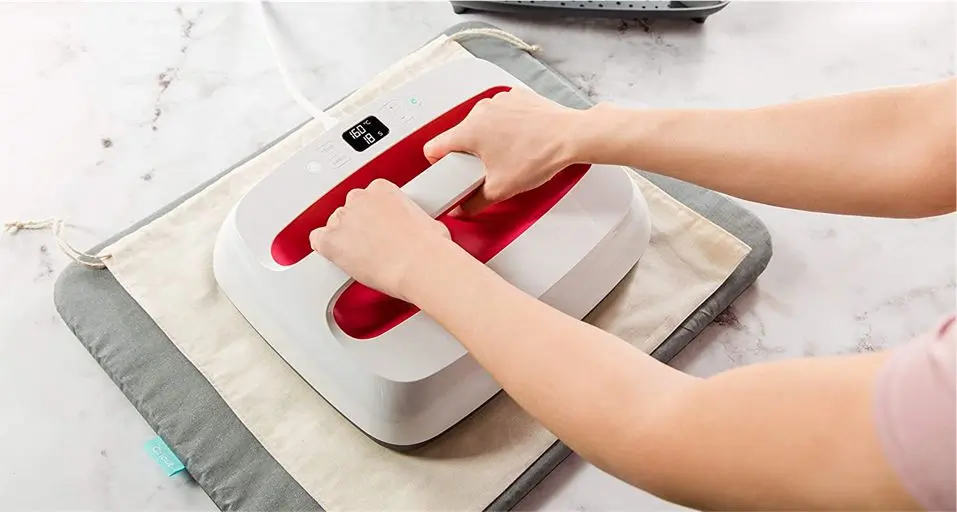
Usare un comune ferro da stiro per personalizzare i tuoi capi con il vinile termoadesivo funziona, ma non è la soluzione più efficace. Il calore del ferro, infatti, non è distribuito in modo uniforme: devi quindi muoverlo in tutte le direzioni e, allo stesso tempo, premere con forza perché il motivo in vinile aderisca correttamente.
Inoltre, quasi tutti i ferri da stiro di casa hanno i fori per il vapore, che rendono la distribuzione del calore ancora meno uniforme. 🌡️
Con un ferro da stiro domestico non puoi conoscere la temperatura esatta della zona che stai pressando. Questo significa che alcune zone possono ricevere il calore necessario e altre no.
Infine, le dimensioni del ferro da stiro non sono adatte ai tuoi progetti in vinile termoadesivo. Tra le 3 misure disponibili della EasyPress 2, troverai sicuramente quella giusta per le tue esigenze. ✅
A differenza delle classiche presse industriali, la EasyPress 2 si trasporta facilmente grazie al corpo in plastica leggera e a una base che permette di spostarla in tutta sicurezza.
Come usare la Cricut Easy Press 2
Preparare e usare la Cricut EasyPress 2 è semplicissimo:
-
Dopo aver tolto la pellicola di plastica che avvolge la pressa, appoggia la piastra riscaldante sulla base di sicurezza in dotazione: la piastra si incastra perfettamente nella base
-
Collega il cavo della EasyPress 2 a una presa. 🔌⚡
-
Regola la temperatura premendo il pulsante in alto a sinistra e usa i tasti «+» o «-» per aumentare o diminuire il calore.
-
Regola la durata della pressatura premendo il pulsante «orologio» in basso a sinistra e usando i tasti «+» o «-» per aumentarla o diminuirla.
-
Stendi il tessuto che preferisci su un cuscino da stiro e preriscalda la pressa impostando 150 gradi e 5 secondi. 👕
-
Quando la pressa ha raggiunto la temperatura impostata, appoggia la tua Easy Press sul tessuto, premi il pulsante di avvio (il pulsante Cricut) in alto a destra e premi per 5 secondi per scaldare il tessuto. (Non saltare questo passaggio!)
-
Ora che il tessuto è preriscaldato, imposta il timer su 20 secondi e posiziona il logo termoadesivo sul capo.
-
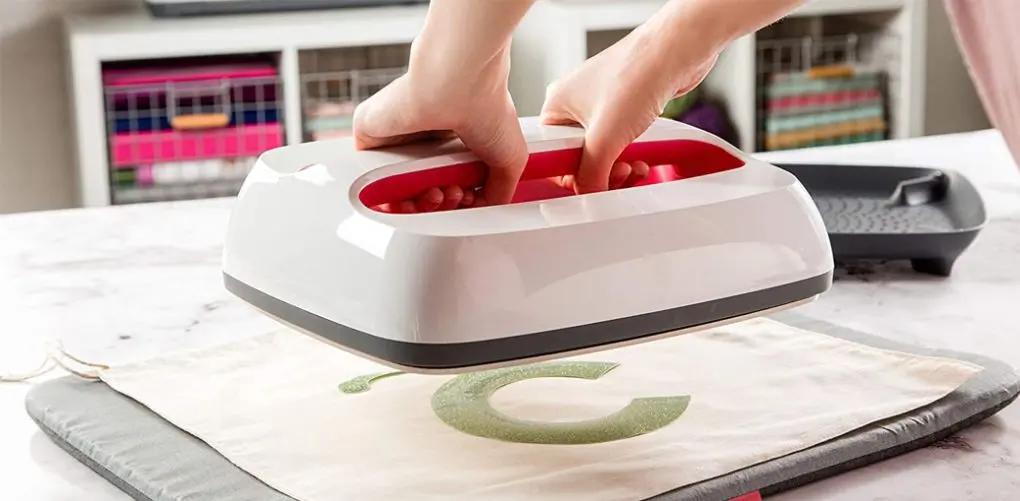
Appoggia la Cricut Easy Press 2 sul tessuto preriscaldato e avvia il timer premendo il logo Cricut.
-
Trascorsi i 20 secondi, rimetti la pressa sulla base di sicurezza e rimuovi la pellicola di supporto dal vinile.
Il gioco è fatto! Hai realizzato la tua prima applicazione a caldo con la Cricut Easy Press 2!
Se il logo si stacca facilmente o se una parte del vinile non ha aderito del tutto, applica di nuovo il calore per altri 15 secondi.
Le diverse misure della Cricut Easy Press 2:
Sul mercato esistono 3 misure di Cricut Easy Press, per progetti di dimensioni diverse. Eccole:
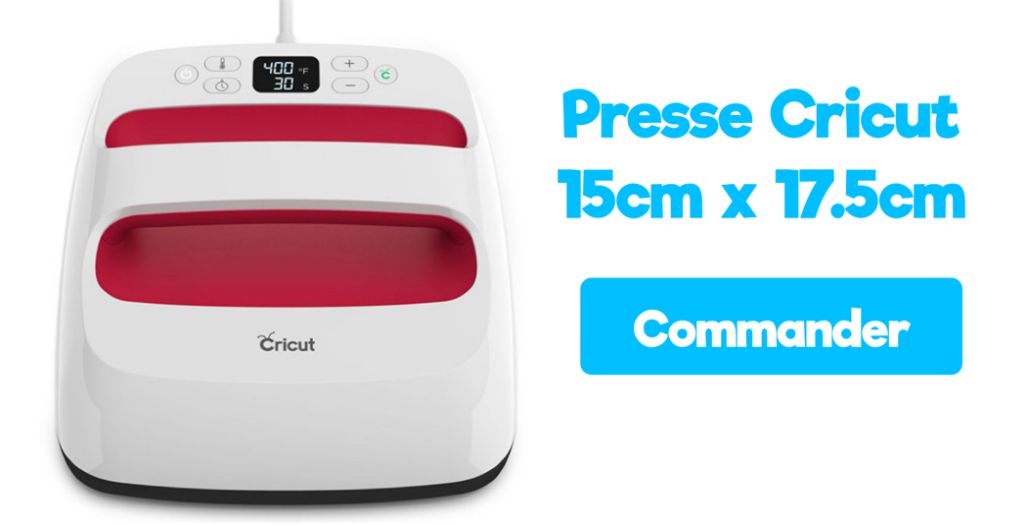
1️⃣ Cricut EasyPress 15cm x 17,5cm:
È la misura più piccola della EasyPress classica. Con un peso di 1,5kg, è perfetta per piccoli progetti piatti come:
- Vestitini per neonati
- Berretti
- Piccole borse
- Guanti
- Calzini
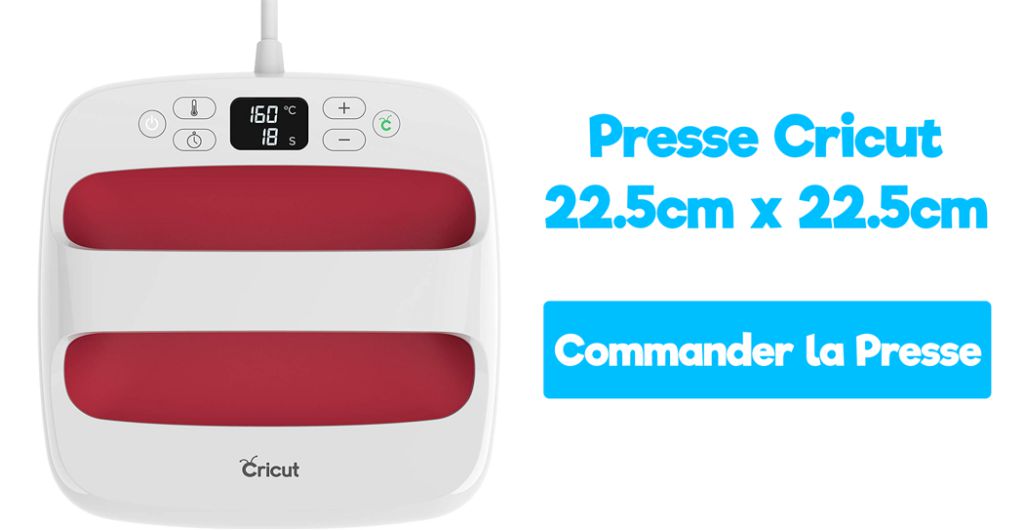
2️⃣ Cricut EasyPress 22,5cm x 22,5cm:
È la misura intermedia e, con un peso di soli 2,5kg, è perfetta per la maggior parte dei progetti fai da te: è anche quella più consigliata se sei alle prime armi con la EasyPress. È ideale per progetti come:
- Tote bag
- Cuscini
- Grembiuli
- T-shirt
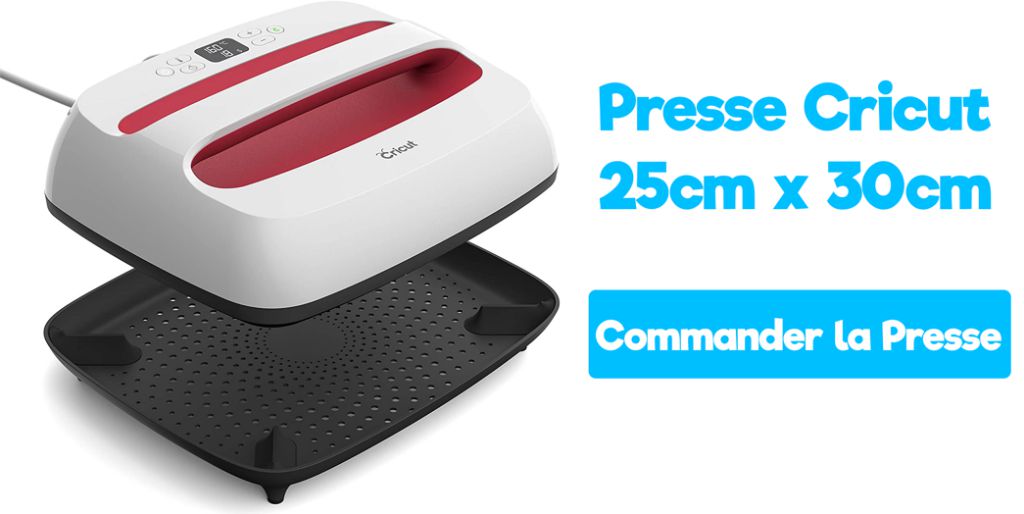
3️⃣ Cricut EasyPress 25cm x 30cm:
È la misura più grande della EasyPress, perfetta per i progetti più impegnativi in cui ti serve una superficie di trasferimento più ampia:
- T-shirt di taglia grande
- Coperte
- Felpe
- Progetti di grandi dimensioni
Vantaggi e svantaggi della Cricut Easy Press:
Per concludere, vediamo i vantaggi e gli svantaggi della Cricut Easy Press 2:
✔️ Facile da usare
Come sempre, Cricut ha dimostrato di saper puntare su semplicità ed ergonomia. Con soli 6 pulsanti, non avrai nessuna difficoltà a usarla.
✔️ Design e materiali di qualità
Plotter da taglio, presse o qualsiasi altro prodotto Cricut: sono tutti facilmente riconoscibili per la loro estetica e per la loro grande durata nel tempo.
✔️ Pressa facile da trasportare
È senza dubbio il principale vantaggio della Cricut Easy Press 2 rispetto alle comuni presse a caldo: potrai portarla con te facilmente in vacanza o per i progetti che richiedono uno spostamento. 👍
✔️ Diverse misure tra cui scegliere
Come abbiamo visto, Cricut propone 3 diverse misure di EasyPress, in grado di rispondere alle tue esigenze.
✔️ Protezione ottimale del piano di lavoro
Grazie alla base di sicurezza inclusa con la Cricut EasyPress 2, non dovrai preoccuparti per il tuo piano di lavoro.
❌ Prezzo elevato
Nonostante tutte le sue qualità, la Cricut EasyPress 2 ha un prezzo elevato (tra 150€ e 240€ a seconda della misura). In compenso, con la Cricut Easypress 2 avrai la certezza di una pressa che ti accompagnerà per molti anni prima di cedere 💪 (a differenza di alcune presse a caldo che resistono solo pochi mesi).
❌ La pressione della Cricut EasyPress è debole
Quando vuoi applicare il vinile termoadesivo sui capi, è importante che la pressa a caldo eserciti una pressione sufficiente sul motivo, così che aderisca perfettamente al tessuto.
Con la pressa Cricut, l’unica pressione esercitata sul tessuto è quella del suo stesso peso. Può bastare per il vinile termoadesivo standard, ma se usi vinile termoadesivo velluto o glitter ti consigliamo di premere ulteriormente con la mano, così che l’applicazione sul tessuto riesca alla perfezione.
Speriamo che questo articolo ti abbia aiutato a capire se hai bisogno o meno di una Cricut EasyPress 2.
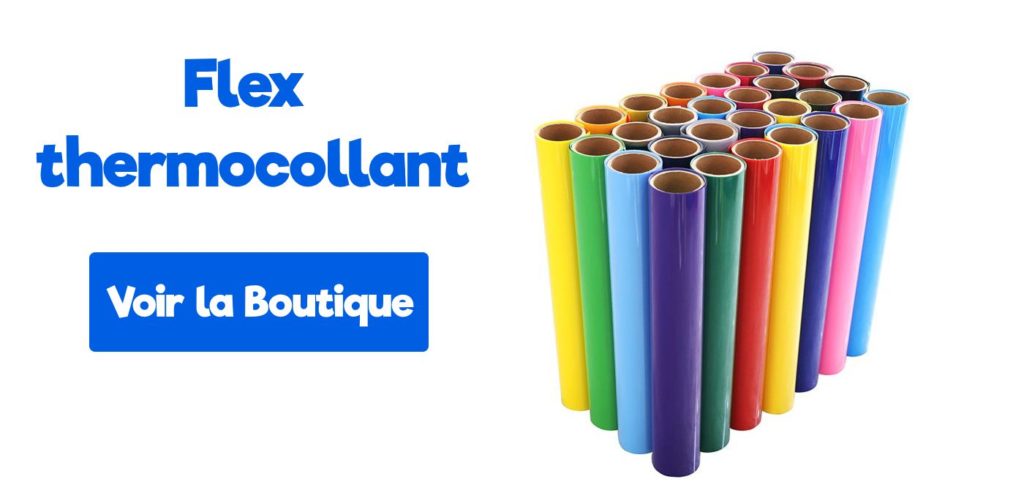
Se ti è venuta voglia di realizzare progetti di personalizzazione tessile con il tuo plotter Cricut, dai un’occhiata ai vinili termoadesivi che proponiamo nel nostro negozio!
Commenti
Ancora nessun commento. Scrivi il primo e racconta la tua esperienza.
Lascia un commento