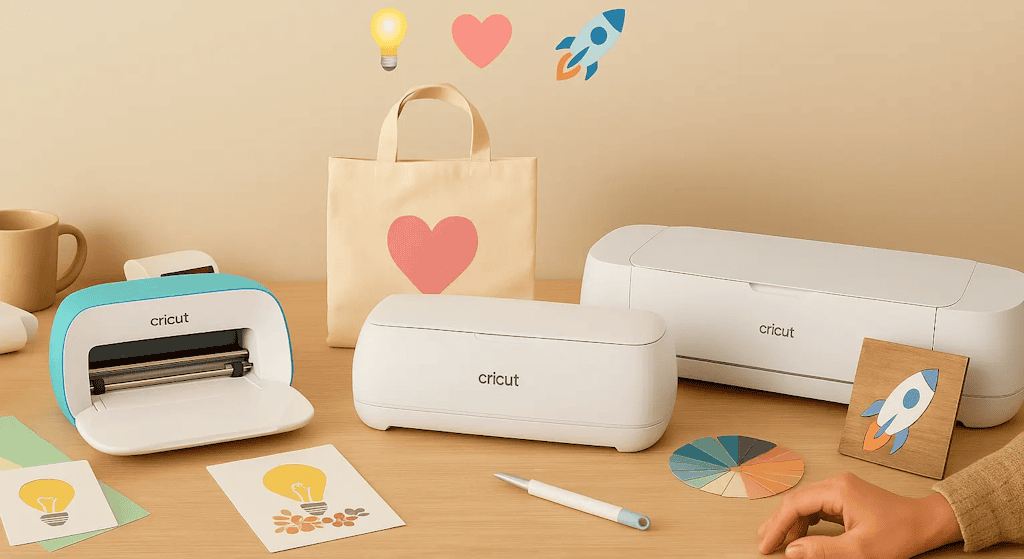
Du möchtest wissen, welche Cricut du wählen sollst, um in die magische Welt des Personalisierens einzusteigen? Gute Nachricht: Hier bist du genau richtig ✨! Ob du einen Stoffbeutel gestalten, zuckersüße Sticker basteln, Tassen personalisieren oder sogar das Kinderzimmer dekorieren möchtest: Bei der Cricut-Reihe kommt man buchstäblich ins TRÄU-MEN... aber einem kann dabei auch ganz schön schwindelig werden 😵💫.
Und dann kommt das große Dilemma: Cricut Joy, Joy Xtra, Explore oder Maker... Welche Cricut-Maschine sollte man als Einsteiger wählen? Aber keine Panik, ich erkläre dir das ganz einfach und ohne unnötiges Blabla, damit du eine gut überlegte Entscheidung treffen kannst.
Denn auch ich stand genau vor dieser Frage. Ich habe stundenlang Modelle verglichen, Tutorials angeschaut, mir meine künftigen Projekte ausgemalt... und mich gefragt: „Welche soll ich als Anfängerin nehmen? Und vor allem: Gibt es wirklich Unterschiede zwischen den einzelnen Cricut-Modellen?“ 😎
Deshalb helfe ich dir heute, den Durchblick zu bekommen, selbst wenn du in deinem Leben noch nie einen Schneideplotter angefasst hast. Wir vergleichen die Modelle, schauen uns ihre Stärken und Grenzen an und finden vor allem heraus, welche Cricut zu dir passt, wenn du gerade erst anfängst. Denn unter uns: Die eine „beste Cricut“ für alle gibt es nicht. Es gibt deine Cricut, nämlich die, die zu deinen Projekten und deinem Budget passt.
Bereit, deine erste Cricut zu finden? Los geht's!
Pssst... als Bonus verrate ich dir meine kleinen Tipps und das Zubehör, das du für einen guten Start unbedingt brauchst!
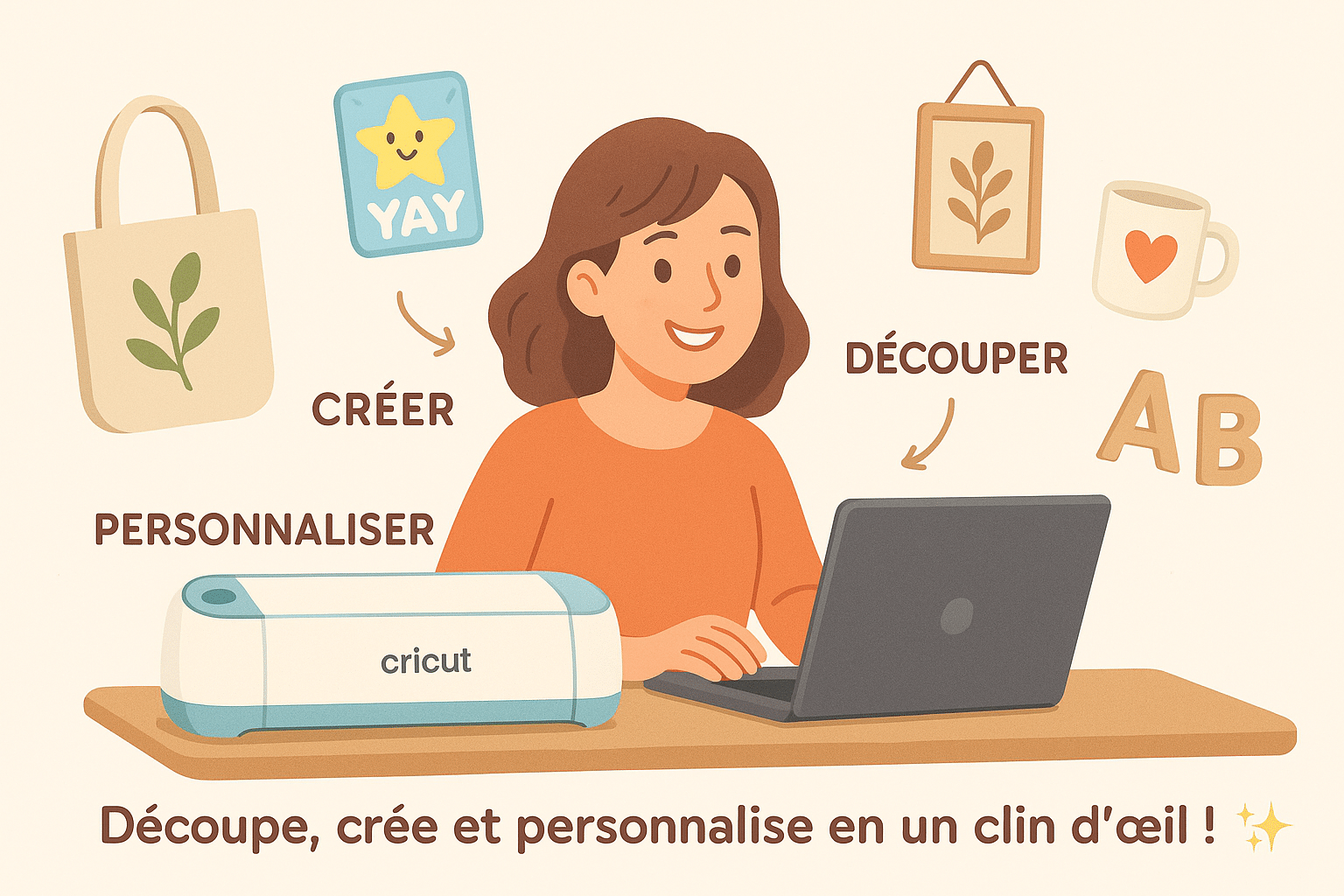
1. Was ist eine Cricut eigentlich?
Bevor wir über Modelle sprechen, erst mal eine kleine Begriffserklärung. Keine Sorge, wir halten es einfach: Eine Cricut ist ein intelligenter Schneideplotter.
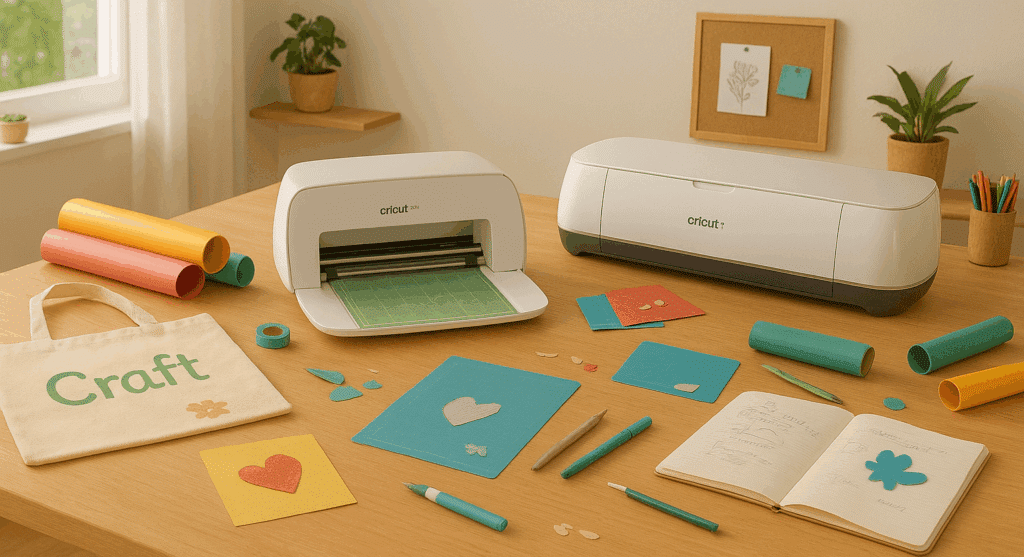
Sie schneidet Vinylfolie, Papier und Flexfolie für Textilien, und je nach Modell... kann sie sogar gravieren, zeichnen oder Stoff und sogar Balsaholz schneiden!
Stell sie dir wie einen Drucker vor, nur dass sie schneidet, statt zu drucken.
👉
Ganz einfach erklärt:
-
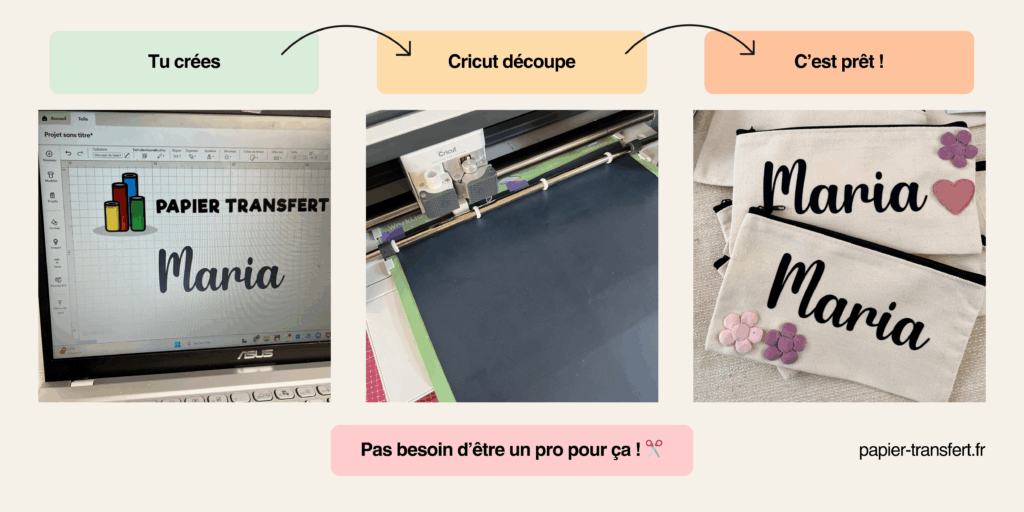
Du erstellst dein Design am Computer oder auf dem Handy.
-
Du schickst dein Projekt an die Maschine.
-
Und die Cricut schneidet das Material, das du ausgewählt hast.
Einfach GE-NIAL! 😎
2. Die wichtigsten Cricut-Modelle 2025
Bevor du loslegst und deine Cricut auswählst, solltest du die Unterschiede zwischen den Modellen genau kennen.
😎
Jede Maschine hat ihre Stärken, ihre Grenzen und ganz bestimmte Funktionen. Wie nützlich diese für dich sind, hängt von deinem Level ab: ob du Anfänger bist, DIY-Fan (Do it yourself = mach es selbst) oder sogar angehender Profi!
🛠️
Es gibt vier Hauptmodelle, und damit alles ganz klar wird, zeige ich sie dir in einer praktischen kleinen Tabelle:
👇
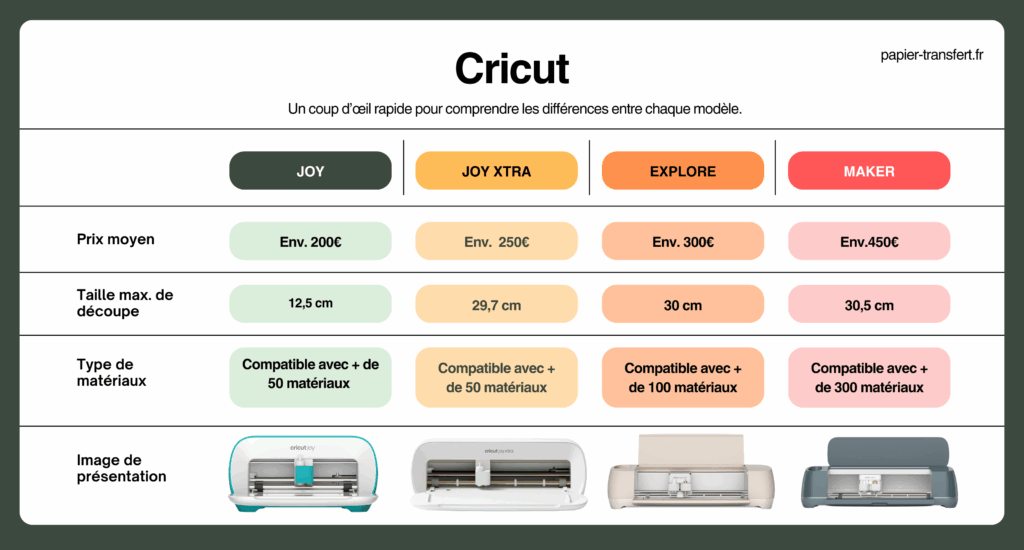
3. Welche Cricut ist also die richtige für den Einstieg?
Gut, dann kommen wir zum Kern der Sache: Welche Cricut solltest du wählen, wenn du gerade anfängst?
Vielleicht denkst du jetzt: „Cricut ist doch Cricut, oder?“ Tja... nicht ganz!
😉
Jede Maschine hat ihren eigenen Charakter, ihre Stärken und ihre kleinen Grenzen (manche eignen sich besser für Anfänger, andere für erfahrene Kreative). Genau das macht die Entscheidung manchmal so schwierig. Man hat Angst, danebenzuliegen und eine Maschine zu kaufen, die zu wenig kann... oder im Gegenteil eine, die für die eigenen Bedürfnisse zu anspruchsvoll ist.
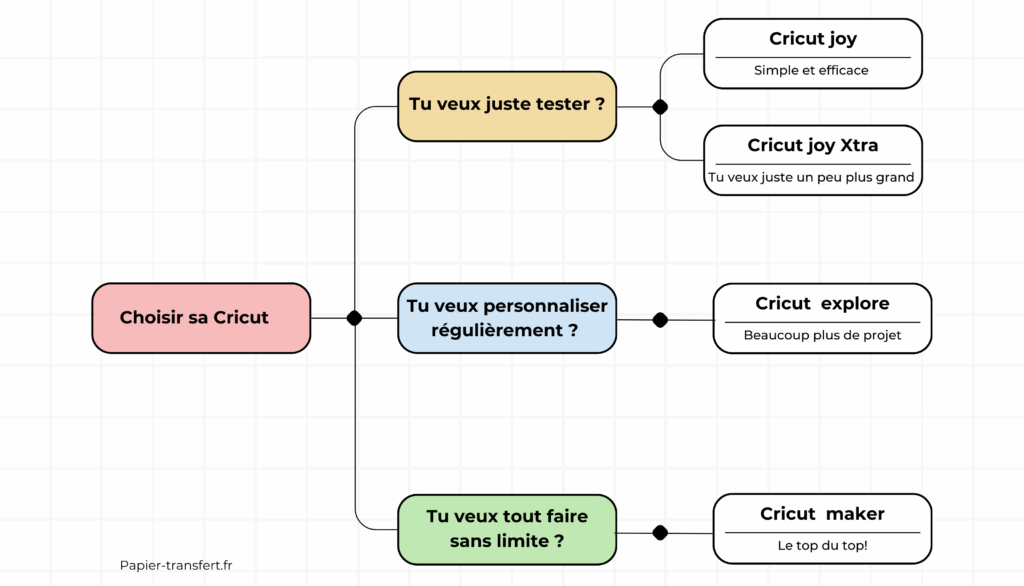
Damit du klarer siehst, stellen wir uns vor der Wahl deiner Maschine ein paar einfache Fragen.
👇
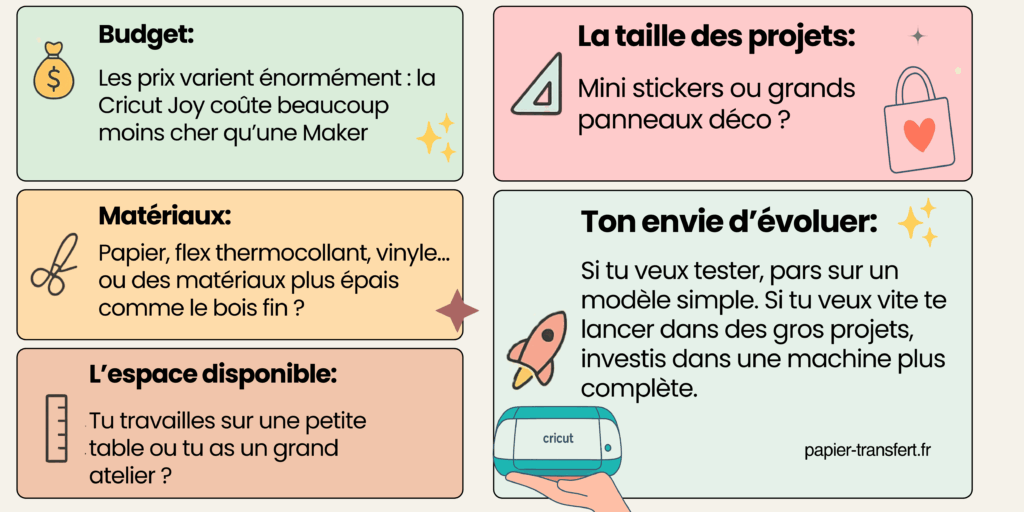
👉 Hier mein Rat, je nachdem, was du vorhast:
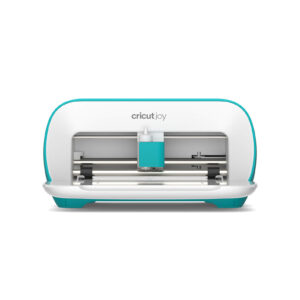
✨ Zum Ausprobieren und für kleine Projekte, ohne dich zu ruinieren: Die Cricut Joy ist perfekt. Klein, einfach und praktisch für einen stressfreien Einstieg, außerdem superleicht zu transportieren. Sie ist ideal für Sticker, schnelle Karten oder das Personalisieren kleiner Alltagsgegenstände. Ihr Plus? Du kannst sie auf jeden Schreibtisch stellen und nach dem Basteln einfach wegräumen.
🌈
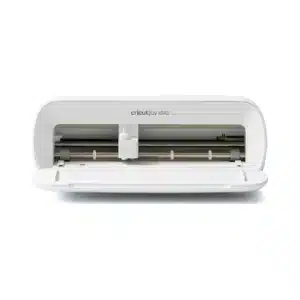
Wenn du etwas mehr willst als mit der Joy, gibt es die Cricut Joy Xtra. Sie ist genauso kompakt und praktisch, bietet dir aber mit dem etwas größeren A4-Format mehr Freiheit für deine Projekte. So kannst du vielseitigere Ideen umsetzen, zum Beispiel T-Shirts, Stoffbeutel oder größere Sticker. Sie ist der perfekte Kompromiss, wenn du bei einer einfach zu bedienenden Maschine bleiben, aber mehr Möglichkeiten als mit der klassischen Joy haben möchtest.
💖 Wenn du regelmäßig personalisieren und vielleicht anfangen möchtest, deine Kreationen zu verkaufen: Die Cricut Explore 4 ist der goldene Mittelweg. Sie bietet viel mehr Möglichkeiten (größere Formate, unterschiedliche Materialien wie Vinylfolie, Flexfolie oder Karton), ohne zu technisch zu sein. Wenn du Stoffbeutel und T-Shirts personalisieren oder etwas anspruchsvollere Projekte angehen willst, ist das die Maschine, die mit dir Schritt hält.
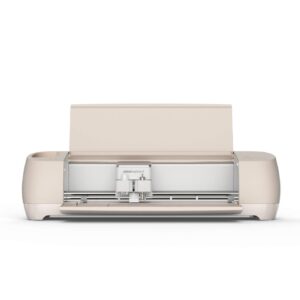
🚀 Wenn du richtig durchstarten und nie an Grenzen stoßen willst: Die Cricut Maker 4 ist die ultimative Maschine. Mit ihr ist alles möglich, selbst deine verrücktesten Projekte: Gravieren, Nähen, Schneiden dicker Materialien (wie Leder oder Balsaholz)... Kurz gesagt: Wenn du zu denen gehörst, die 1000 Ideen pro Minute haben und alle möglichen Techniken ausprobieren wollen, ist sie ganz klar deine perfekte Spielgefährtin.
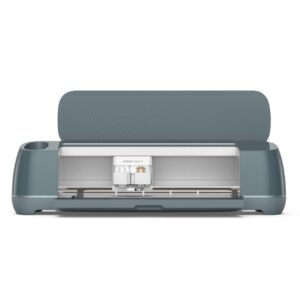
🔑 Das Geheimnis? Wähle die Maschine, die zu dem passt, was du jetzt machst, und nicht zu dem, was du „irgendwann einmal“ machen möchtest. 😉 Fang einfach an, entdecke die Freude am Gestalten und schau, wie du dich weiterentwickelst. Nichts ist in Stein gemeißelt: Du kannst später immer noch upgraden, wenn du merkst, dass deine Maschine dir zu klein wird.
4. Meine Meinung als Profi: Welche Cricut sollten Anfänger wählen?
✨
Wenn du gerade anfängst, musst du nicht gleich nach den Sternen greifen.
😅
. Viele denken, man müsse sich sofort in große, komplizierte Projekte stürzen, damit sich die Cricut „rentiert“. In Wirklichkeit liegt das Geheimnis aber darin, klein anzufangen.
Es geht darum, dich mit deiner Maschine vertraut zu machen, zu verstehen, wie sie auf verschiedene Materialien reagiert, und vor allem Selbstvertrauen zu gewinnen. Jedes kleine fertige Projekt macht Lust auf das nächste, und genau so wirst du besser, ohne es überhaupt zu merken.
🌟 Damit du dich ganz entspannt mit deiner Cricut anfreundest, hier ein paar schnelle und kreative Ideen 💡:
Personalisierte Sticker und Etiketten: schnell gemacht und super befriedigend, ideal, um dich an selbstklebende Vinylfolie heranzutasten. Außerdem kann man sie immer gebrauchen: für Hefte, Vorratsgläser, den Laptop oder sogar den Kalender. Du kannst auch kleine Serien machen, um sie Freunden zu schenken oder deine Geschenke damit zu verzieren, und das kommt immer gut an!
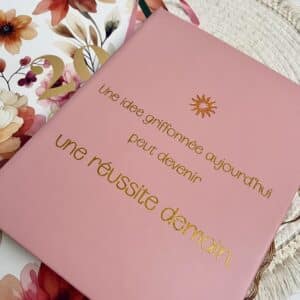
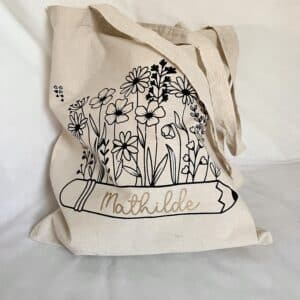
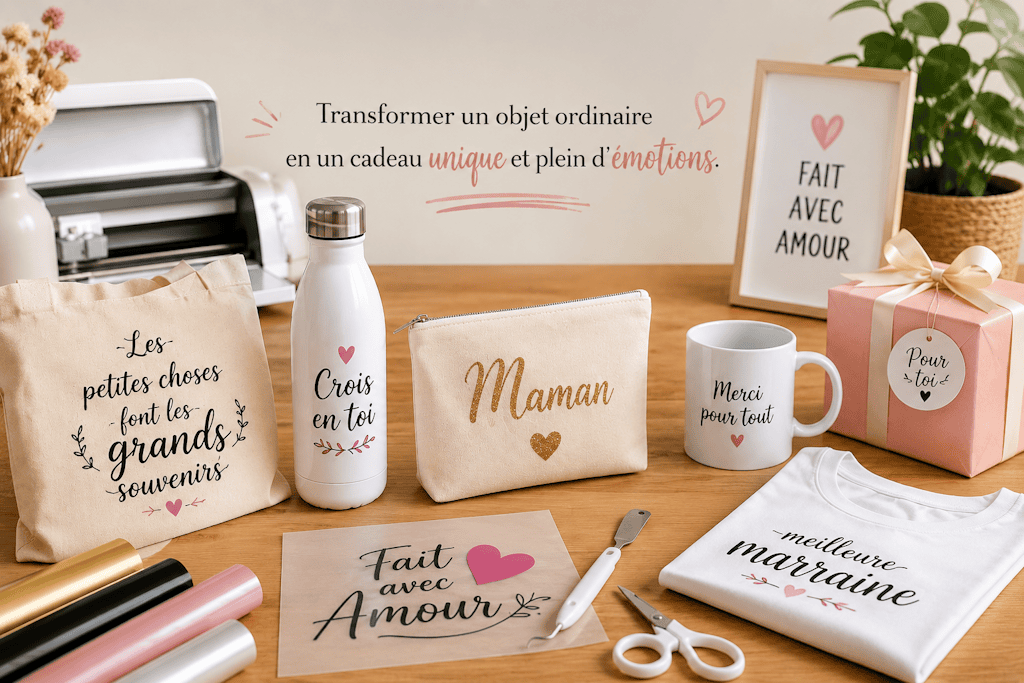
Personalisierte Stoffbeutel: ein Klassiker, der immer Freude macht 🎁. Mit ein wenig Flexfolie gestaltest du in wenigen Minuten eine einzigartige Tasche. Einfach, praktisch und perfekt zum Verschenken oder zum Selbstbehalten. Du kannst verschiedene Farben und Motive ausprobieren, deiner Kreativität so richtig freien Lauf lassen und sogar mehrere passende Taschen für die ganze Familie gestalten.
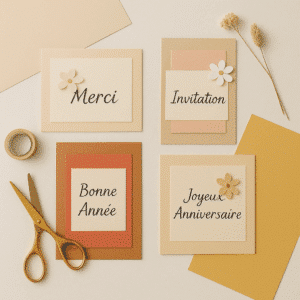
Karten, Einladungen und kleine Papierdeko: Hier lässt du dich ganz von deiner Fantasie leiten. Du entdeckst feine Schnitte und Schichttechniken und lernst ganz entspannt, mit Details zu spielen. Außerdem kannst du so wunderbar personalisierte Geschenke für Geburtstage oder Feste gestalten und deine Liebsten mit einzigartigen Designs überraschen.
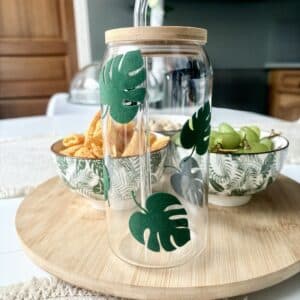
Kleine Deko-Objekte: Wandsticker, Vornamen als Zimmerdeko oder kleine motivierende Sprüche, die du überall aufkleben kannst.
✨
. Dafür brauchst du wenig Material, und der „Wow“-Effekt ist sofort da. Du kannst sogar mehrere Techniken kombinieren, zum Beispiel selbstklebende Samt-Vinylfolie und Papier, um nach und nach anspruchsvollere Projekte umzusetzen, ohne dich jemals überfordert zu fühlen.
💡
Mein Rat: Nimm dir Zeit, verschiedene Materialien auszuprobieren. Papier, Vinylfolie, Flexfolie... Jedes hat seine Besonderheiten, und du merkst schnell, mit welchem du am meisten Spaß hast. Mach ruhig mehrmals dieselbe Art von Projekt, damit sich die einzelnen Schritte gut einprägen. Und vor allem: Hab Spaß!
🚀
Selbst kleine Fehler sind wertvolle Lektionen, und jedes fertige Projekt, so einfach es auch sein mag, bringt dich deinen Traumprojekten ein Stück näher. Du wirst staunen, wie schnell aus dem „zögerlichen Neuling“ ein „kreativer Kopf voller Ideen“ wird, der sich an alles herantraut.
5. Zubehör und Tipps für einen guten Start mit deiner Cricut
Damit deine ersten Projekte möglichst gut gelingen, hier ein paar unverzichtbare Zubehörteile und Tipps für deinen Einstieg mit der Cricut:
Grundausstattung, die du haben solltest:
-
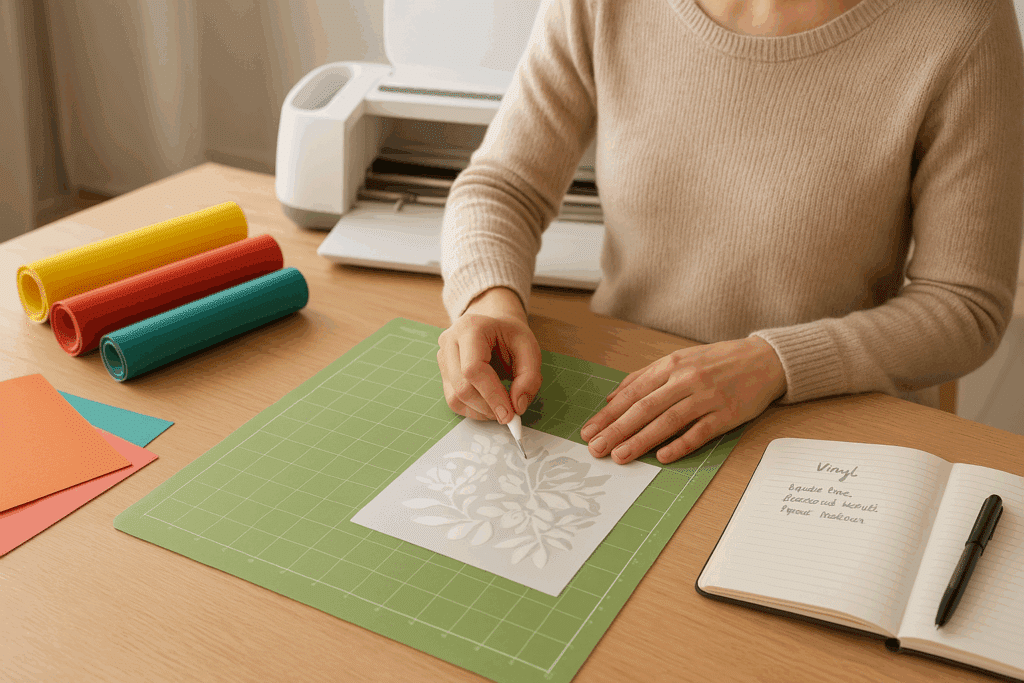
Schneidematte: unverzichtbar. Wähle die passende Größe für deine Maschine (bei manchen Modellen ist beim Kauf keine dabei) 🛠️. Es gibt sie in verschiedenen Haftstärken für unterschiedliche Materialien. Achte also darauf, die richtige zu verwenden, damit deine Projekte beim Schneiden nicht verrutschen.
-
Plotter-Werkzeuge: Entgittern-Set, Abfallsammler, Pinzette, Rakel, Stylus, damit du dein Material nicht beschädigst. Diese kleinen Helfer machen einen riesigen Unterschied, vor allem bei feinen Schnitten oder filigranen Details.
-
Cricut-Stift: zum Zeichnen oder Schreiben auf deinen Projekten. ✏️ Damit personalisierst du Karten, Einladungen oder sogar Stoffbeutel mit einem richtig professionellen Ergebnis.
-
Grundmaterialien: Vinylfolie, Flexfolie für Textilien, Karton... Fang mit diesen Basics an, bevor du dich an anspruchsvollere Materialien wie Kork, Balsaholz oder dicken Stoff wagst.
Mit diesen Basics griffbereit kannst du loslegen und deine ersten Projekte ganz entspannt umsetzen! ✨ Du wirst sehen: Wenn du von Anfang an das richtige Material hast, ändert das alles, und das Basteln macht viel mehr Freude.
Meine Tipps für einen entspannten Start mit der Cricut:✨
-
Teste immer erst ein neues Material an einer kleinen Ecke, bevor du loslegst. So erlebst du keine bösen Überraschungen und kannst die Schneideeinstellungen ganz leicht anpassen.
-
Reinige deine Matte gründlich zwischen zwei Projekten, damit sie gut haftet. Eine saubere Matte hält länger und sorgt jedes Mal für saubere Schnitte.
-
Nimm dir Zeit und hab Spaß: DIY soll Freude machen! 😍 Wiederhole ruhig dasselbe Projekt mehrmals, um zu üben und schnell besser zu werden.
-
Führe ein Notizheft oder eine kleine Tabelle, in der du deine Einstellungen und Tipps für jedes Material festhältst: Das spart dir bei deinen nächsten Projekten viel Zeit und erspart dir kleine Pannen.
Wenn du diese kleinen Tipps beherzigst, fällt dir der Einstieg viel leichter und du gewinnst schnell Vertrauen in deine Maschine. 💪✨ Du wirst staunen, wie leicht du vom „zögerlichen Neuling“ zum „Kreativprofi, der seine Cricut im Griff hat und mit seinen Projekten richtig Spaß hat“ wirst.
6. Welche Cricut ist also die richtige für dich?
Keine Panik, mit etwas Geduld und Übung sind alle Projekte machbar 😉. Jede Maschine hat ihre Grenzen, aber mit der Zeit weißt du genau, welche Cricut du für deine Bedürfnisse wählen solltest und wie du sie optimal nutzt. Auch wenn du mal danebenliegst oder ein Projekt neu anfangen musst: nicht schlimm! Jeder Fehler ist ein Schritt auf dem Weg zur Meisterschaft und gehört zum Spaß am DIY einfach dazu. ✨
🎨 Jetzt bist du dran! Welche Cricut hat es dir als Einsteiger angetan? Die kleine Joy zum Ausprobieren und für einfache Projekte? Die Joy Xtra, um etwas weiter zu gehen? Die Explore, um regelmäßig zu gestalten und verschiedene Materialien zu entdecken? Oder die Maker, um dich in XXL-Projekte und ehrgeizige Vorhaben zu stürzen? Ganz egal, wofür du dich entscheidest: Wichtig ist, dass du loslegst und deiner Kreativität freien Lauf lässt.
Kombiniere ruhig mehrere Techniken, probiere verschiedene Materialien aus und teile deine Kreationen vor allem mit deinen Liebsten oder in den sozialen Netzwerken, um andere zu inspirieren und dich inspirieren zu lassen. Jedes fertige Projekt, ob klein oder groß, gibt dir Selbstvertrauen und eröffnet dir neue Möglichkeiten. 💡
FAQ: Häufige Fragen zur Cricut
✨ Und falls du noch unsicher bist: kein Stress 😌! Hier ein paar häufige Fragen, die dir helfen, den Durchblick zu behalten und die richtige Wahl zu treffen 🎯.
F1: Welche Cricut eignet sich für den Einstieg?
👉 Für den Einstieg sind die Cricut Joy oder die Cricut Joy Xtra perfekt. Sie sind einfach zu bedienen, erschwinglich und ideal, um Projekte wie Sticker, Karten oder personalisierte Stoffbeutel auszuprobieren.
F2: Welche ist die beste Cricut im Jahr 2025?
👉
Welche Cricut die beste ist, hängt von deinen Bedürfnissen ab. Für einfache Projekte: die Joy. Für mehr Möglichkeiten: die Joy Xtra oder die Explore 4. Und für grenzenlose Kreativität bleibt die Cricut Maker 4 die vielseitigste.
F3: Was ist der Unterschied zwischen der Cricut Joy und der Cricut Maker?
👉 Die Cricut Joy ist klein, praktisch und ideal für schnelle Projekte (Sticker, Karten, kleine Personalisierungen). Die Cricut Maker 4 ist dagegen viel leistungsstärker: Sie schneidet mehr als 300 Materialien (sogar Leder und dünnes Holz) und eignet sich für Nähprojekte, Gravuren und XXL-Projekte.
F4: Welche Cricut eignet sich für Textilien (T-Shirts, Stoffbeutel)?
👉 Zum Personalisieren von Textilien ist eine Cricut Explore oder eine Cricut Maker 4 besser geeignet, denn damit kannst du Flexfolie auch auf größeren Flächen verarbeiten.
F5: Brauche ich zusätzlich zur Cricut noch Zubehör?
👉 Ja, ein paar Basics sind für einen guten Start unverzichtbar: Schneidematte, Entgittern-Set, Rakel, Cricut-Stifte, selbstklebende Vinylfolie und Flexfolie für Textilien. Damit gelingen deine Projekte viel leichter, und das Arbeiten macht mehr Spaß.
Na, bereit, deine Cricut auszuwählen? Schnapp dir dein Material und leg los! Deine ersten Kreationen sind zum Greifen nah ✂️💖. Und ich verspreche dir: Das Gefühl, dein fertiges Projekt zu sehen, ist einfach unbeschreiblich.
👉 Verrate mir in den Kommentaren, mit welcher Cricut du angefangen hast: Wir sind schon gespannt auf deine Projekte und freuen uns darauf, deine ersten Kreationen mitzuverfolgen! ✨
Und für noch mehr Spaß 🎉 entdecke unser gesamtes Sortiment an Flexfolien ✨👕! 👇
Kommentare
Noch keine Kommentare. Schreib den ersten und teile deine Erfahrung.
Kommentar schreiben